Wedding photo sharing apps give your guests one place to upload the photos and videos they take during your wedding. Without one, those photos can end up scattered across group chats and Google Drive links.
The best option depends on the experience you want guests to have. Some let guests simply scan a QR code and upload photos from their phone, while others offer features like a disposable-camera experience.
Free options exist too, but they usually come with tighter upload limits and shorter upload windows.
How to choose the right app
The right app depends on what is most important to you, whether that’s simple guest uploads, a more playful experience, longer upload windows, or lower cost.
| App | Standout feature | How guests upload | Starting price | Upload limit | Upload / storage |
|---|---|---|---|---|---|
| Wedibox | Photos + audio guestbook under one QR code | Browser, no sign-up | $49 | Unlimited photos + videos | Uploads: 6 months; Storage: 12 months |
| GUESTPIX | Written + video guestbook | Browser, no sign-up | $49 | Unlimited photos + videos | Uploads: 3 months; Storage: 12 months |
| Guestlense | Optional printed QR cards + Polaroid prints | Browser, no sign-up | $49 | Unlimited photos + videos | Uploads: 3 months; Storage: 12 months |
| Lense | Disposable camera + delayed reveal | Browser, no sign-up | $4.99 (25 guests) | 25 photos per guest | Uploads: 12 months; Storage: 12 months |
| POV | Disposable camera + custom shot limits | QR/link, no app download | $4.99 (25 guests) | Host sets photo limit | Uploads: Not specified; Storage: No expiry |
| Kululu | Live photo wall | Browser, no sign-up | $39 | 500 photos + videos | Uploads: 1 month; Storage: 3 months |
| GuestCam | Face recognition for professional photos | Browser, no sign-up | $49 | Unlimited photos + videos | Uploads: 6 months; Storage: 12 months |
| WedUploader | Uploads save directly to Google Drive | Browser, no sign-up | $39 | Unlimited photos + videos | Uploads: No expiry; Storage: Google Drive |
| WedShoots | Completely free | App required | Free | Unlimited photos + videos | Uploads: Not specified; Storage: Not specified |
| WedTrove | Custom QR signage design included | Browser, no sign-up | From $29.99 | Unlimited photos + videos | Uploads: 12 months; Storage: 12 months |
| Chivent | Build-your-own plan | Browser, no sign-up | $16.99 | 100 photos + videos | Uploads: 1–12 months; Storage: 1–12 months |
| Joy | Photo sharing built into a free wedding website | Browser, no sign-up | Free | 1,000 photos | Uploads: No expiry; Storage: No expiry |
The upload window is how long guests can continue adding photos and videos. The storage window is how long the uploaded files remain available. These periods can be different, so check both when comparing apps.
Wedibox
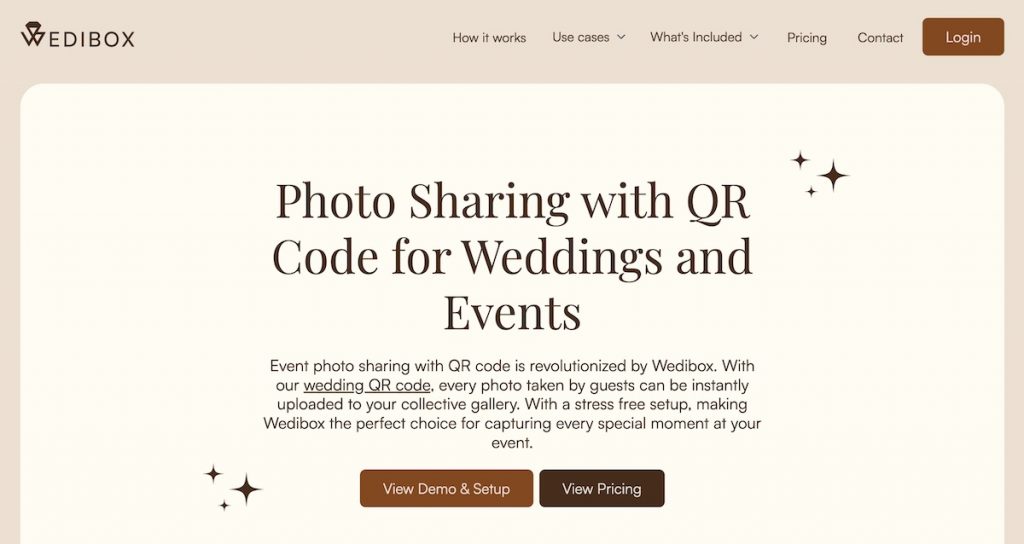
Wedibox is more than a place to collect guest photos. The same QR code can lead guests to photo and video uploads, written guestbook messages, and voice messages, with broader wedding tools available depending on the plan.
The voice messages are the most distinctive part: guests can leave voicemail-style recordings from their own phones, so you can keep their voices and stories without renting a separate audio guestbook phone.
Pros:
- Combines photo uploads, written messages, and voice messages under one QR code.
- Live slideshow can make guest contributions part of the reception.
Cons:
- Some of the wedding and guestbook extras may be unnecessary if you only need photo collection.
GUESTPIX
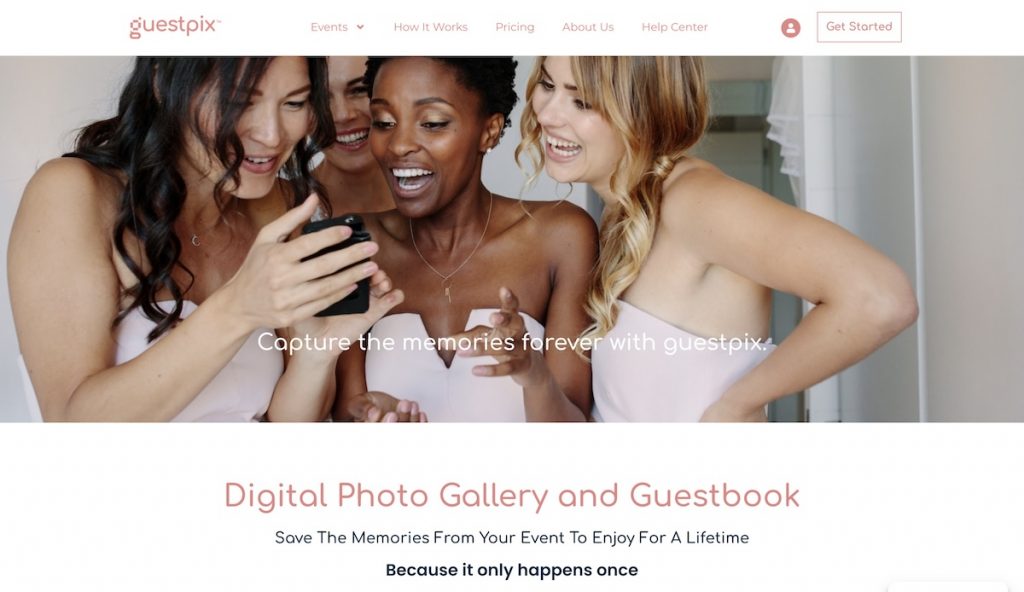
GUESTPIX leans more into guest participation than simple file collection. Alongside photos and videos, couples can collect written and video guestbook messages and use the gallery for activities such as a Guest Challenge, where guests upload a photo, video, or note as proof and you can reward a winner.
That gives people a reason to contribute instead of simply hoping they remember to upload their camera roll later. A live slideshow can then feed those contributions back into the wedding while it is happening.
Pros:
- Guest participation features encourage contributions instead of relying on a passive upload link.
- Written and video guestbook messages capture memories beyond photos.
Cons:
- The guestbook, slideshow, and participation features may be more than you need if you want a simple upload album.
Guestlense
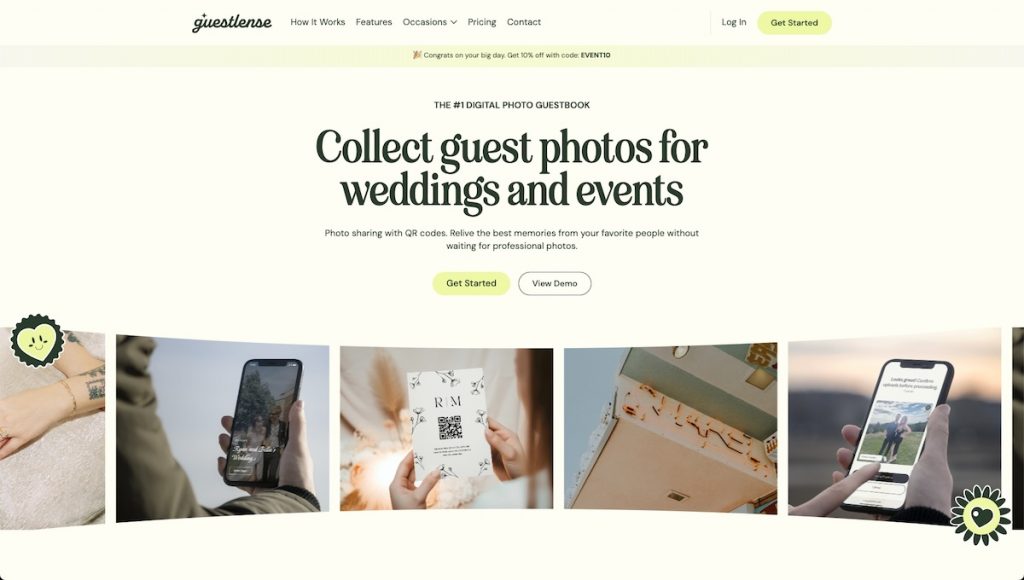
Guestlense stands out by extending the QR-code idea into physical wedding materials. You can design QR signage yourself, or choose packages where Guestlense prints and ships QR cards for you. Its highest package also lets you choose photos to receive as Polaroid-style prints after the wedding.
That is useful if you care about how the QR code fits into your tables and signage but do not want to source the printing separately. The digital side still includes customizable layouts, a guestbook, captions, and a live slideshow, but the print options are what make it meaningfully different.
Pros:
- Can handle both the digital gallery and physical QR materials.
- Optional Polaroid-style prints provide a physical keepsake after the wedding.
Cons:
- Its biggest advantages are less useful if you only want a digital gallery.
- Printed-card and Polaroid packages require more budget and advance planning.
Lense
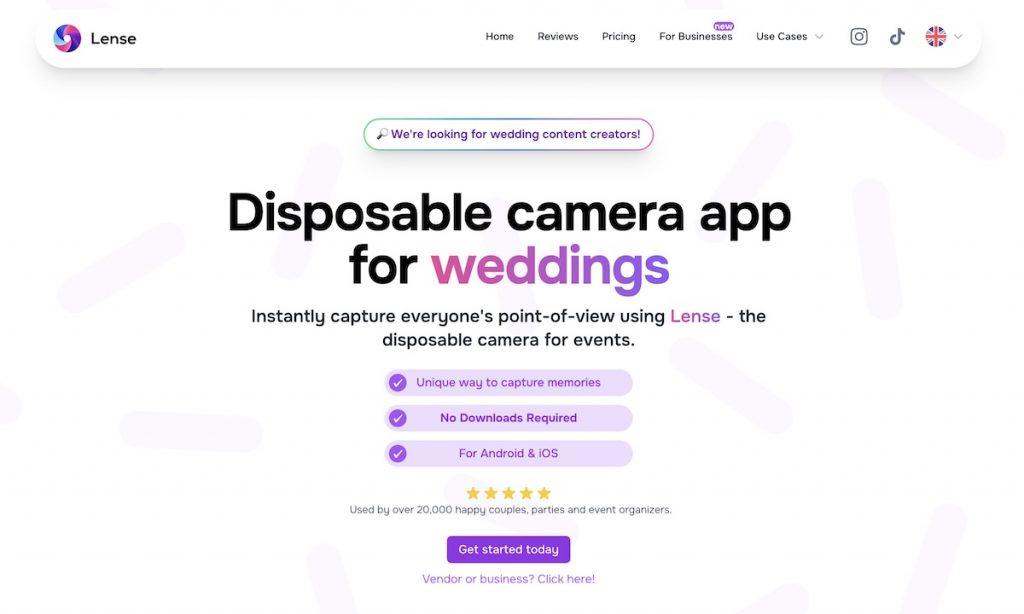
Lense tries to recreate the behavior of a disposable camera, not just the look. You can limit how many pictures each guest takes, choose a delayed reveal, and apply a vintage disposable-camera filter.
The shot limit changes how guests take pictures because each capture feels more deliberate, while the delayed reveal preserves the surprise of getting film developed. You can also switch to an instant reveal or use a live photo wall if you want a more immediate experience.
Pros:
- Limited shots and delayed reveal recreate more of the disposable-camera experience.
- Disposable-camera styling makes photo-taking feel more playful than a standard upload gallery.
Cons:
- Shot limits can be restrictive if your priority is collecting as many guest photos as possible.
POV
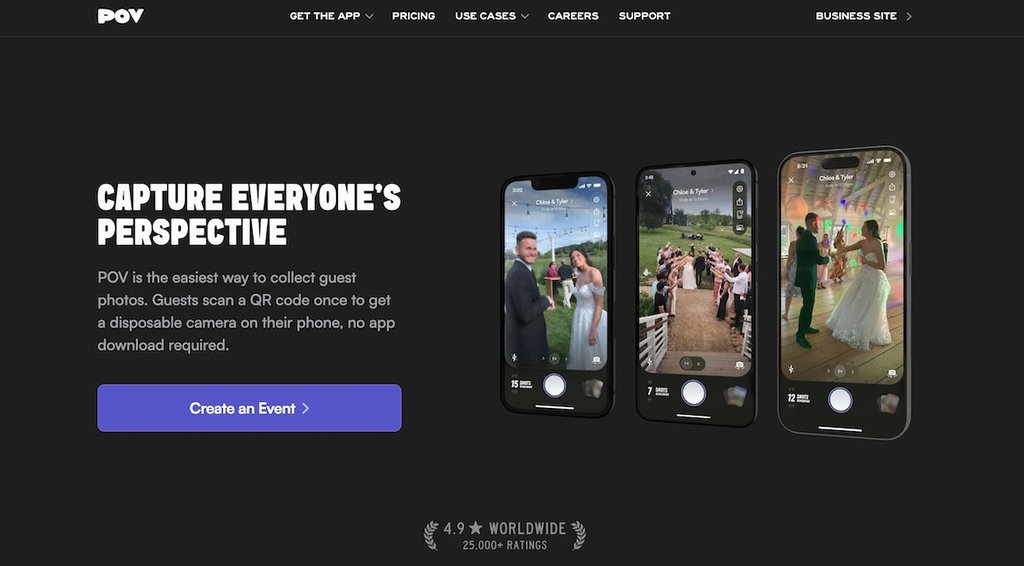
POV also turns guests’ phones into a shared disposable camera. As the host, you decide how many photos each guest can take and when the gallery is revealed. Guests can take photos directly through POV, with each photo automatically added to the shared event gallery, or upload existing pictures from their camera roll.
The result feels more like giving everyone access to the same event camera than simply handing out an upload link. That makes POV a strong fit when the act of taking pictures is meant to be part of the entertainment.
Pros:
- Custom shot limits let you control how many photos each guest can take.
- You can choose when the gallery is revealed, which helps recreate the disposable-camera experience.
Cons:
- A standard upload gallery may suit you better if your priority is collecting as many guest photos as possible.
Kululu
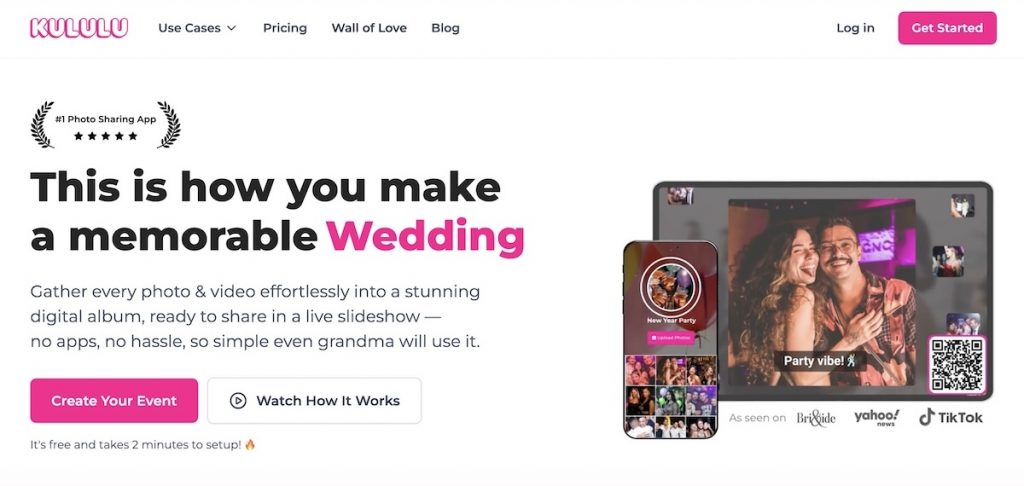
Kululu is designed to show guest photos on a screen during the reception as they are uploaded, rather than simply collecting them for later. Its live photo wall updates as people add photos and videos, and guests can also post captions or text-only messages, so the screen can feel more like a live social feed than a static slideshow.
Seeing other guests’ pictures appear on the screen can also encourage more people to contribute. That makes Kululu especially useful if you want photo sharing to provide entertainment during the wedding.
Pros:
- Live photo wall can entertain guests and encourage more participation.
- Captions and text posts make the gallery feel more interactive.
Cons:
- Less suited to couples who mainly want a long post-wedding upload window rather than a live event experience.
GuestCam
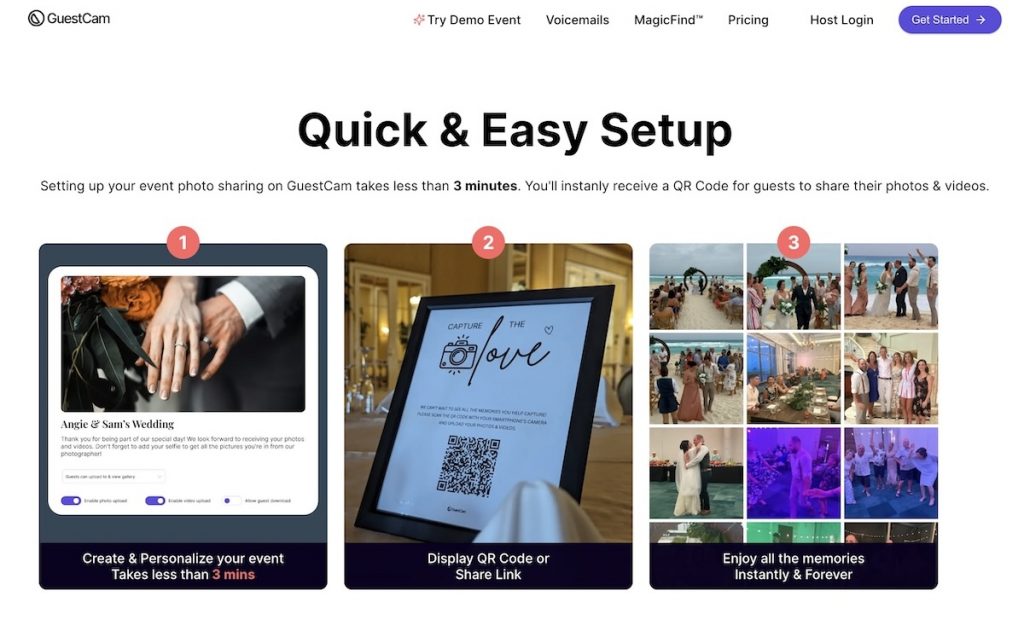
GuestCam’s most interesting feature is MagicFind. You can put guest uploads, host uploads, and professional photographer images into the same event, then let guests take or upload a selfie to see a personal gallery containing the photos they appear in. That becomes much more useful once a wedding gallery contains hundreds or thousands of images, because guests do not have to scroll through the entire event to find themselves. It is particularly interesting if you want one place for casual guest photos and the photographer’s finished images.
Pros:
- Face recognition helps each guest find the photos they appear in without scrolling through the full gallery.
Cons:
- MagicFind is a paid add-on.
WedUploader
WedUploader’s defining choice is where the files live: in your own Google Drive. WedUploader acts as the collection layer, but guest photos and videos are transferred into the Google account you connect instead of depending on a separate hosted archive. That can be reassuring if you already organize your files in Google Drive, because there is no later export deadline before a third-party gallery disappears.
The service has also grown beyond a basic uploader, with a real-time gallery, slideshow, guestbook, captions, and voice messages available alongside the direct-to-Drive workflow.
Pros:
- Files are saved directly to Google Drive storage you control.
Cons:
- Google Drive storage management becomes your responsibility.
- Photo- and video-heavy weddings may require additional Google storage.
WedShoots
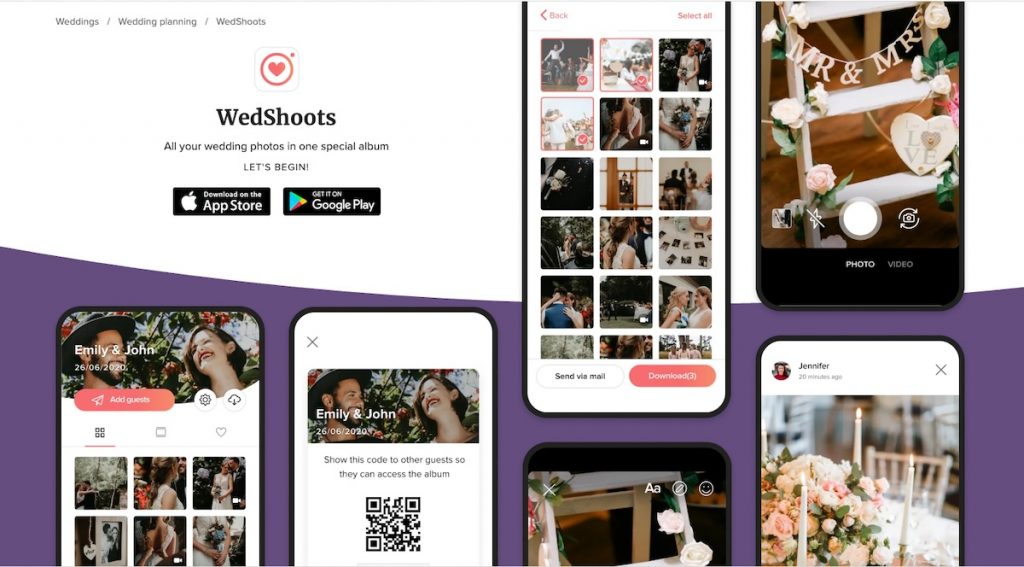
WedShoots feels more like a private social album than a simple upload page. Guests add photos and videos through the app, then everyone in the album can browse new pictures as they arrive, like them, leave comments, and apply filters. That can create a social experience after the wedding rather than just a folder where files are collected.
It is also unusually generous for a free service, with Hitched stating that there is no maximum photo capacity and that the album stays active while your profile exists.
Pros:
- Likes, comments, filters, and a shared feed make the album more social than a basic uploader.
- Those interactive features are available without a paid wedding tier.
Cons:
- Guests must install the app before contributing.
- Adds more friction than browser-based QR galleries.
WedTrove
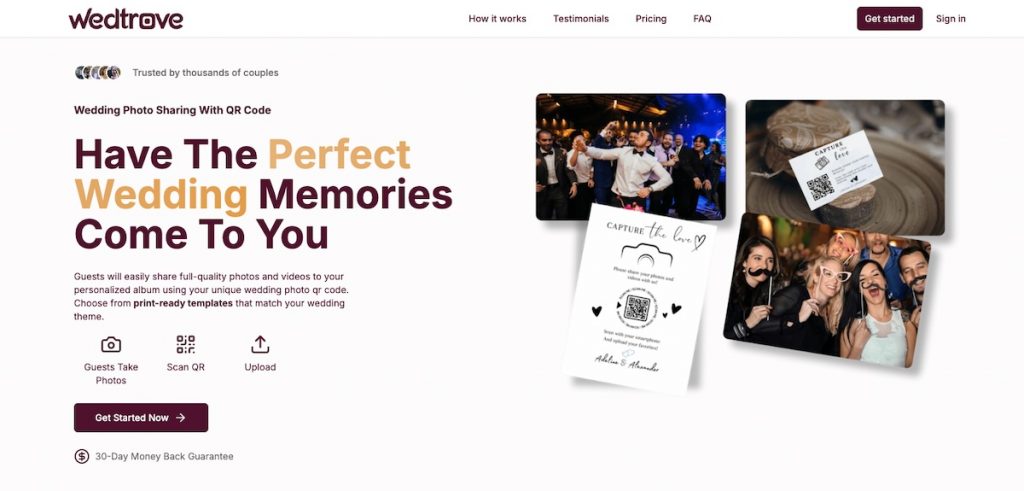
WedTrove puts more attention than most competitors on how the QR code fits into the wedding decor. It provides print-ready designs for items such as table standees, thank-you cards, banner stands, and TV graphics, and its in-house designer can customize those materials to match your wedding theme at no extra charge.
That is useful if you want a polished, coordinated setup but do not want to design the signage yourself. You can also split different parts of the celebration into separate galleries, each with its own QR code.
Pros:
- Custom QR signage design is included, so you don’t have to create the materials yourself.
- You can create separate galleries for different parts of the celebration, such as the ceremony and reception.
Cons:
- The signage and multiple-gallery features are less useful if you only need one simple shared gallery.
Chivent

Chivent is unusual because you build the plan instead of choosing a fixed wedding package. You decide how long the event stays active, how many uploads you need, how many albums to create, and whether to add AI features such as automatic photo and video tagging.
That lets you shape the plan around the size and length of your wedding instead of paying for a bundle designed for everyone. Chivent also lets you upgrade the duration, upload allowance, or album count later by paying the difference.
Pros:
- Build-your-own pricing lets you choose the duration, upload allowance, and album count you actually need.
- Individual limits can be upgraded later if your needs change.
Cons:
- You need a clearer idea of what you need from the start because you build your own plan.
Joy
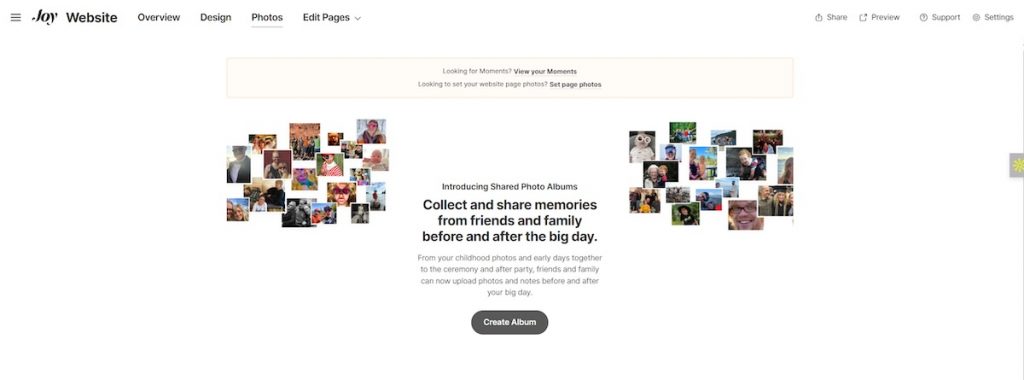
Joy makes the most sense if you are already using Joy for your wedding website, guest list, RSVPs, or other planning tools. Shared Photo Albums sit inside that same ecosystem, and you can create multiple albums with their own links instead of introducing a separate photo-sharing service just for the wedding day.
Guests can upload photos through a shared album link without creating a Joy account. However, guest uploads only work when the album is public, which means anyone with the shared link can also view the photos.
Pros:
- Convenient if you already use Joy for your wedding website or planning.
- Avoids adding another photo sharing service to manage.
Cons:
- Anyone with the shared album link can see the photos.
- The QR code or link needs to be shared carefully if you want to limit who can view the photos.
An alternative approach: Honcho
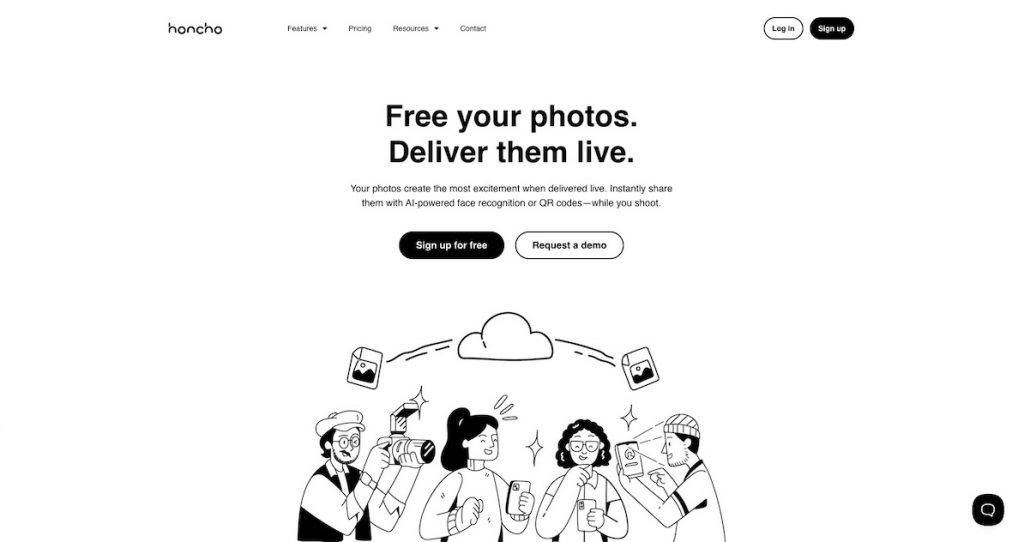
The apps above are designed mainly to collect photos and videos taken by guests. An alternative approach is to share your wedding photographer’s photos with everyone instead.
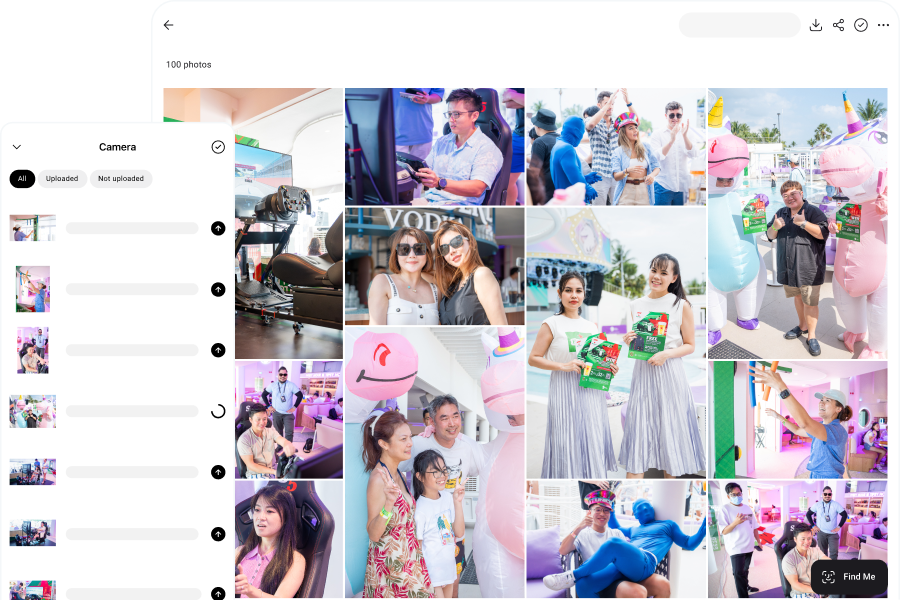
With Honcho, photographers can upload photos from their camera as they shoot. Images appear in an online gallery within seconds, making it possible for couples and guests to view professional photos during the wedding rather than days or weeks later.
Guests can also upload a selfie to find the photos they appear in using face recognition, instead of scrolling through the full gallery.
Pros:
- Shares professional photos from the photographer directly with couples and guests.
- Photos can be made available during the wedding instead of only after the event.
- Face recognition helps guests find the photos they appear in without scrolling through the full gallery.
Cons:
- Honcho focuses on sharing the photographer’s photos, so you may still want a separate app if you also want to collect photos taken by guests.
Frequently Asked Questions
Yes. WedShoots is free, while Joy includes up to 1,000 photos per event at no charge. Several paid products also offer small free tiers, including Wedibox, GUESTPIX, Kululu, Lense, and POV. Check the upload cap and time window before deciding that a free tier is enough for your guest count.
It depends on the service and plan. Guestlense, GUESTPIX, WedUploader, WedShoots, WedTrove, and Chivent all offer high-resolution or original-quality downloads. Check the current plan terms before buying, as image quality and download options can vary between services.
The window varies widely. Some free plans last only days, while paid services can keep uploads open for months and store galleries for a year or longer. Check two separate dates: when guests can stop uploading and when you lose hosted access or need to export the files.
Wedding photo sharing apps need mobile data or Wi-Fi for guests to upload their photos. If connectivity at the venue is uncertain, test the service there before the wedding by opening the gallery and uploading a few photos.
Use guest uploads if you want candid phone photos from many perspectives. Use the photographer’s gallery for the professionally captured and edited set. The two complement each other without forcing one platform to do both jobs.