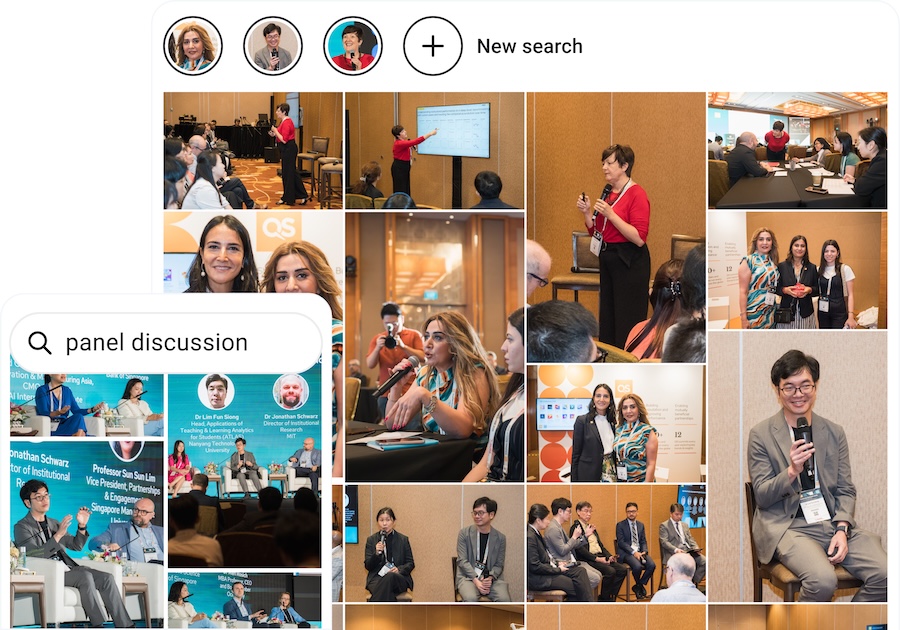
Help people find the photos they care about, with AI-powered face recognition and keyword search. Deliver photos after the event, or go live by sharing them as you shoot.
Share your event gallery through a link or QR code. Guests can upload a selfie to see just the photos they appear in, browse the people in the gallery, or search with keywords such as “speakers” or “group photos.”
How can I keep event photos private?
You can set a password for the gallery or blur photos for privacy. When photo blurring is enabled, guests upload a selfie and see only the photos they appear in, and no one else’s.
How can I upload photos?
You can upload photos through your browser, use the desktop app for faster uploads and watch folders, or connect your camera to the mobile app to upload as you shoot.
What equipment do I need for live uploads?
You need a supported camera, a smartphone, and a USB cable to connect them. Honcho is available on iOS and Android. It automatically pulls photos from your camera as you shoot and uploads them to your event gallery.
Can multiple photographers upload live at the same time?
Yes. Multiple photographers can upload from different cameras to the same event gallery simultaneously. There is no limit to the number of connected devices.
Can I control which photos guests see?
Yes. You can choose whether new photos are published automatically or kept hidden until you approve them. You can also publish or unpublish any photo at any time.
Can I customise the gallery with my branding?
Yes. You can create a profile with your logo, bio, and contact details. You can also connect your domain to customise the gallery URL.
Can I collect information from guests?
Yes. You can create custom forms to collect contact details, generate leads, grow your mailing list, or gather feedback from guests.