
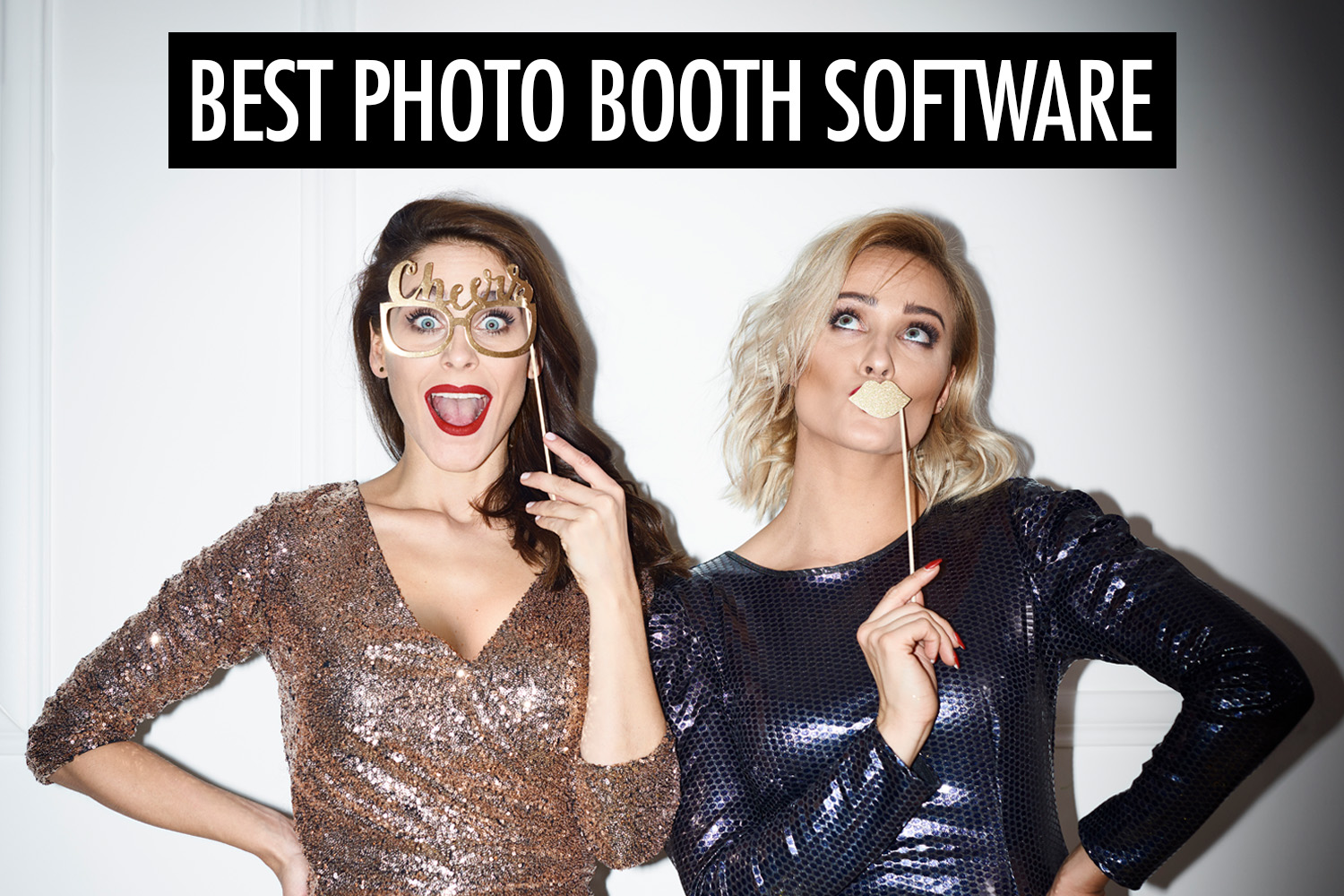
The right photo booth software depends on the type of booth you’re running and the equipment you use. Here’s how eight platforms compare.
| Software | Overview | Booth types | Platform & camera support | Price |
|---|---|---|---|---|
| LumaBooth | All-in-one platform | Photo, GIF, Boomerang, Video, 360, AI photo, Mirror | Windows, macOS, iOS, Android; Canon, Nikon, Sony, GoPro | From $19.99/mo |
| Darkroom Booth | All-in-one platform | Photo, GIF, Boomerang, Video, 360, AI photo, Mirror | Windows; Canon, Nikon, GoPro | $295 one-time |
| Breeze Remote Pro | All-in-one platform | Photo, GIF, Boomerang, Video, 360, AI photo, Mirror, Glambot | Windows; Canon | $349 one-time |
| Simple Booth | iPad photo booths | Photo, GIF, Boomerang, Video, AI photo | iPadOS; Canon, Sony | From $49/mo |
| Snappic | All-in-one platform | Photo, GIF, Boomerang, Video, 360, AI photo + video, Mirror, Glambot | macOS, iOS, iPadOS; Canon, Nikon, Sony, GoPro | From $69/mo |
| Touchpix | 360 video booths | Photo, GIF, Boomerang, Video, 360, AI photo + video, Mirror | Windows, macOS, Linux, iOS, Android; Canon, Nikon, Sony, GoPro | From $60.49/mo |
| Pictor | All-in-one platform | Photo, GIF, Boomerang, Video, AI photo + video, Virtual | iOS, Android, Web; Canon, Nikon, Sony | From $49/mo |
| Sparkbooth | Budget-friendly photo booths | Photo, GIF, Boomerang, AI photo, Mirror | Windows, macOS; Canon, Nikon, Sony | From $149 one-time |
What the terms mean:
- 360: Video captured by a camera moving around guests.
- Boomerang: A short clip that loops forward and backward.
- AI photo + video: AI-generated or transformed still images and videos.
- Mirror: An interactive mirror-style photo booth.
- Glambot: Slow-motion video captured with a robotic camera arm.
- Virtual: A photo booth experience guests can access remotely through a browser.
Why should you listen to us? Because we’ve been running our own photo booth and event photography company since 2016. When it comes to photo booths, we know our stuff.
LumaBooth (formerly dslrBooth)
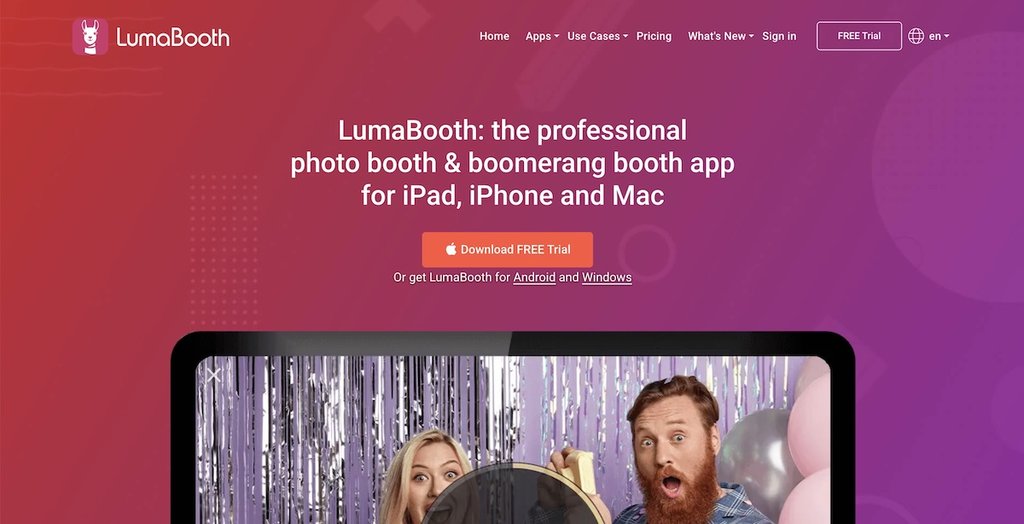
LumaBooth offers broad compatibility across Windows, macOS, iOS, iPadOS, and Android. This gives you the flexibility to run anything from a simple tablet-based booth to a more elaborate setup using a DSLR or mirrorless camera. Camera compatibility varies between editions, with Android limited to the device’s built-in camera.
LumaBooth supports a wide range of experiences beyond traditional photo booths, including 360 video booths, video guestbooks, and green-screen setups. You can also use AI background removal to place guests against different backgrounds without needing a physical green screen. You can customize the experience to match each event, including the on-screen interface and printed photos.
For busy events, LumaBooth offers a companion app called LumaShare, which lets guests view and share their photos at a separate station. This frees up the main booth for the next group, helping keep queues moving.
Darkroom Booth
Darkroom Booth is a Windows-based platform that offers extensive customization for different types of photo booth setups. It gives you control over how guests interact with the booth, allowing you to create custom screens, capture sequences, and print layouts to suit each event.
Beyond traditional photo booths, Darkroom supports experiences such as 360 video, mirror booths, and green-screen photography. For example, you can create a mirror booth with animated characters that guide guests through their photo session, or let guests choose from different backgrounds and effects. Darkroom also offers AI-powered photo transformations and background removal, allowing you to create themed images without a physical green screen. These AI features require an internet connection.
The trade-off is its learning curve. Darkroom’s extensive customization options can take time to master, and troubleshooting can be complicated. Fortunately, it provides plenty of learning resources and responsive customer support. Darkroom is available through a one-time license, which includes one year of software updates and support.
Breeze Remote Pro
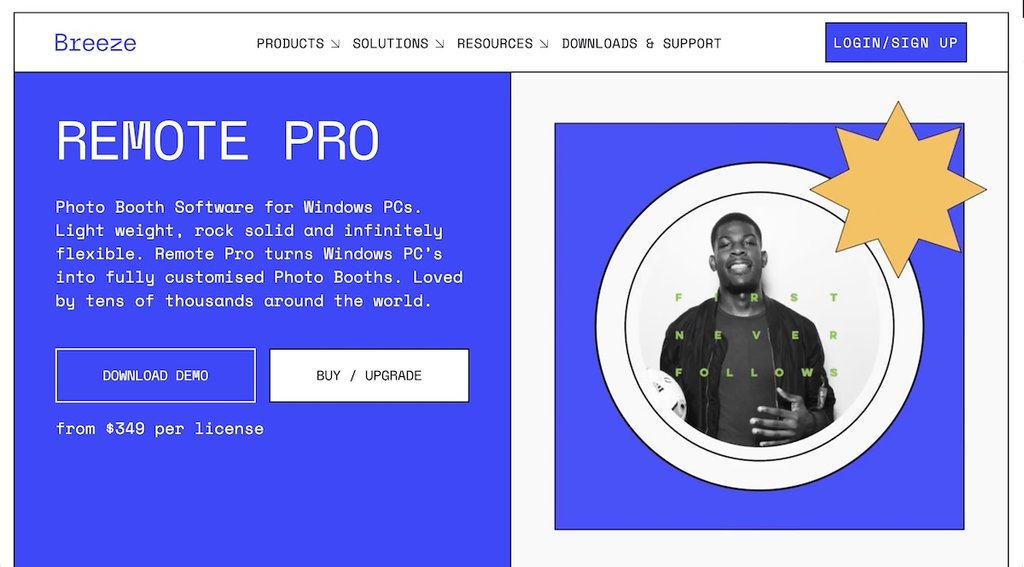
Breeze Remote Pro is a Windows-based platform that gives you extensive control over how your photo booth looks and operates. You can design custom interfaces and create different guest experiences, from traditional photo booths to mirror booths and interactive installations. For example, you can let guests choose between different photo experiences or answer questions that influence the final output.
Its customization capabilities go beyond the interface. You can use guests’ answers to create personalized trading cards, set up self-service booths that accept payments, or apply effects such as green-screen backgrounds and AI transformations. Breeze also supports custom image processing, giving you more flexibility over how the finished photos look.
Remote Pro works with compatible Canon DSLR and mirrorless cameras, as well as webcams. It’s available through a one-time license, which includes 12 months of updates. The extensive customization options give you flexibility, although more elaborate experiences may require additional setup and configuration.
Simple Booth HALO
Simple Booth HALO is an iPad-based photo booth platform that combines software with optional, purpose-built hardware. You can run the app on your own iPad or pair it with Simple Booth’s HALO enclosure, which includes an adjustable ring light and mounting options for portable booths or permanent installations.
HALO supports traditional photo booths, GIFs, Boomerang-style clips, and video. You can customize the on-screen experience and photo layouts to match each event, with templates, digital props, and filters. It also offers AI-powered effects, such as replacing backgrounds without a physical green screen or transforming guests into themed characters.
Beyond photo capture, HALO includes tools for event marketing. For example, you can collect guests’ contact information and marketing consent through custom forms, or display photos on venue screens using its Live Feed feature. You can even incorporate advertisements into the live display. These capabilities make HALO useful for branded events and permanent installations, although advanced branding, data collection, and AI features require higher subscription tiers.
Snappic
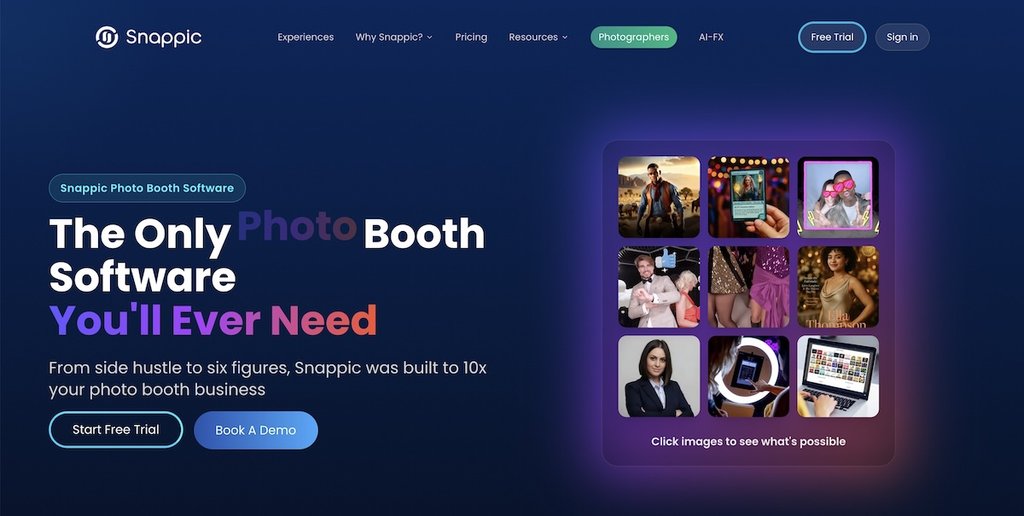
Snappic is an all-in-one photo booth platform that supports everything from traditional photo booths to 360 video, Glambot, and AI-powered experiences. Its VideoFX editor lets you create cinematic videos with slow-motion effects, speed ramps, music, and branded overlays. You can also use AI-FX to transform guest photos into themed portraits, such as magazine covers or fantasy characters.
Beyond photo capture, Snappic offers tools for running branded events and marketing campaigns. For example, you can create custom surveys to collect guest information, set up branded microsites for sharing photos, and track engagement through event analytics. Its SmartShare feature can also automatically deliver photos to returning guests using facial recognition or QR code linking, without requiring them to enter their contact details after every session.
Snappic starts at $69/month, although 360 video, AI-FX, and advanced marketing features require the Business plan at $189/month or higher.
Touchpix
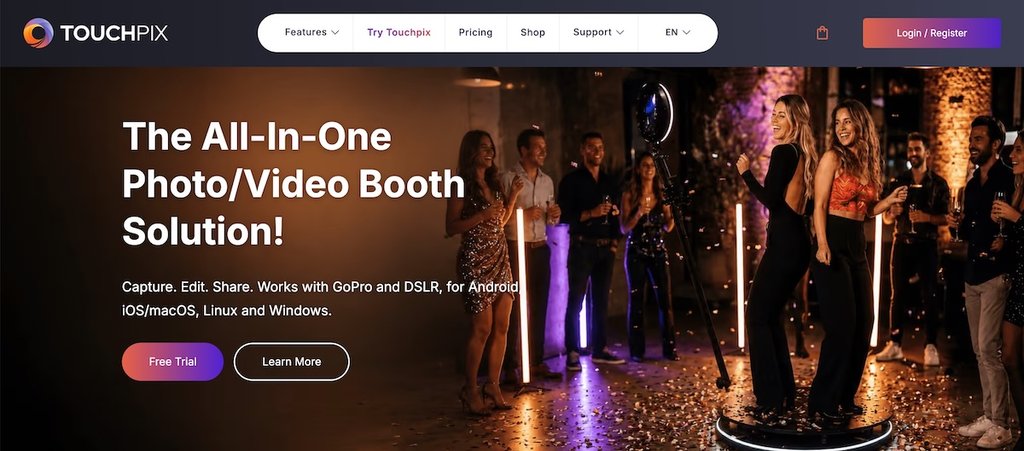
Touchpix is an all-in-one photo booth platform with an emphasis on 360 video experiences. It offers tools for creating cinematic videos, including speed controls, animated overlays, and music.
Touchpix also supports traditional photo booths and AI-powered experiences, including face replacement in both photos and videos. For 360 setups, you can trigger compatible rotating platforms through Bluetooth and capture footage using a smartphone or supported external camera. It also offers internet-free sharing on iOS and Android, which is useful at venues with unreliable connectivity.
Touchpix starts at $60.49/month for PhotoPass, which covers photo-based experiences. Video and 360 booths require MultiPass, starting at $122.08/month.
Pictor
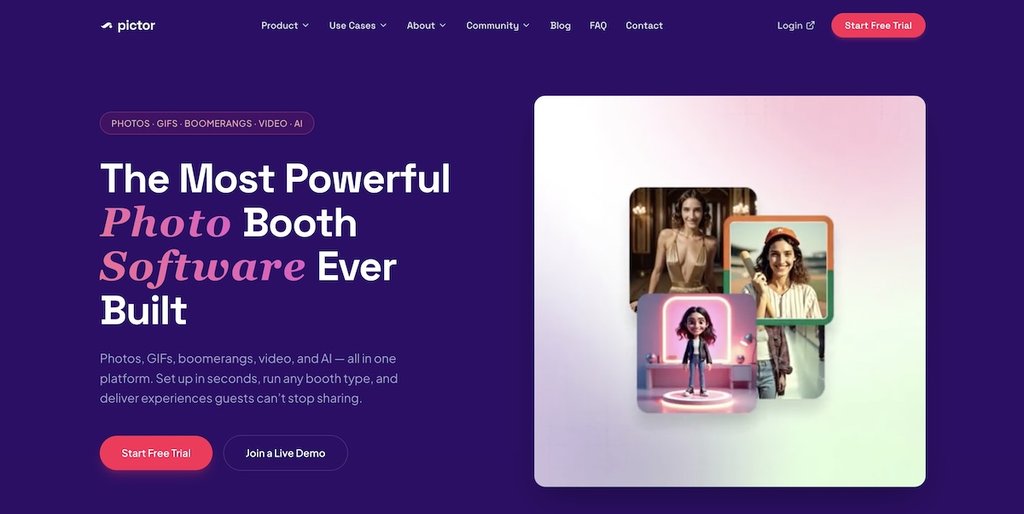
Pictor is an all-in-one photo booth platform with an emphasis on AI-generated photos and videos. You can transform guests into themed characters, create stylized portraits, or turn a single photo into a short cinematic video. Its GroupSense technology is designed to preserve individual faces when applying AI transformations to group photos, making it useful for experiences involving multiple guests.
Pictor also supports virtual photo booths, allowing guests to participate remotely through a web browser without installing an app. This makes it possible to run virtual or hybrid events alongside traditional photo booths. Its workflow editor lets you customize the experience, including the capture process, AI effects, and how guests receive their photos.
Pictor starts at $49/month. AI video generation and guest-accessible virtual booths require the Premium plan at $149/month. AI processing also consumes separately purchased tokens, so costs depend on how many images or videos you generate.
Sparkbooth
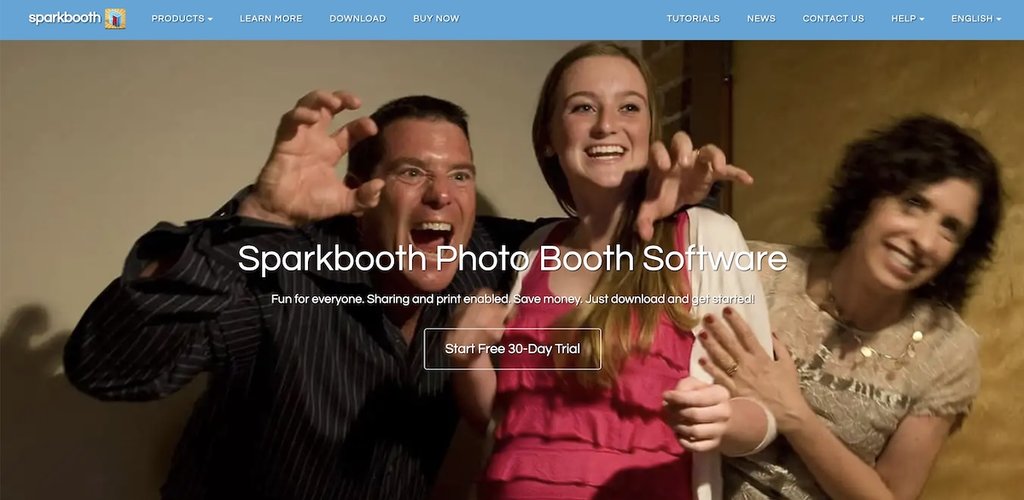
Sparkbooth is a budget-friendly photo booth platform for Windows and macOS. It offers a one-time license, making it an affordable option for operators who want to keep their ongoing software costs low. You can start with a simple webcam setup or use a compatible DSLR or mirrorless camera for higher-quality photos.
Despite its relatively low price, Sparkbooth supports a variety of experiences beyond traditional photo booths, including GIFs, Boomerangs, mirror booths, and AI photo transformations. For example, you can create an interactive mirror booth with animated prompts and on-screen signing, or transform guests into comic-book characters using AI. It also includes a layout editor for customizing prints and a separate photo kiosk where guests can view and share their images without occupying the main booth.
Sparkbooth starts at $149 for webcam setups, while the DSLR edition costs $189. Both are one-time purchases, although AI photo transformations use separately purchased credits.
Honcho: An alternative for event photography
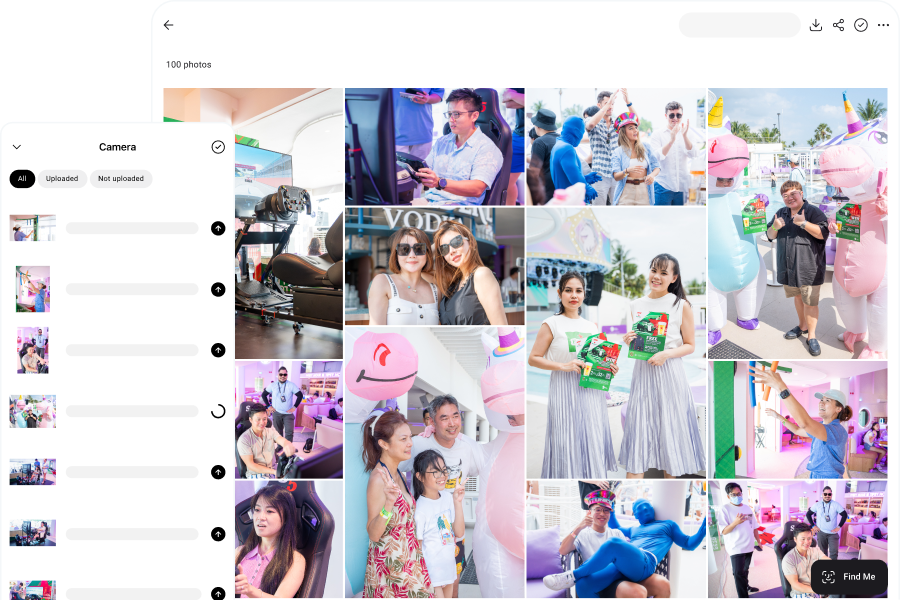
Photo booth software is designed for guests to take photos at a booth. But if you’re photographing guests throughout an event, Honcho offers a different approach that brings many of the same experiences to event photography.
Honcho lets you upload and share photos instantly as you shoot, using a camera connected to your phone. Guests can access their photos through an online gallery, while you can also offer wireless printing and display new photos on a live slideshow. This makes it possible to deliver the instant gratification of a photo booth without requiring guests to visit a dedicated station.
Honcho also makes it easier for guests to find their photos, especially at large events. They can upload a selfie to find photos they appear in, browse a list of people in the gallery, or search using descriptions such as “people dancing” or “giving a speech.”
Frequently asked questions
Many photo booth applications can continue capturing and printing photos without an internet connection. However, features such as email and SMS delivery, cloud galleries, and AI processing may stop working.
Some platforms can queue photos for delivery when the connection returns. Others, such as LumaBooth, support sharing through QR codes over a local Wi-Fi network without internet access.
Not necessarily. Printer compatibility depends on the software, operating system, and connection method.
Windows-based booths may connect directly to supported printers, while iPad-based booths generally require wireless printing. Professional dye-sublimation printers often need a separate print server to work with an iPad.
It depends on the platform. Some licenses cover multiple computers, while others require additional licenses for simultaneous booths or separate events.
For example, Sparkbooth includes three computer activations with one license. Snappic uses event-based licensing, with additional licenses required for concurrent booths or events.