
“Photo sharing apps” can mean very different things depending on how you work as a photographer. While all of them fall under photo sharing, they serve very different workflows. The best app for you depends less on individual features and more on what you’re trying to achieve with your photos.
To make this guide genuinely useful, we’ve grouped the best photo sharing apps for photographers into the following categories:
- Instant Sharing: For sharing photos in real time during events or shoots.
- Client Galleries: For professional photo delivery, proofing, and downloads.
- Face Recognition Sharing: For helping clients or guests quickly find their own photos.
- Sell Photos Online: For monetising photos through digital downloads or print sales.
- Photography Websites: For showcasing your work with a portfolio or branded website.
- Build an Audience: For growing visibility and reaching a wider audience.
- Photo Storage: For backing up, organising, and privately sharing photos.
You don’t need the best app in every category, just the one that fits your workflow.
Quick Recommendations
If you want a quick starting point, here are some common photography workflows and the apps that fit them best:
- Best for instant photo sharing at live events: Honcho
Well suited for event and high-volume photographers who want guests to access photos in real time, with face recognition and built-in sales tools. - Best for professional client galleries: Pixieset
A strong choice for delivering photos through polished galleries, with options for proofing, downloads, and client delivery. - Best for selling photos online: SmugMug
Designed for photographers who want to sell digital downloads and prints, with integrated e-commerce and fulfilment options. - Best for building a photography website: Squarespace
Popular for creating visually polished photography websites and portfolios, though photo delivery and sales features are more limited. - Best for simple storage and private sharing: Google Photos
Useful for backup, organisation, and quick sharing, but not designed for professional delivery or client workflows.
Instant Sharing
Instant sharing apps are designed for situations where speed matters most. They allow photographers to make photos available while an event or shoot is still happening, so guests or participants can view and share images immediately.
This workflow is most common in events, sports, and high-volume shoots where engagement and timing are more important than post-production delivery.
Honcho
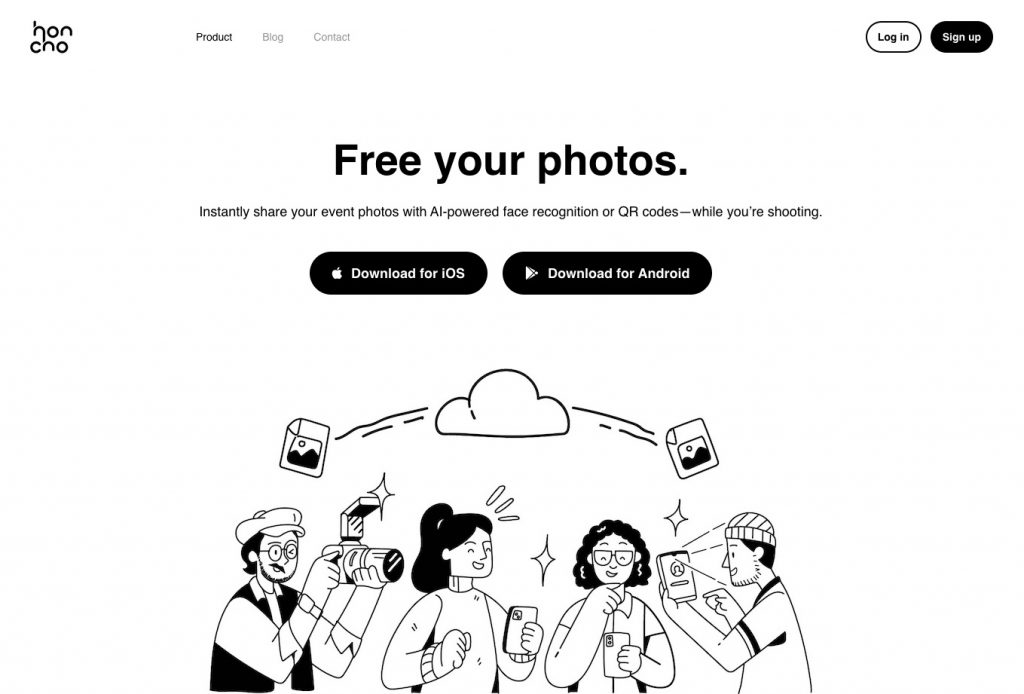
Honcho is designed for photographers who want to share photos quickly, especially during live events, rather than days after a shoot.
Photos upload automatically while you are shooting, allowing guests to view images in near real time. Viewers can take a quick selfie, and face recognition is used to help them find their own photos without manually browsing large galleries. This workflow is particularly useful for events, sports, and high-volume shoots where speed and accessibility matter more than traditional post-event delivery.
In addition to live sharing, Honcho also supports client galleries, photo sales, and portfolio pages. This makes it suitable for photographers who want a single platform for delivery, discovery, and monetisation, rather than stitching together multiple tools.
Honcho is best suited for photographers who prioritise fast delivery and guest engagement, especially in situations where sharing photos while the event is still happening adds value. It may be less relevant for photographers who only need long-term storage or a static portfolio without client interaction.
Features:
- Live Photo Delivery: Photos are available while the event is still happening.
- Face Recognition: Attendees quickly find their photos without manual searching.
- Sales & Lead Capture: Built-in tools to sell photos and collect customer data.
- Online Store: Integrated e-commerce makes it easy to sell digital files directly from galleries with built-in payment support.
Pros:
- Extremely fast photo access for guests.
- Built-in lead capture tools.
- Well suited for large-scale and high-volume events.
- Supports instant photo sales during events.
Cons:
- Primarily designed for event-based workflows rather than studio photography.
SpotMyPhotos
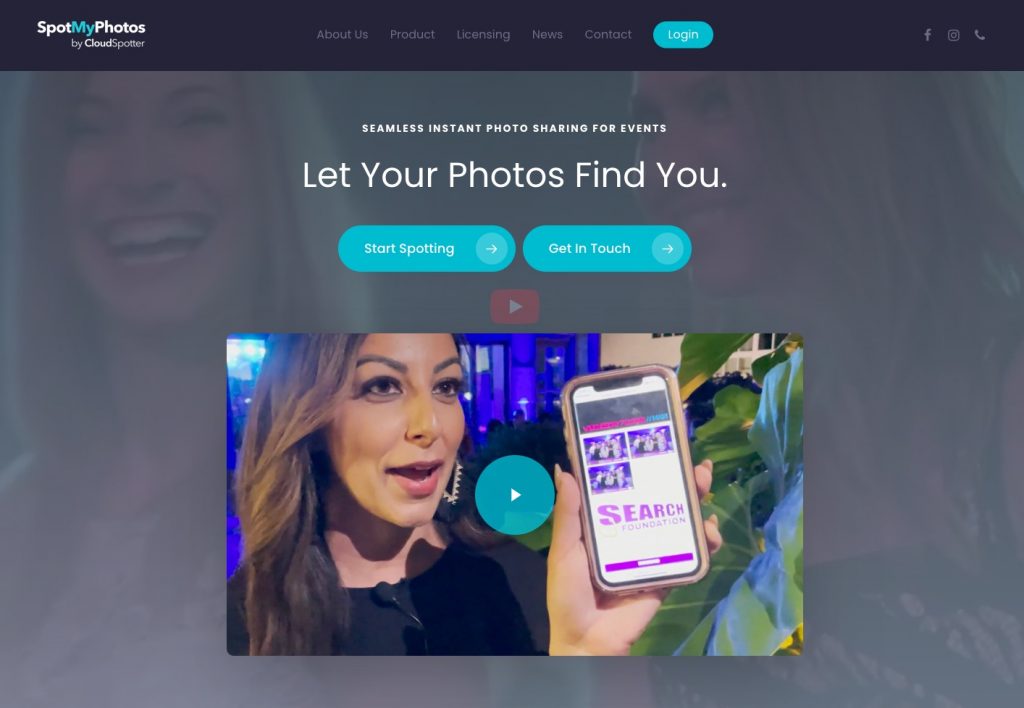
SpotMyPhotos focuses on instant photo sharing during events, using facial recognition to help attendees find their images with minimal friction. Guests simply upload a selfie or scan a QR code, and the system automatically matches them to their photos as they’re captured.
The platform is popular for experiential marketing, corporate events, and conferences where engagement and speed are more important than long-term storage. It prioritises real-time access over polished, post-event galleries.
Features:
- Real-Time Delivery: Photos are accessible shortly after being taken.
- Facial Recognition Search: Automatically matches guests to their photos.
- Event-Friendly Sharing: Designed for fast sharing via mobile devices.
Pros:
- Very quick setup for live events.
- Strong focus on attendee experience and engagement.
Cons:
- Limited gallery customisation.
- Not ideal for long-term client proofing or archiving.
Client Galleries
Client gallery platforms focus on professional photo delivery after a shoot. They typically offer private galleries where clients can view, download, and sometimes proof or select images.
These tools are well suited for portrait, wedding, and commercial photographers who need a clean, structured way to deliver final photos to clients. If you want a deeper comparison of gallery-based tools, see our guide to online galleries for photographers.
Pixieset
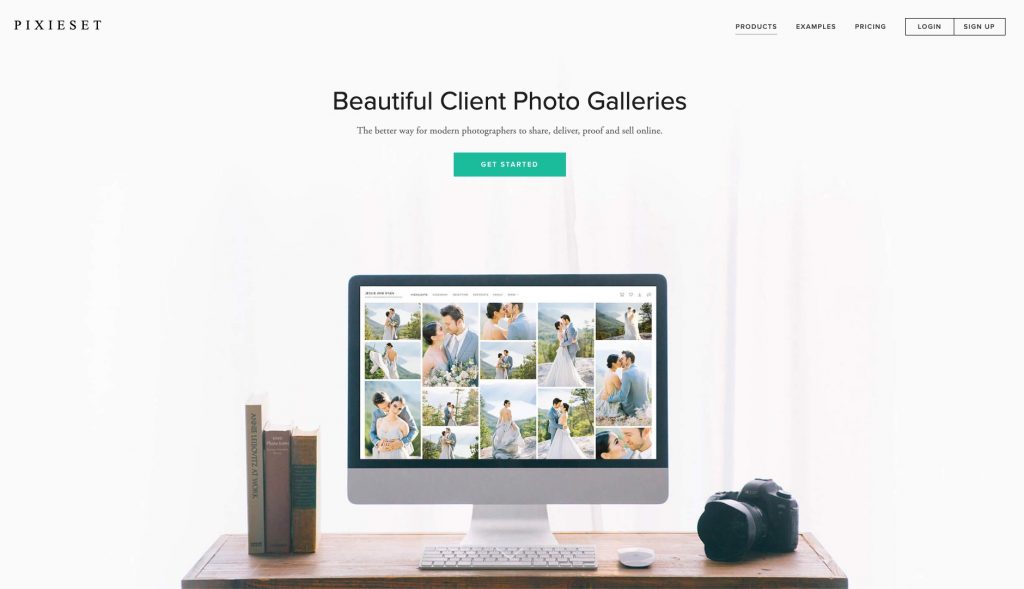
Built specifically with photographers in mind, Pixieset has long been known for its polished client galleries and streamlined delivery experience. It’s designed to help photographers present their work professionally, share galleries with ease, and maintain control over how images are viewed, downloaded, and sold. Whether you’re delivering wedding galleries, portrait sessions, or commercial shoots, Pixieset puts the client experience front and center.
Beyond galleries, Pixieset has evolved into a more complete ecosystem for photographers. It includes tools for building a portfolio website, selling prints and digital downloads, and managing bookings through its built-in studio manager. This makes it a strong all-in-one option for photographers who want fewer tools and a more cohesive workflow.
Features:
- Client Galleries: Pixieset’s core feature allows photographers to create clean, elegant galleries using customizable layouts or pre-designed templates, ensuring a professional presentation for every client.
- Download Controls: Photographers can set download permissions and file sizes, offering low-resolution images for free while charging for full-resolution downloads, giving full control over image distribution.
- Online Store: Built-in e-commerce tools make it easy to sell prints and digital files directly from client galleries, with integrated payment and fulfillment options.
- Website Builder & Studio Manager: Pixieset includes a website builder for portfolios and a CRM-style studio manager to handle bookings, contracts, invoices, and scheduling in one place.
Pros:
- Designed specifically for professional photographers.
- Excellent client gallery experience with strong customization.
- Integrated tools for websites, sales, and client management.
Cons:
- Limited free storage on the free plan.
- Advanced features require a paid subscription.
ShootProof
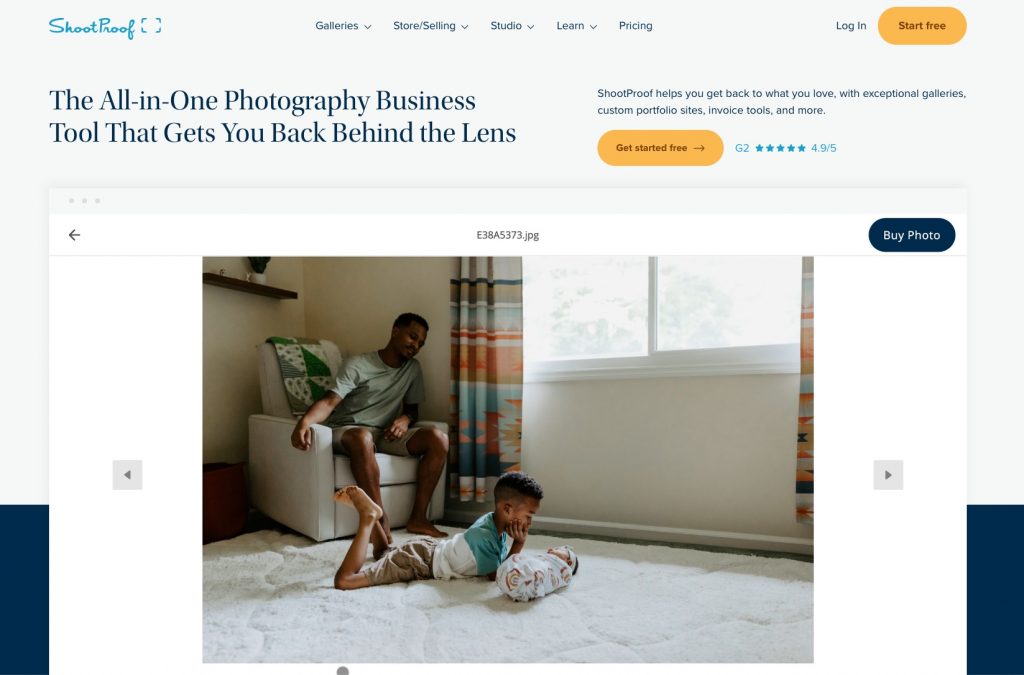
ShootProof offers a full suite of tools tailored for professional photographers who need a polished way to deliver, sell, and manage client photos online. At its core are customizable client galleries that let you present images beautifully and professionally—much more refined than simple file-sharing links.
Photographers can control download quality and quantity, create personalized proofing experiences, and integrate print products directly into galleries to boost sales. It also includes tools for building a portfolio website and managing bookings, contracts, and payments, making it a robust option for running your photography business from one place.
Features:
- Client Galleries: Create tailored galleries with branding, custom layouts, and proofing options that let clients select favourites.
- Sales & Print Store: Sell digital downloads and professional-lab prints straight from the gallery.
- Business Tools: Built-in systems for contracts, invoices, and client management help streamline workflows.
Pros:
- Comprehensive gallery and sales tools.
- Integrated business management features.
Cons:
- The free plan is very limited in storage.
- Some advanced features require paid tiers.
Pic-Time
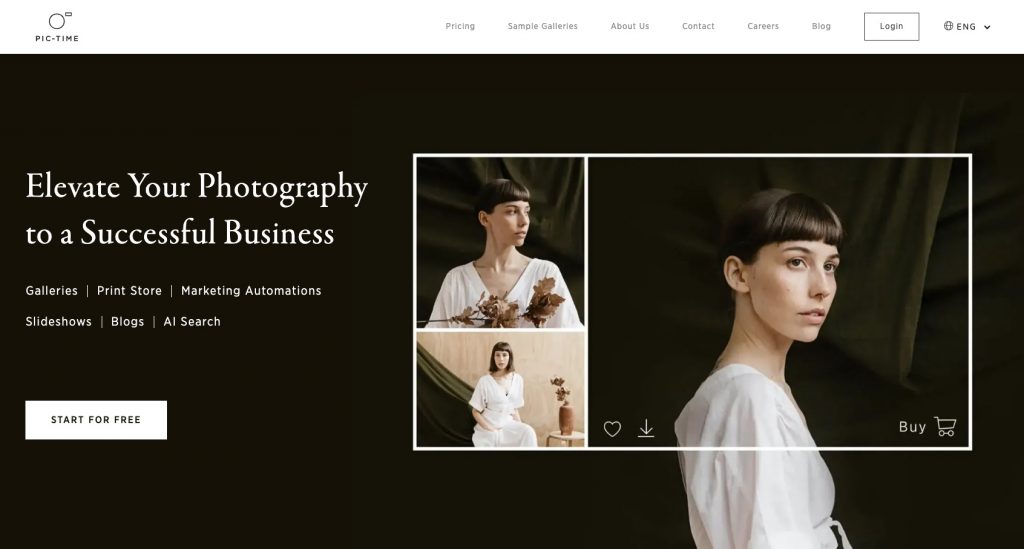
Pic-Time stands out for blending elegant client delivery with smart discovery features. Its customizable galleries present your work professionally, while integrated e-commerce makes selling prints, products, and digital downloads easy. One standout feature is AI-powered gallery search, which helps visitors quickly find the images they appear in or that catch their interest.
Whether you’re sharing wedding galleries, portraits, or event photos, Pic-Time’s focus on user experience helps make galleries engaging and easy to navigate — which can improve client satisfaction and upsells.
Features:
- Customizable Client Galleries: Professional layouts and design controls.
- AI Gallery Search: Allows clients to find photos faster by subject or faces.
- E-Commerce: Built-in tools to sell downloads, prints, and products.
Pros:
- Modern, client-friendly gallery experience.
- Smart search makes browsing large galleries easier.
Cons:
- Some features are only available on higher-tier plans.
CloudSpot
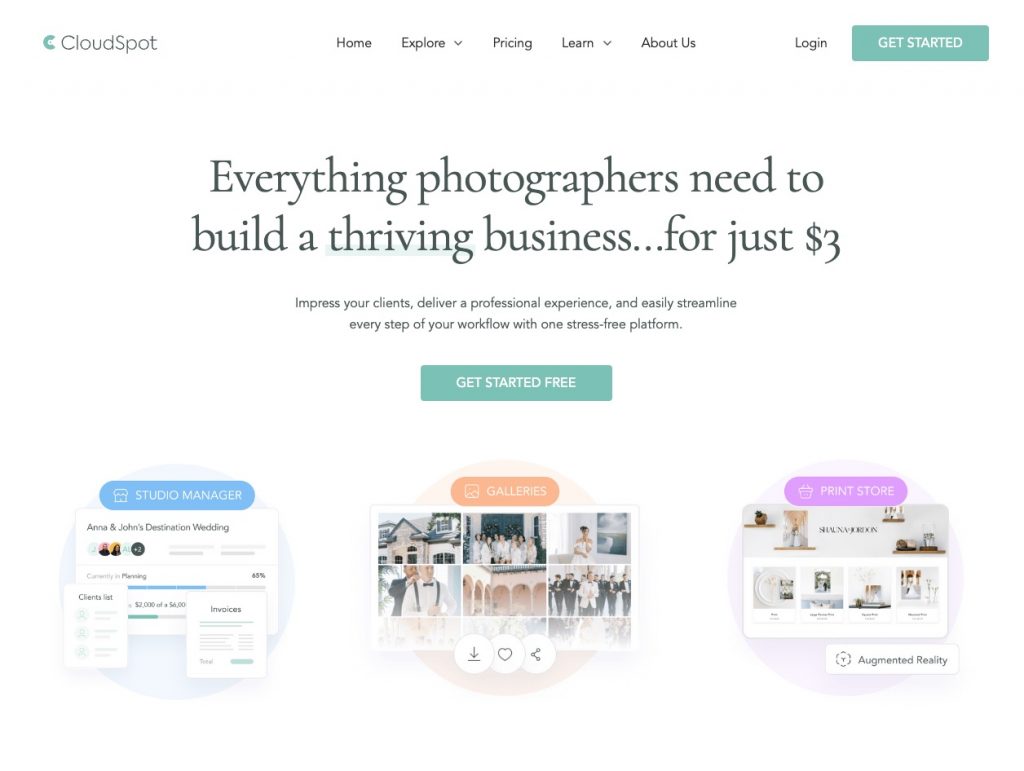
CloudSpot is a client gallery platform designed for photographers who want a clean, professional way to deliver finished photos. Instead of instant sharing during events, it focuses on post-event delivery through beautifully designed galleries that make viewing, downloading, and purchasing images simple.
The platform is commonly used by portrait, wedding, and commercial photographers who prioritise presentation and client experience. While it doesn’t aim to deliver photos live, it excels at organised galleries, client proofing, and online sales.
Features:
- Client Galleries: Clean, intuitive galleries for photo delivery and proofing.
- Download & Sales Options: Control downloads and sell digital files or prints.
- Branding & Customisation: Galleries can be styled to match your brand.
Pros:
- Excellent for polished, professional photo delivery.
- Strong client experience and presentation.
Cons:
- No instant or live photo sharing during events.
- Not optimised for high-volume or real-time workflows.
SmugMug
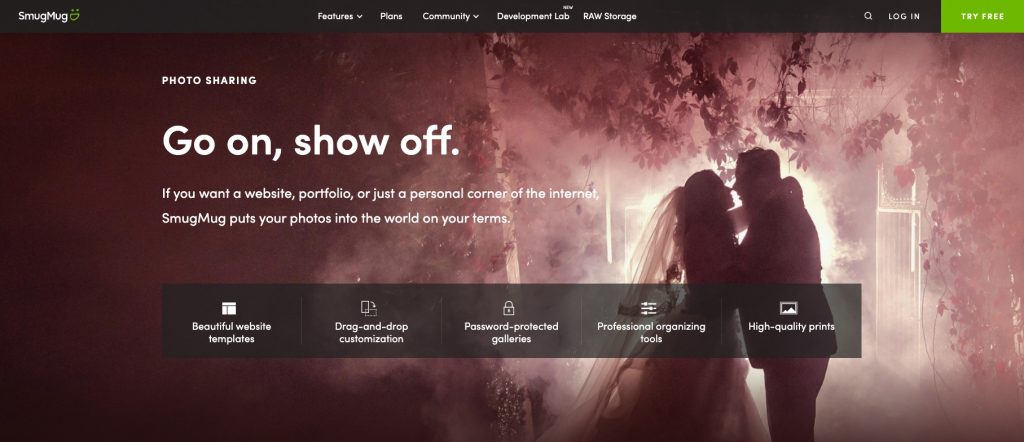
SmugMug is one of the most established photo-sharing and hosting platforms available, supporting photographers who want powerful storage, professional galleries, and sales capabilities. It excels at helping photographers deliver images in beautifully laid-out online galleries and protect full-resolution files with customizable privacy settings.
Beyond galleries, SmugMug allows photographers to build portfolio websites and sell prints and digital downloads at customizable price points. Its robust cloud storage supports high volumes of files, including RAW formats, giving peace of mind that your work is securely archived and accessible.
Features:
- Unlimited Photo Storage: High-capacity cloud storage for large portfolios.
- Custom Galleries & Websites: Professional display options with privacy control.
- Print & Digital Sales: E-commerce features for selling prints & downloads.
Pros:
- Time-tested platform with strong reliability.
- Excellent storage and file protection options.
Cons:
- No free plan—only a free trial.
- Some of the basic features require a higher plan.
Zenfolio
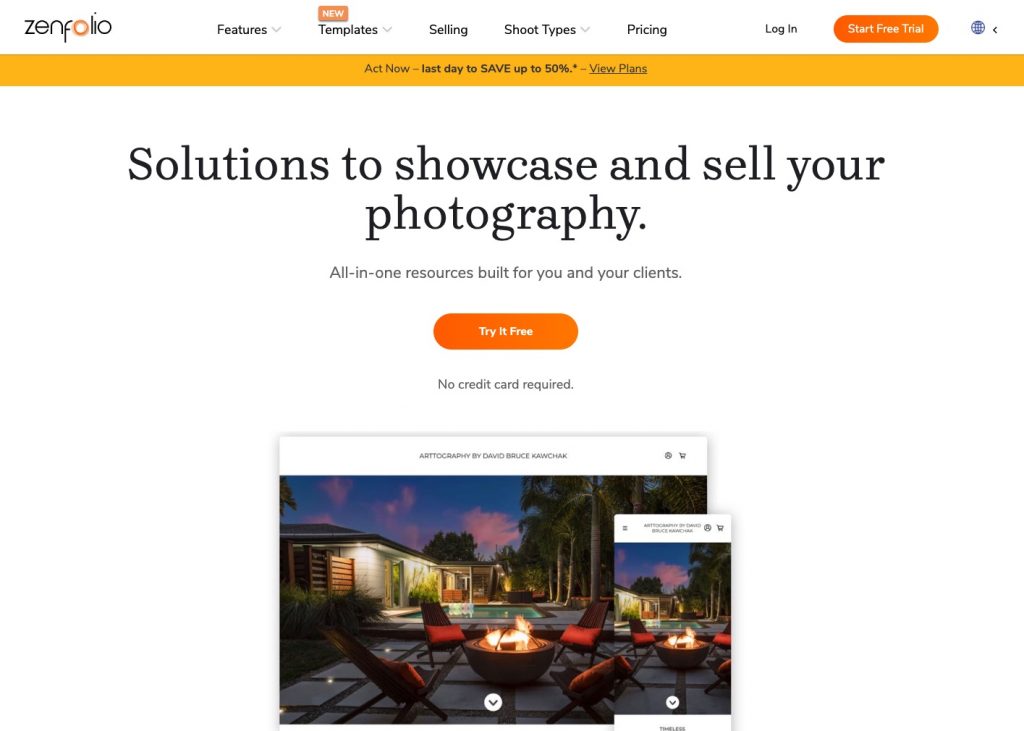
Zenfolio has been empowering photographers for decades and combines client galleries with business-centric tools that go beyond delivery. Its galleries are fully customizable, and photographers can sell prints, products, and downloads through integrated e-commerce.
What sets it apart is a suite of additional business tools, including booking management, payment processing, and even automated culling via their PhotoRefine.ai desktop app on select plans. This makes Zenfolio a strong choice for photographers who want a single platform that supports both client delivery and operational workflows.
Features:
- Custom Client Galleries: Professional image delivery with branding.
- Online Store & Commerce: Sell prints and digital files directly.
- Business Tools: Booking and payment integrations plus AI culling tools.
Pros:
- Supports video hosting
- AI-assisted workflow features on higher tiers.
Cons:
- Selling features are locked behind premium plans.
- The user interface feels less modern than newer competitors.
Gump
Gump is a newer entrant in the photo-sharing space with a focus on practical collaboration between photographers and clients. Its galleries allow clients not only to view and download images but also to comment, select favourites, and even annotate photos—which can speed up proofing and feedback loops.
This interactive approach makes Gump especially appealing for photographers who value agile client communication and want a more dynamic proofing experience than traditional galleries offer.
Features:
- Interactive Galleries: Clients can comment, select favourites, and annotate.
- Custom Gallery Design: Personalised aesthetic and branding options.
- Privacy & Access Controls: Secure sharing with role-based permissions.
Pros:
- Strong tools for client feedback and collaboration.
- Generous free plan.
Cons:
- Less focused on print sales and e-commerce.
- Smaller ecosystem than longer-established platforms.
Face Recognition Sharing
Face recognition sharing platforms help viewers quickly find photos of themselves without manually browsing large galleries. Users usually upload a selfie to see matching images.
This approach is especially useful for events and large group shoots where manually searching through hundreds or thousands of photos would be impractical.
Kwikpic
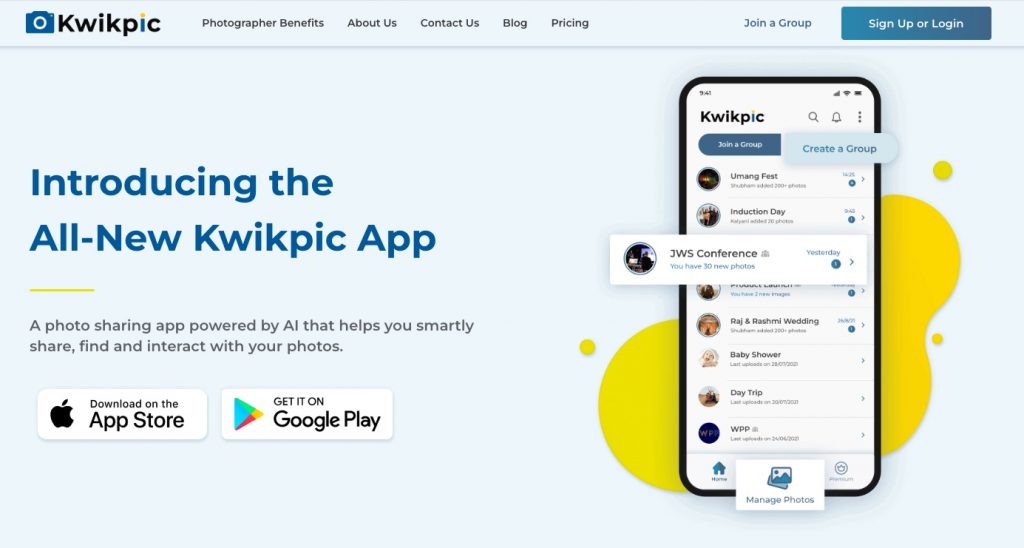
Kwikpic is built specifically for high-volume event photography, where speed and scale matter more than traditional gallery browsing. Using face recognition technology, it allows event participants to create and join a group to share photos. This makes it especially popular for large public gatherings.
For photographers and event organizers, Kwikpic focuses on fast delivery and accessibility. Photos can be delivered via QR codes or links, enabling participants to access their images almost immediately after capture. While it’s less about curated galleries, its strength lies in efficient distribution at scale.
Features:
- Face Recognition Search: Participants can quickly locate their photos using facial matching.
- High-Volume Event Support: Designed to handle thousands of images and users simultaneously.
Pros:
- Fast photo discovery for large events.
- Ideal for sports, races, and corporate activities.
Cons:
- Limited gallery customization compared to traditional platforms.
- Less focused on long-term portfolio hosting.
Photier
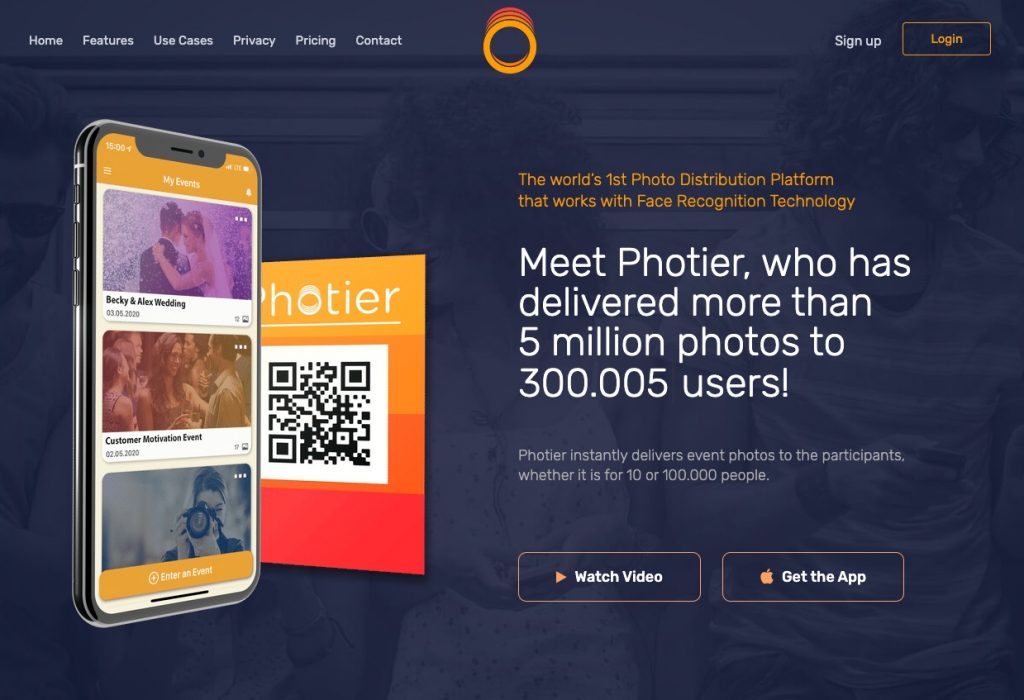
Photier positions itself as a modern solution for event photographers who want to deliver photos quickly while maintaining a clean, user-friendly experience. Its face recognition system allows attendees to find their photos in seconds, removing friction from the post-event experience and increasing engagement.
Beyond face search, Photier also supports branded galleries and digital delivery workflows, making it suitable for photographers who want a balance between automation and presentation. It’s commonly used for conferences, exhibitions, brand activations, and large social events.
Features:
- AI Face Recognition: Enables fast photo discovery without manual browsing.
- Branded Galleries: Customisable galleries aligned with event or brand identity.
- Digital Delivery Tools: Share photos through links or QR codes for quick access.
Pros:
- Smooth and intuitive experience for event attendees.
- Strong balance between speed and presentation.
Cons:
- Less suited for traditional client proofing workflows.
- Advanced features may depend on custom pricing.
Memzo
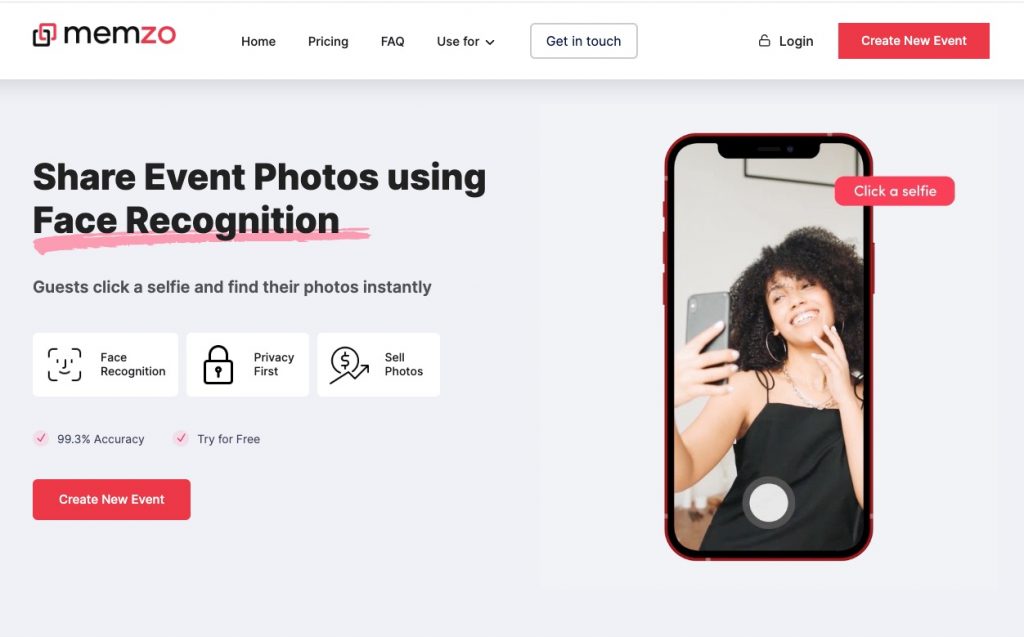
Memzo focuses on creating interactive, share-friendly photo experiences powered by face recognition. Designed primarily for events, it allows users to instantly locate their photos and share them on social media, helping photographers and brands extend the event’s reach beyond the venue.
The platform leans heavily into engagement and marketing value, making it a good fit for branded events, festivals, and experiential campaigns. Rather than acting as a long-term photo hosting solution, Memzo excels at fast turnaround and social-first delivery.
Features:
- Face Recognition: Quickly identifies and groups photos by individual faces.
- Instant Sharing Tools: Optimised for social media sharing and engagement.
- Event-Focused Workflows: Built for fast delivery during or immediately after events.
Pros:
- Great for engagement-driven and branded events.
- Fast, frictionless photo access for attendees.
Cons:
- Limited traditional gallery and sales features.
- Not designed for long-term photo archiving.
Foto Owl
Foto Owl is tailored for photographers who need a simple, efficient way to deliver event photos using face recognition. Attendees upload a selfie or scan a QR code to instantly access photos they appear in, removing the need for manual searching or album navigation.
The platform prioritizes ease of use and speed, making it especially useful for sports events, school functions, and community gatherings. While it doesn’t offer advanced customization or portfolio tools, Foto Owl excels at solving one specific problem: fast, accurate photo delivery at scale.
Features:
- Face Recognition Access: Users find their photos instantly using facial matching.
- QR-Based Delivery: Quick access without app downloads.
- Scalable Event Galleries: Handles large volumes of images efficiently.
Pros:
- Very simple experience for end users.
- Effective for large-scale and recurring events.
Cons:
- Minimal branding and customization options.
- Limited monetization and e-commerce features.
Sell Photos Online
Apps in this category focus on monetisation. They allow photographers to sell digital downloads, prints, or packages directly from galleries, often with integrated payment and order management.
These tools are useful for photographers who want to generate revenue from their photos without relying on external e-commerce platforms. For a deeper breakdown of selling options and platforms, see our guide on how to sell photos online.
GeoSnapShot
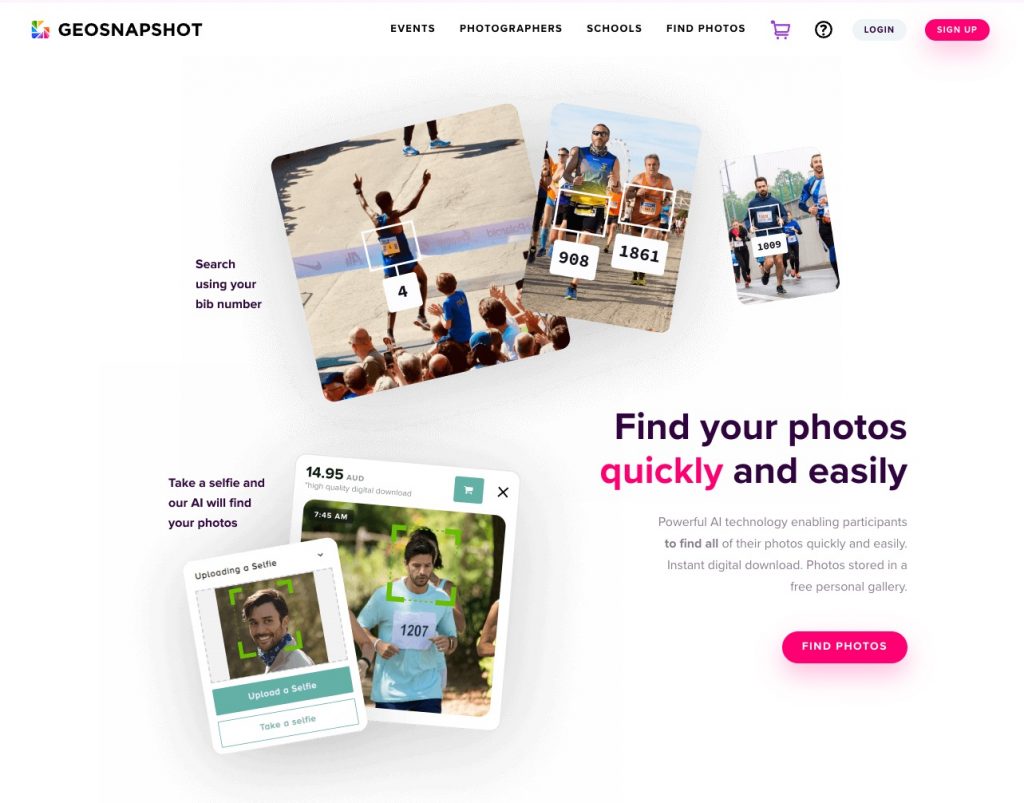
GeoSnapshot is a platform built specifically for selling photos from large-scale sporting events and races. It uses facial and bib-number based search to help participants find and purchase their images quickly, without needing to scroll through massive galleries.
The platform is widely used by endurance event photographers who shoot thousands of images per event and need a streamlined sales workflow. GeoSnapshot focuses less on presentation and more on helping photographers efficiently monetise high-volume event photography.
Features:
- Bib & Facial Recognition: Participants find photos using race bib or faces.
- Integrated Photo Sales: Built-in ecommerce for digital downloads and prints.
- High-Volume Workflow: Designed to handle large numbers of images per event.
Pros:
- Well-suited for marathons and endurance events.
- Efficient search for large photo collections.
Cons:
- Limited customisation and branding.
- Primarily focused on race photography use cases.
Waldo
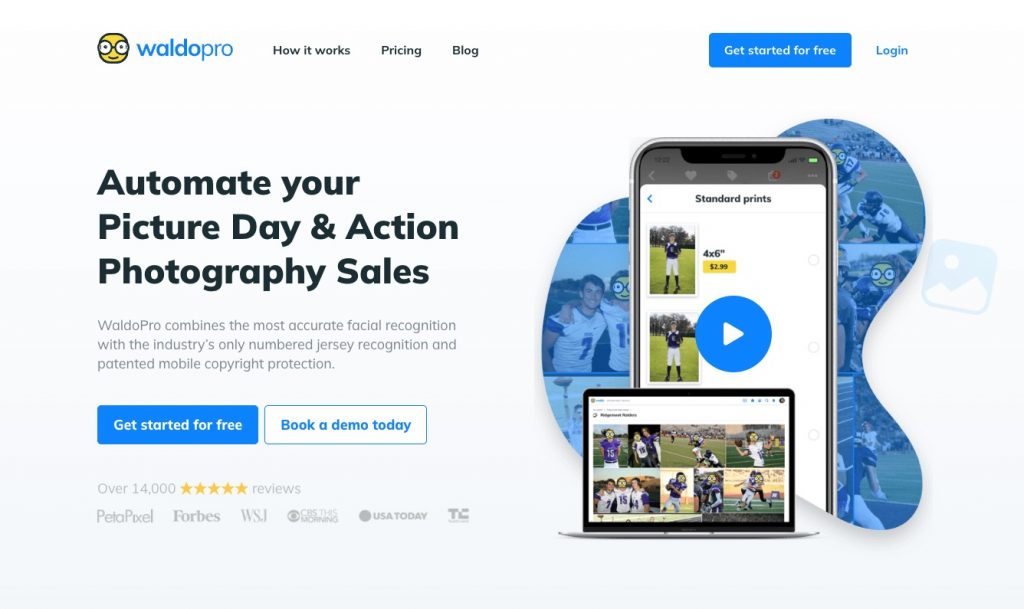
Waldo focuses on automated photo selling using facial recognition, making it easy for customers to find and buy their images after an event. Guests upload a selfie, and the platform automatically matches them to their photos, reducing friction in the purchasing process.
It is commonly used for sports events, corporate activations, and experiential marketing where sales volume and automation are key. Waldo places a strong emphasis on conversion, using reminders and follow-ups to encourage purchases.
Features:
- Facial Recognition Search: Selfie-based matching to event photos.
- Automated Sales Funnels: SMS & email reminders and purchase prompts.
- Digital Photo Sales: Focused on selling downloads at scale.
- Face Blocker: Keeping image safe from screenshots
Pros:
- High conversion potential with automated follow-ups.
- Minimal effort required from photographers after upload.
Cons:
- Less control over gallery presentation.
- Primarily optimised for digital sales rather than prints.
PhotoDay
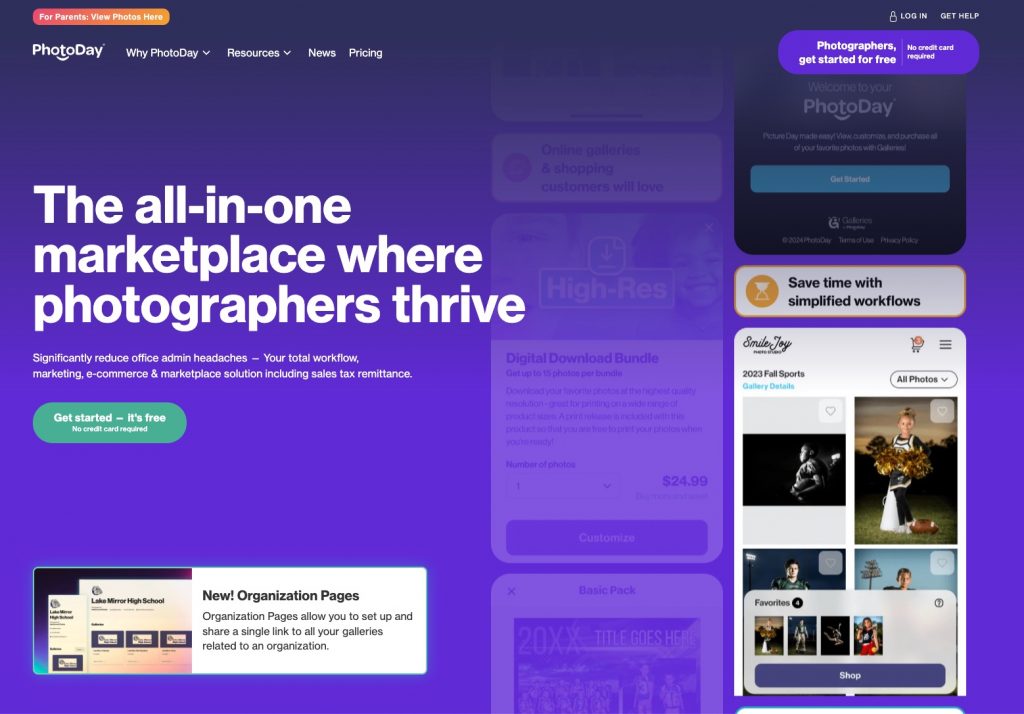
PhotoDay is designed to help photographers sell photos from school, sports, and youth events, with a strong emphasis on mobile-first purchasing. Instead of browsing galleries, customers receive direct access to their photos via unique access codes, making the buying experience simple and fast.
The platform combines photo delivery, sales, and marketing tools in one system, making it popular with volume photographers who manage repeat clients and seasonal events. PhotoDay focuses heavily on improving sales through promotions and automated communication.
Features:
- Access Code System: Customers view and buy photos tied to their specific session.
- Mobile-First Checkout: Optimised purchasing experience on smartphones.
- Marketing Automation: Promotions, emails, and SMS tools to boost sales.
- Direct-to-Home shipping: Orders are shipped directly to the customer’s doorstep.
Pros:
- Strong sales and marketing automation.
- Excellent for school and youth photography workflows.
Cons:
- Less flexible for non-volume or one-off events.
- Limited use outside structured photo shoots.
Proofpix
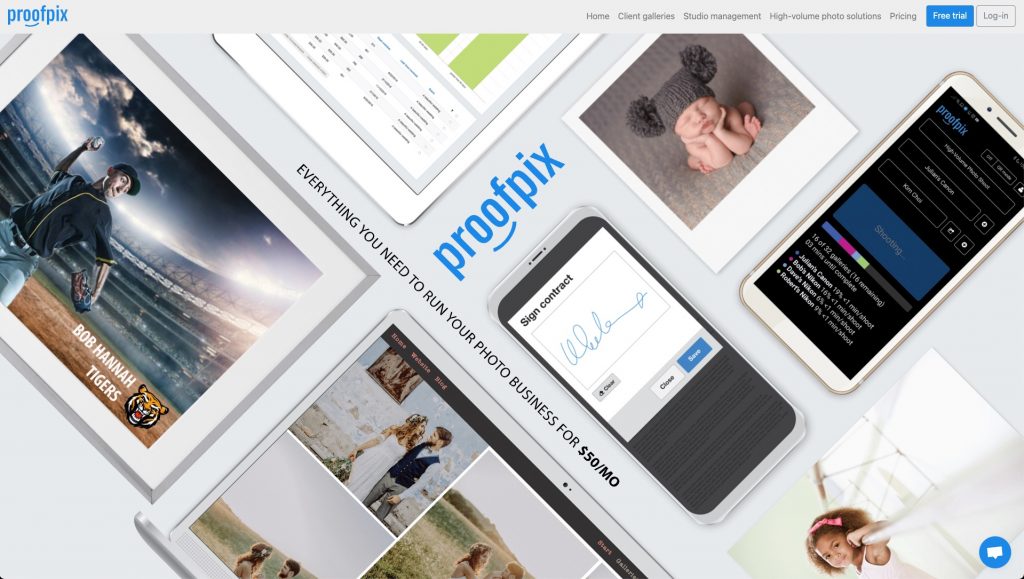
ProofPix is a photography platform designed for fast photo sales in high-volume event workflows. It uses a mobile app and AI-powered image sorting to help photographers organise large batches of photos efficiently before delivery. Images are then sold through private galleries, with the entire sales process handled automatically.
The subscription includes unlimited storage and events, making it suitable for photographers running multiple events at the same time. As a sales-focused platform, ProofPix also offers unlimited automated email campaigns to help drive conversions without requiring ongoing manual follow-ups.
Features:
- Unlimited storage: Upload and store an unlimited number of photos.
- Unlimited events: Manage multiple concurrent events under a single account.
- SortMagic: AI-powered image sorting to speed up organisation and client delivery.
Pros:
- Well suited for high-volume photography workflows.
- Fast and efficient image sorting.
Cons:
- Limited branding and customisation compared to other platforms.
Photography Websites
Photography website builders are designed to showcase work through portfolios and branded websites. They prioritise visual presentation, layout control, and basic content management.
They are best suited for photographers who want an online presence or portfolio, rather than tools for live sharing or client delivery. For a comparison of popular options, see our guide to website builders for photographers.
Format
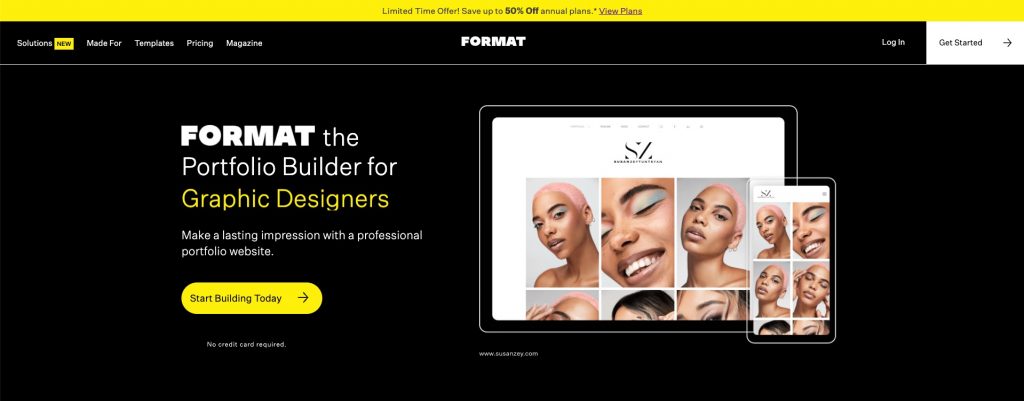
Format is a website builder created specifically for photographers and visual creatives who want a clean, portfolio-first online presence. Its layouts are designed to showcase imagery with minimal distractions, making it easy for photographers to present their work professionally without needing design or coding skills.
Beyond portfolios, Format also includes client proofing and basic ecommerce tools, allowing photographers to share private galleries or sell prints and digital downloads directly from their site. It’s best suited for creatives who value presentation and simplicity over complex marketing features.
Features:
- Portfolio-Focused Templates: Clean, image-first designs tailored for photographers.
- Client Proofing: Share private galleries for feedback and approvals.
- Integrated Ecommerce: Sell prints and digital files directly from your site.
Pros:
- Designed specifically for photographers and creatives.
- Easy to set up with minimal configuration.
Cons:
- Limited flexibility beyond photography-centric use cases.
- Fewer advanced marketing and SEO tools.
Squarespace
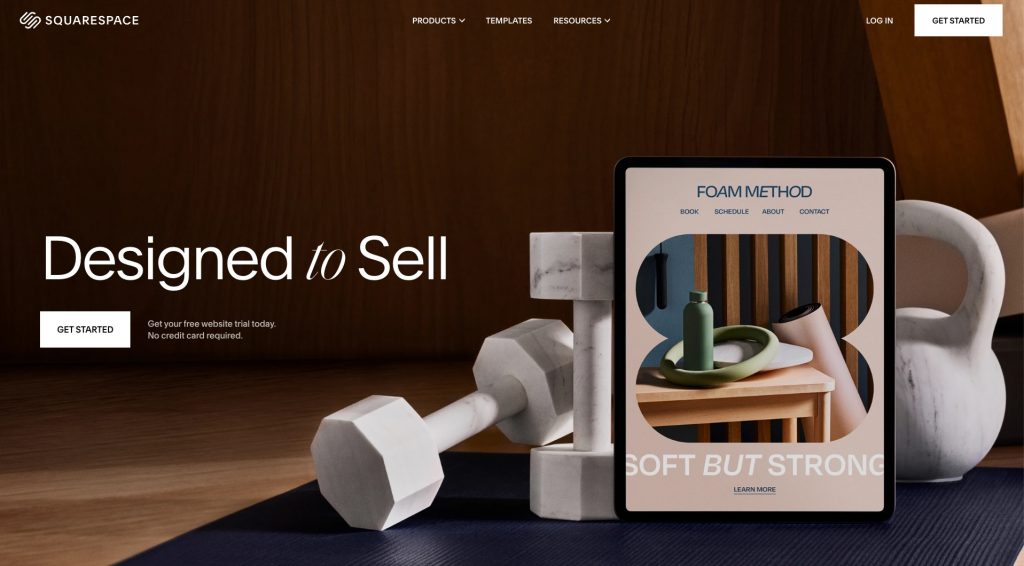
Squarespace is a general website builder known for its polished templates and strong design consistency. Many photographers use it to create professional websites that combine portfolios, blogs, and online stores in one place.
While it’s not photography-specific, Squarespace offers enough flexibility for photographers who want more control over branding and layout. It also supports ecommerce and scheduling integrations, making it suitable for photographers who treat their website as both a portfolio and a business hub.
Features:
- Professional Templates: Visually refined designs suitable for portfolios and businesses.
- Built-In Ecommerce: Sell prints, digital products, or services.
- Customisation Tools: Control layout, branding, and typography without code.
Pros:
- Strong design and branding flexibility.
- All-in-one platform for websites, content, and sales.
Cons:
- Not tailored specifically for photography workflows.
- Advanced features are expensive.
Wix
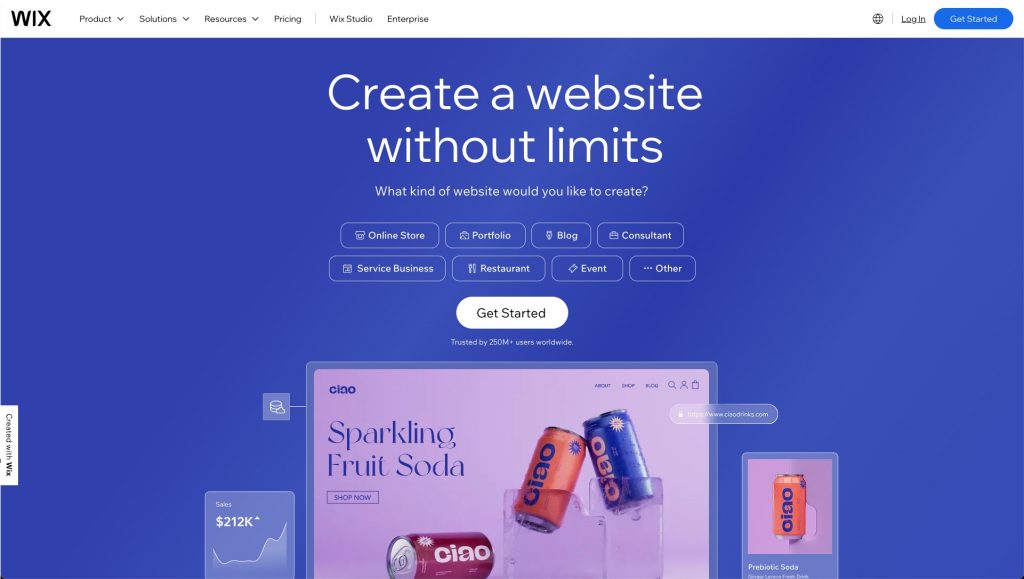
Wix is a flexible website builder that offers a wide range of templates and drag-and-drop customisation options. For photographers, it provides dedicated portfolio layouts as well as tools for blogging, ecommerce, and client communication.
The platform is popular among photographers who want maximum creative control without technical complexity. While Wix supports image galleries and online sales, it’s better suited for building a general photography website than handling high-volume client delivery.
Features:
- Drag-and-Drop Editor: Highly flexible page design with no coding required.
- Photography Templates: Pre-built layouts for portfolios and galleries.
- Ecommerce & Integrations: Sell products and connect third-party tools.
Pros:
- Very flexible and beginner-friendly.
- Wide range of features and integrations.
Cons:
- Can feel overwhelming due to many options and integrations.
- Not optimized for professional photo delivery workflows.
Build an Audience
Audience-focused platforms are built around discovery and exposure. They allow photographers to publish work publicly, engage with other creators, and reach a wider audience.
These platforms are typically used for visibility and community rather than private client delivery or direct sales. For practical tips on growing reach and engagement, see the complete guide to social media for photographers.
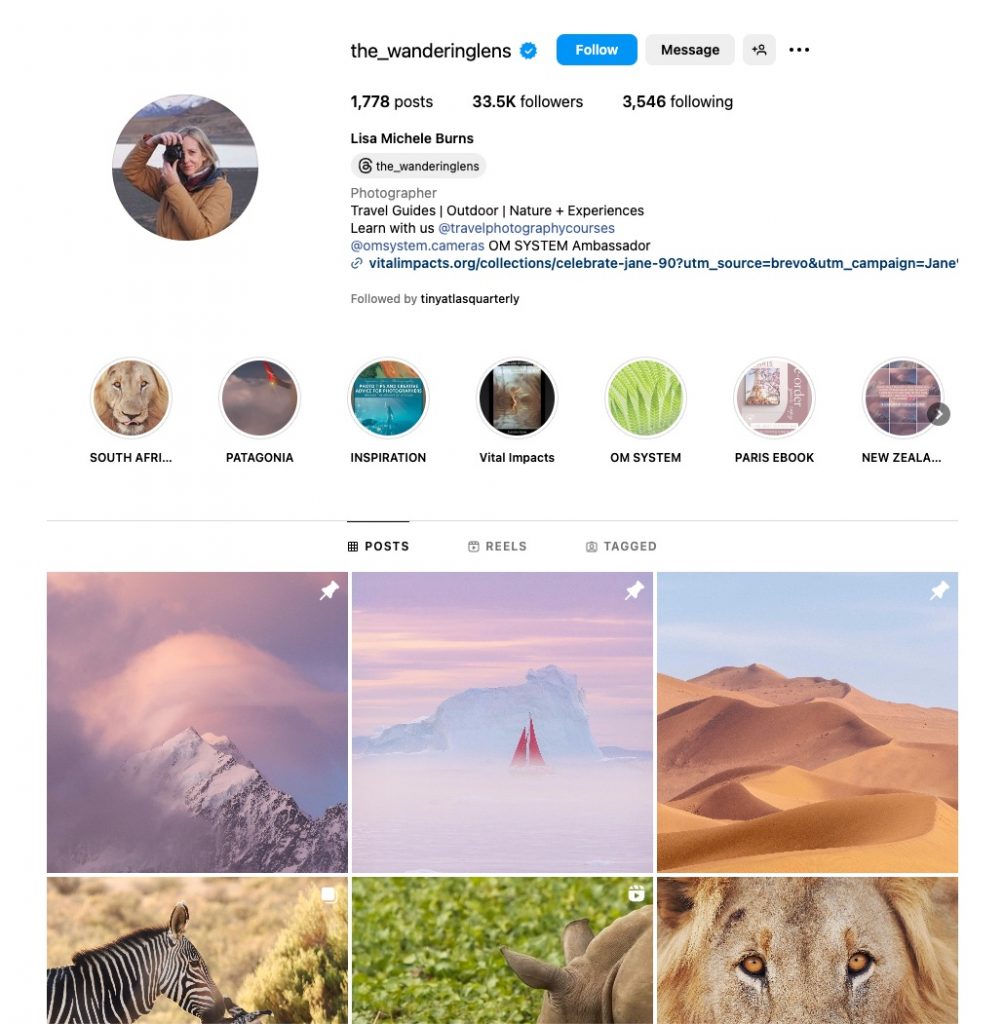
Instagram remains one of the most widely used platforms for sharing and discovering photography. While its focus has increasingly shifted toward video content like Reels and Stories, Instagram still offers a massive, global audience that photographers can tap into to showcase their work and attract clients. Its visual feed makes it simple to share your best photos, build a portfolio following, and connect with potential customers or collaborators.
For photographers who want to use social media as a marketing channel, Instagram is often the first stop—even if you pair it with other tools for client delivery or sales. Especially for portraits, weddings, landscapes, and creative projects, regularly posting standout images can help you build recognition and grow your brand.
Features:
- Visual Portfolio Feed: Share high-quality photos and short videos to grow your audience.
- Stories & Reels: Engage followers with behind-the-scenes clips and short creative content.
- Hashtags & Discovery: Use hashtags to reach broader communities and attract potential clients.
Pros:
- Huge global audience and networking potential.
- Great platform for visual storytelling and promotion.
Cons:
- Not focused on client galleries or professional delivery.
- Algorithms favor video and mixed content over still photography.
Flickr
Flickr is one of the original photo-centric social networks and remains popular among photographers who want a dedicated space to share and organize their work. Unlike general social platforms, Flickr’s community is built around photography, making it easier to connect with fellow shooters, explore high-quality images, and participate in groups focused on specific genres.
With both free and paid options, Flickr lets you upload and organize photos into albums, share them with other users, and engage with a community of photography enthusiasts. While its role has changed over the years, many photographers still prefer Flickr for showcasing portfolios and participating in a photography-first environment.
Features:
- Large Photo Storage: Upload and organize photos into albums.
- Photography Communities: Join groups and discussions with other photographers.
- Engagement Tools: Comment and tag photos, connect with peers.
Pros:
- Focused community of photographers.
- Good for portfolio building and networking.
Cons:
- Less emphasis on client delivery or sales features.
- Interface feels dated compared with newer platforms.
500px
500px is a photography-focused platform designed for sharing high-quality images and helping photographers get discovered. It combines community engagement with opportunities to showcase your work, enter photography challenges, and even license your photos for use by others.
On 500px, photographers can build a public portfolio, add tags and descriptions for better visibility, and engage with an audience that appreciates photographic craft. The platform also offers features aimed at professional exposure and potential licensing opportunities, making it appealing for those who want both visibility and a path toward monetization.
Features:
- Curated Galleries: Highlight your best photos for broader exposure.
- Challenges & Contests: Participate to gain visibility and recognition.
- Licensing Options: Option to license photos through 500px’s marketplace.
Pros:
- Strong platform for creative exposure.
- Built-in community and discovery tools for photographers.
Cons:
- Not geared toward client delivery or professional galleries.
- Limited free uploads per week on entry plans.
Behance

Part of the Adobe ecosystem, Behance is a platform for creatives to showcase projects across media—photography included. It’s less about casual photo sharing and more about presenting polished portfolios that tell a story, making it ideal for photographers who want to display full projects or series.
Behance allows you to upload and organize work into portfolio pages, link directly to your services, and show potential clients or collaborators a curated body of work. While it doesn’t offer client galleries or sales tools, its integration with Creative Cloud and visibility in the creative community can help photographers get noticed by agencies, editors, and art directors.
Features:
- Project-Based Portfolios: Showcase photography as immersive visual stories.
- Creative Community: Connect with other creatives and potential clients.
- Adobe Integration: Works well with Adobe Lightroom & Photoshop workflows.
Pros:
- Excellent for professional portfolios.
- Strong exposure in creative industries.
Cons:
- Not designed for client photo delivery or proofing.
- No built-in e-commerce or download controls.
Glass
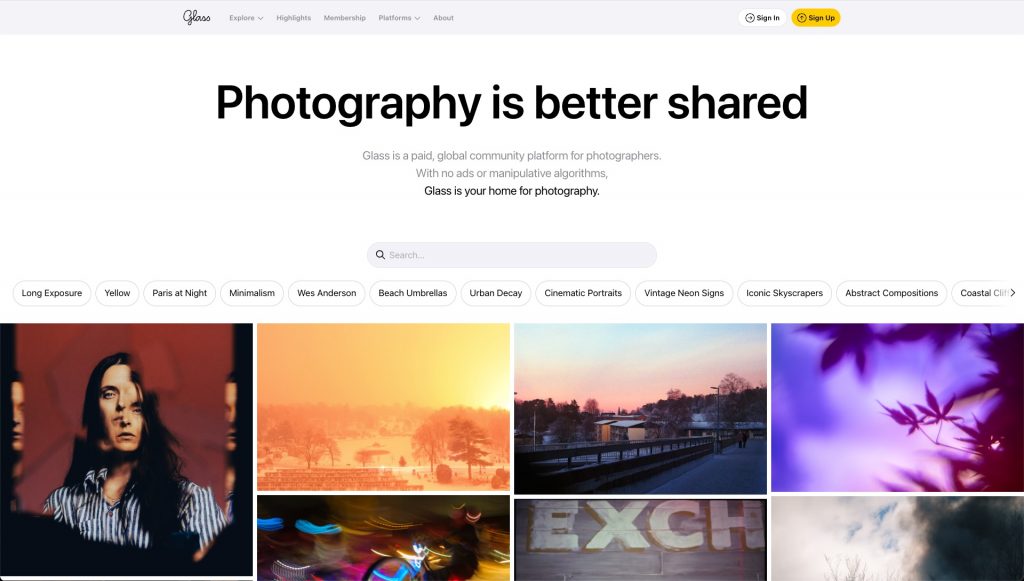
Glass is a photography-focused social platform built around community, discovery, and thoughtful engagement rather than algorithms or ads. It’s often described by photographers as a quieter, more intentional space to share work, where images are viewed without distractions like likes, follower counts, or sponsored content.
The platform is subscription-based, which helps keep the community curated and photography-centric. Glass works best for photographers who want to build a long-term audience of peers, clients, and enthusiasts who genuinely care about photography, rather than chasing reach or viral growth.
Features:
- Ad-Free Community: No ads, likes, or algorithm-driven feeds.
- Photography-First Experience: Images are displayed cleanly, with EXIF data and captions encouraged.
- Community Discovery: Explore work through curated feeds and themes.
Pros:
- High-quality, photography-focused audience.
- Encourages meaningful engagement over metrics.
Cons:
- Smaller reach compared to mainstream social platforms.
- No built-in sales or client delivery tools.
- Subscription-based models might not be suitable for new photographers.
Vero
Vero is a social media platform often adopted by photographers who want more control over how their work is seen and shared. Unlike algorithm-heavy platforms, Vero presents content in chronological order, making it easier for photographers to reach their audience consistently.
The platform supports high-quality images and allows photographers to categorise connections, which helps tailor how content is shared with different groups. Vero is commonly used as a portfolio-adjacent channel, helping photographers build visibility and relationships without relying solely on traditional social media.
Features:
- Chronological Feed: Posts appear in the order they’re shared, not ranked by algorithms.
- High-Quality Image Support: Better image presentation than many mainstream platforms.
- Audience Segmentation: Share content with specific groups or connections.
Pros:
- More predictable reach than algorithm-driven platforms.
- Less image compression than some mainstream platforms
Cons:
- Smaller user base compared to major social networks.
- Not designed for photo sales or client delivery.
Photo Storage
Photo storage tools focus on backing up, organising, and sharing photos. They are commonly used for personal storage and internal workflows, but they can also be used for simple client-facing delivery, such as sharing download links or folders.
They work well as a foundation for storage and backup, but usually lack features like client proofing, branding, access controls, or integrated sales. For a comparison of storage options and considerations, see our guide to cloud storage for photographers.
Google Photos
Google Photos is a cloud-based photo storage and sharing platform built around speed, accessibility, and powerful search. While it’s not designed specifically for professional photographers, it’s widely used for storing large photo libraries and sharing albums quickly with clients, friends, or collaborators.
Its AI-driven search allows users to find photos by people, locations, or objects, which makes it surprisingly effective for navigating large collections. For photographers who need a simple way to store images and share selections without complex setup, Google Photos offers a familiar and frictionless experience.
Features:
- Cloud Storage: Automatically backs up photos and videos across devices.
- AI Search & Organization: Find images by faces, places, or objects.
- Shared Albums: Easily share albums or individual photos via links.
Pros:
- Very easy to use and widely adopted.
- Powerful search and organisation tools.
Cons:
- Not built for professional workflows or photo sales.
- Limited control over branding and presentation.
Dropbox
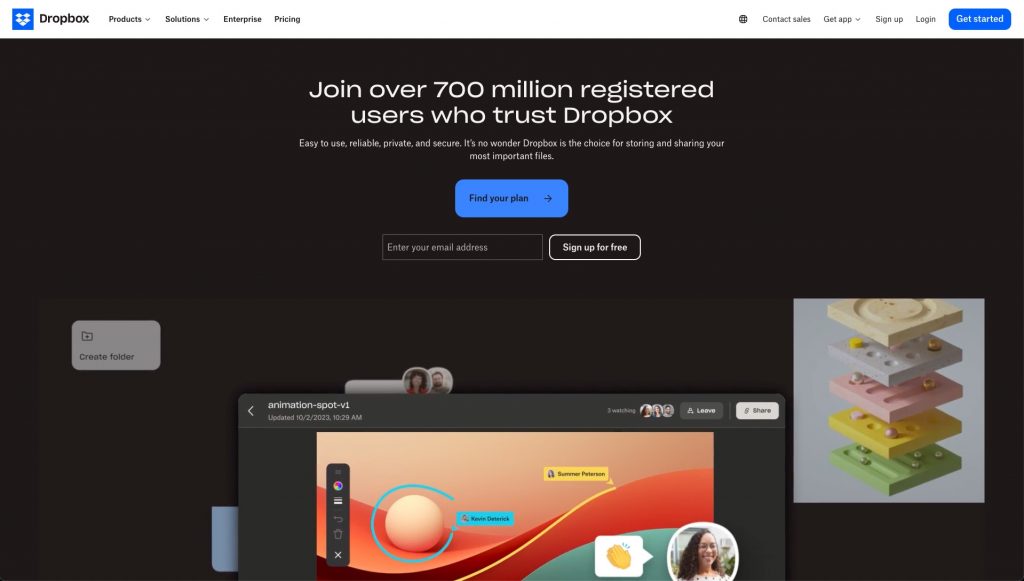
Dropbox is a cloud storage platform commonly used by photographers to store, organise, and share large photo collections. While not a photography-specific tool, it’s frequently used as a photo sharing solution because of its reliability and simple link-based sharing.
Photographers often use Dropbox to deliver full-resolution files to clients or collaborators, especially when speed and file integrity matter more than presentation. It works best as a behind-the-scenes sharing tool rather than a polished gallery or sales platform.
Features:
- Cloud Storage & Sync: Store and access photos across multiple devices.
- Link-Based Sharing: Share folders or files instantly with download control.
- Version History: Recover previous file versions if needed.
Pros:
- Reliable and fast file sharing.
- Supports large file sizes and full-resolution images.
Cons:
- No gallery-style viewing experience.
- Not designed for photo discovery, sales, or branding.
Frequently Asked Questions
A photo sharing app is a broad term that can include tools for live sharing, client delivery, storage, sales, or public publishing. A client gallery is more specific. It is designed for professional delivery after a shoot, usually offering private access, downloads, and sometimes proofing or selections.
Many photographers use both. For example, one tool for fast sharing or storage, and another for polished client delivery.
Yes, cloud storage tools can be used for simple client-facing delivery, such as sharing a download link or folder. This works well for straightforward handoffs or when branding and proofing are not required.
However, they usually lack features like gallery presentation, access controls, proofing, or integrated sales, which is why many photographers eventually move to dedicated client gallery platforms.
Not always, but it depends on your workflow. Some photographers prefer an all-in-one platform, while others use separate tools for different stages, such as one for storage, another for client galleries, and another for audience building.
The key is to choose tools based on outcomes rather than features, and avoid overlapping apps that solve the same problem.
For events, speed and accessibility matter most. Apps focused on instant sharing or face recognition sharing are usually the best fit, as they allow guests to find and view photos quickly, often while the event is still happening.
Traditional client galleries are typically better suited for post-event delivery rather than live sharing.
Audience platforms are designed for public exposure and discovery, not private delivery. While you can share links publicly, they are generally not ideal for client-facing workflows that require privacy, access control, or professional presentation.
They are best used for showcasing work and growing visibility, alongside other tools for delivery and sales.
Face recognition sharing allows viewers to find photos of themselves by uploading a selfie. The system matches their face against the event or gallery photos and shows only relevant results.
This is especially useful for large events where manually browsing hundreds or thousands of photos would be impractical.
Some photo sharing apps include built-in tools for selling digital downloads or prints. If selling photos is a priority, look for tools that support payments, pricing, and order management directly within galleries.
Start by identifying what matters most in your workflow. For example, fast delivery, client presentation, monetisation, public exposure, or storage. Once that is clear, the right category and tool usually becomes obvious.
You do not need the most feature-rich app. You need the one that best fits how you work.