Tethering and Camera to Cloud both involve connecting your camera and transferring images as you shoot, but they solve different problems.
Tethering helps you remotely control your camera and review your images during a shoot. Camera to Cloud helps you upload images and share them in real time.
In this article, I’ll break down how they compare and when to use each.
What Is Tethering?
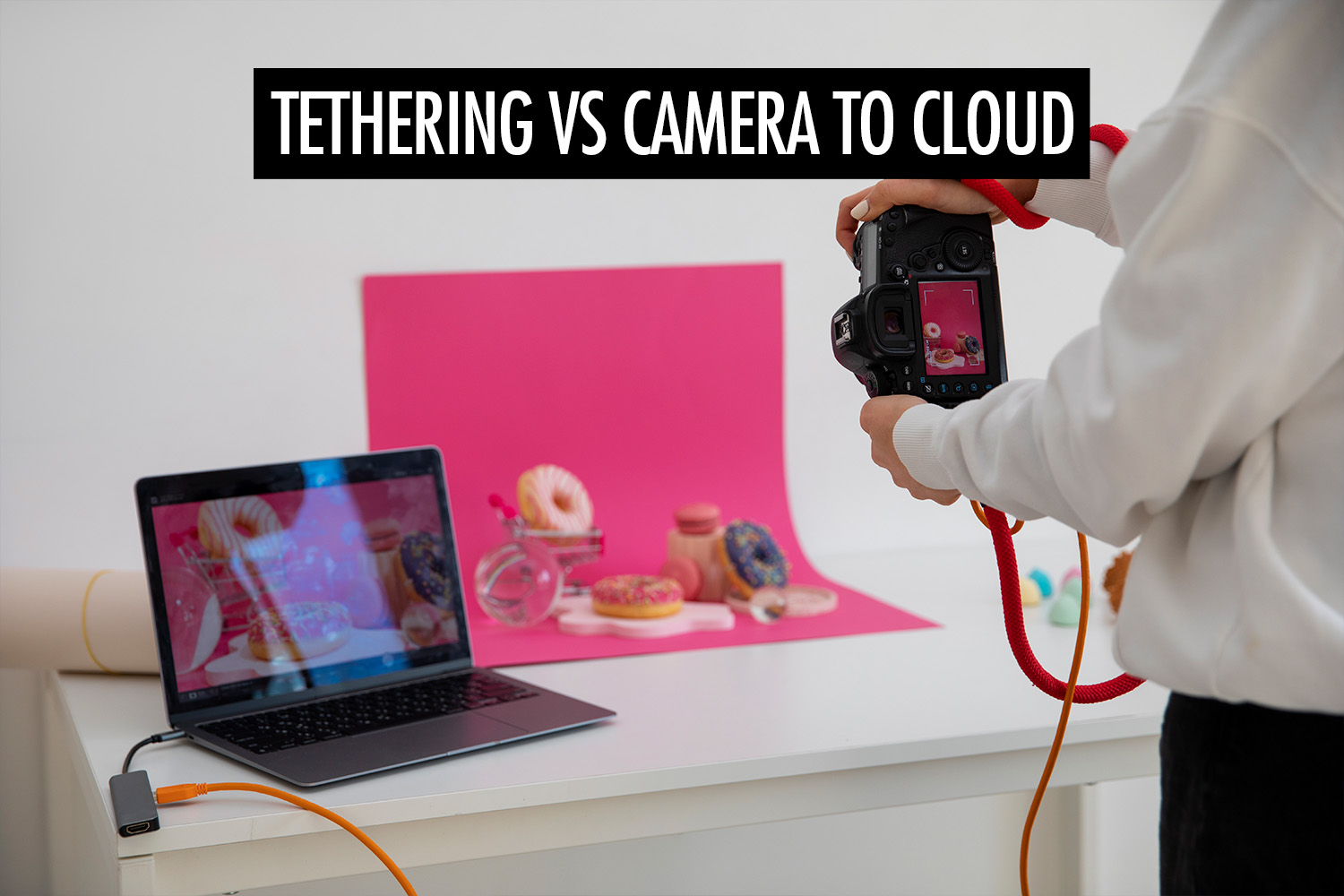
Tethering is a workflow where your camera is connected to another device, usually a laptop or a phone, so images can be transferred as you shoot.
The main purpose of tethering is control and visibility during the shoot. You can adjust camera settings remotely, view images on a larger screen, and spot issues that are easy to miss on the camera’s display.
Images are often saved directly to the connected device, making it easier to review, organise, and start editing.
Tethering is most commonly used in these scenarios:
- Studio and commercial shoots, where you need to review images in detail and make adjustments to lighting, composition, and exposure
- Portrait sessions, where showing images helps guide the subject and make them more comfortable
- Team environments, where clients or creative directors need to see results in real time and give immediate feedback
- Tripod or fixed camera setups, where remote camera control lets you adjust settings and trigger the shutter without touching the camera
What Is Camera to Cloud?
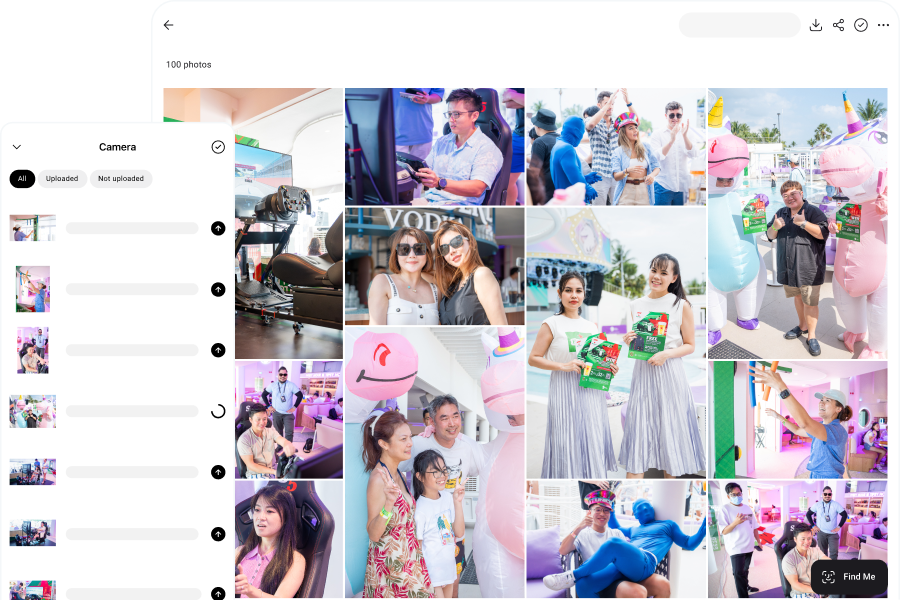
Camera to Cloud is a workflow where images are uploaded as they’re captured, without waiting to transfer files after the shoot.
Instead of staying on the memory card until later, photos are moved off the camera and made available almost immediately. This usually happens through a mobile or desktop app, uploading images in the background while you continue shooting.
The main purpose of Camera to Cloud is speed of delivery. Photos can be shared with the right people while the shoot is still happening. I use Honcho for this workflow, since it handles uploads and delivery automatically.
Camera to Cloud is most commonly used in these scenarios:
- Events and weddings, where guests can view and share photos in real time
- Headshot booths, where photos can be delivered automatically without manual sorting
- Sports and races, where instant sharing boosts engagement and photo sales
Tethering vs Camera to Cloud
Tethering improves how you shoot. Camera to Cloud changes when you deliver.
Camera to Cloud builds on tethering. The camera is still connected to a device, but instead of stopping at transfer and review, the workflow continues into upload and delivery.
| Tethering | Camera to Cloud | |
| Primary goal | Camera control and live review | Instant photo sharing and sales |
| Workflow | Capture → Review → Deliver later | Capture → Upload → Share instantly |
| Where images go | Laptop or connected device | Cloud (via phone or laptop) |
| File type | Usually RAW | Usually JPEG |
| Best for | Studio, commercial, portraits | Events, weddings, sports, headshot booths |