Part of our Workflow guides
Explore more articles on working faster, managing volume, and delivering efficiently in our Workflows section.
Camera to Cloud (C2C) is a photography workflow where images are uploaded from the camera to the cloud as they’re captured, without waiting to remove memory cards or manually transfer files after the shoot. The goal is to reduce the time between taking a photo and making it available.
I’ve used Camera to Cloud across a wide range of use cases, from weddings and live events to headshot booths, corporate functions, and high-volume photo operations where fast delivery is a core part of the experience.
It keeps my photography workflow moving smoothly and removes a lot of small friction points that add up over the course of a session. It’s not something I turn on by default, but when speed matters, it makes a real difference.
In this article, I’ll provide a complete explanation of Camera to Cloud: what it is, how it works, and when it’s worth using. I’ll break down the core concepts behind C2C, the different ways it can be implemented, and the impact it has on shooting and delivery, so you can decide whether it belongs in your workflow and how to use it correctly when it does.
What Camera to Cloud Is Useful For
I use Camera to Cloud when speed matters. Across different types of work, its value shows up in three main ways: sharing photos quickly, reducing friction in delivery, and collaborating with distributed teams.
Sharing Photos Quickly
The most immediate value of C2C is being able to share photos in the moment. That can mean sharing publicly or privately, but in both cases, timing affects how people respond.
If you need a practical walkthrough for creating shareable links and QR codes to distribute photos to clients or guests during a shoot, check out my guide to creating photo share links.
Sharing With Guests and Participants

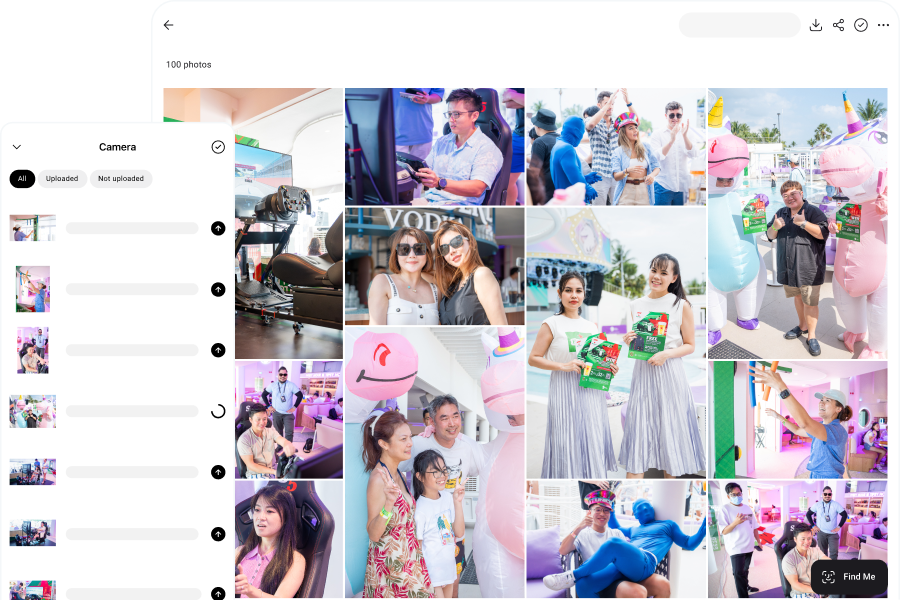
In live events and brand activations, Camera to Cloud allows images to reach guests while they’re still immersed in the experience. Engagement is higher and guests are more likely to share. If branding is attached, that helps to spread visibility for the event. This is the principle behind roaming photography, where I move through the venue capturing and delivering moments in real time.
The same workflow can also power instant printing, where guests receive a physical photo within minutes of it being taken. I’ve written a separate guide on how to print photos on-site at events and weddings if you want to see how that setup works.
In wedding photo queues, guests often line up to take photos with the bride and groom and hand me their phones so the image can be captured on their devices as well. Before using Camera to Cloud, this meant repeating the same shot multiple times. With Camera to Cloud, I take the photo once, guests receive it instantly, and the line moves faster without phone handoffs. I explore this shift in more detail in my article on rethinking wedding sneak peeks.
For marathons and public races, speed influences engagement and sales. Participants want to see their photos as soon as they cross the finish line, when they are the most excited about their accomplishment. Camera to Cloud makes this possible by getting images online right away, which improves social sharing and post-race purchases.
Private Delivery With Face Recognition
In some workflows, sharing correctly is just as important as sharing quickly. I’ve used Camera to Cloud combined with face recognition at conferences and trade shows where privacy mattered. Images upload immediately and are automatically matched to the right individuals, without manual sorting or file naming.
This removes one of the most time-consuming and error-prone parts of delivery. From the client’s perspective, photos arrive quickly and privately. From my perspective, the workflow is fast and automated, especially important for high-volume shoots like headshot booths.
Team Collaboration
Camera to Cloud becomes essential when capture and post-production need to happen at the same time.
A good example is weddings where the couple plans to show a same-day video recap during dinner. In these situations, we’re shooting and editing within a window of just a few hours. There’s no slack in the schedule, and any delay in handing footage to the editor directly reduces the time available to edit.
To make this work, we use C2C so footage uploads as it’s captured. While I’m still shooting on location, the editor can already review clips, select usable moments, and start building the timeline. There’s no waiting for cards to be collected and transferred after the shoot.
This same approach has existed in sports photography for years. In many professional sports and news workflows, cameras send files directly to a server as images are captured. Editors and picture desks can access those files immediately and publish while the match is still in progress.
Without Camera to Cloud, these workflows become sequential: shoot first, then transfer, then edit. That delay often determines whether content is timely or irrelevant. With Camera to Cloud, capture and post-production run in parallel, which is what makes time-sensitive delivery possible.
This use case shows up anywhere timing is critical, from live sports and news coverage to weddings, branded events, and other fast-turnaround productions. Whenever multiple people are involved and speed matters, C2C removes the handoff bottleneck and keeps the entire team moving together.
How Camera-to-Cloud Works
Camera to Cloud isn’t a single tool or feature, but a category of workflows that move files off the camera and into the cloud as quickly as possible. The differences come down to where the transfer happens, what devices are involved, and how much of the delivery process is automated.
Below are the main approaches I see in real-world use, along with where each one fits best.
End-to-End Camera to Cloud Platforms
Some platforms are designed to handle Camera to Cloud as a complete workflow, from capture through delivery.
I use Honcho when speed and automation are important. By tethering to the mobile app, it creates a Camera to Cloud workflow where images upload as they’re captured and are immediately available for automated delivery using face recognition.
This model works best for:
- Events and weddings
- Headshot booths
- Sports, marathons, and other high-volume photography
The main advantage of an end-to-end platform is integration. Capture, upload, and delivery are designed as a single system instead of being stitched together from separate tools.
Camera Manufacturer Ecosystems
Most major camera brands offer their own apps and cloud services that enable images to be transferred off the camera and uploaded to the cloud.
Examples include:
- Canon Camera Connect with image.canon
- Sony Imaging Edge or Creators’ App with Sony Creators’ Cloud
- Nikon SnapBridge with Nikon Imaging Cloud
In these workflows, images are transferred from the camera to a phone, then uploaded to the manufacturer’s cloud service. From there, some ecosystems allow automatic forwarding to third-party services like Google Drive or Adobe Lightroom.
These ecosystems work best for lightweight workflows, individual photographers, and occasional fast sharing. They’re convenient when you want to get files off the camera without a computer, but they’re not designed for real-time delivery, automation, or high-volume operations.
FTP Uploads from the Camera
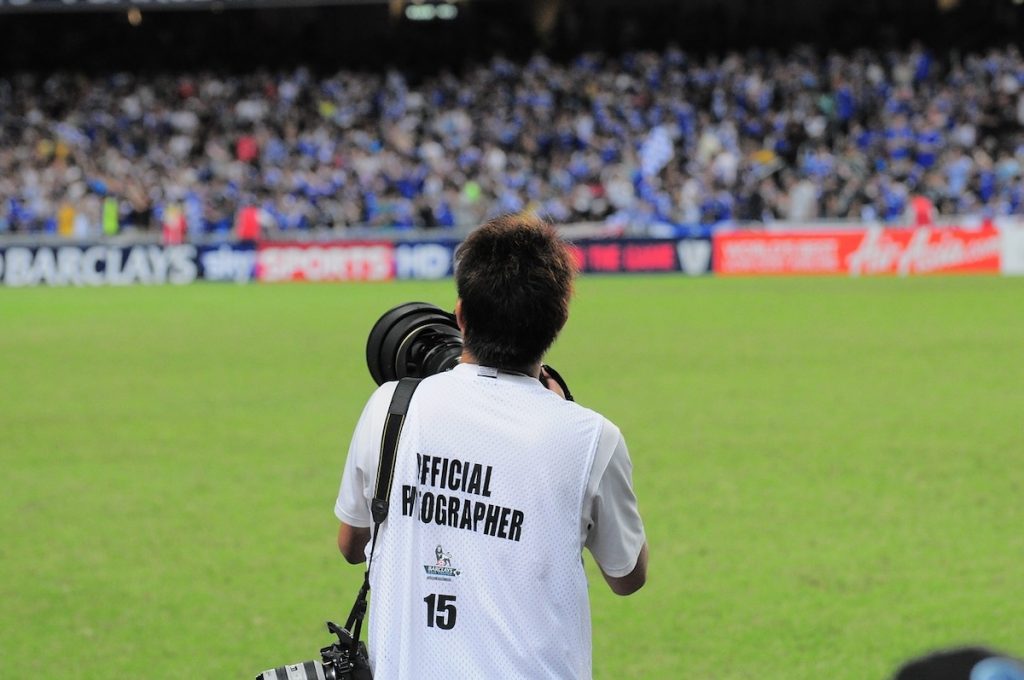
Some professional cameras support FTP uploads over Wi-Fi or Ethernet.
With this approach, the camera sends files directly to a server or cloud-hosted FTP destination as they’re captured. This workflow has been used in sports and news photography for years, particularly in environments where fast access for editors is critical.
This setup is most common in:
- Sports leagues
- Press and media coverage
- Stadium or venue-based workflows
The main advantage is speed. Files leave the camera immediately and arrive at a known destination without passing through a phone or laptop. However, it also solves only the transfer step. Review, selection, and delivery to end users still need to be handled separately.
Camera to Cloud via a Tethered Laptop
A common Camera to Cloud workflow uses a laptop as the bridge between capture and the cloud.
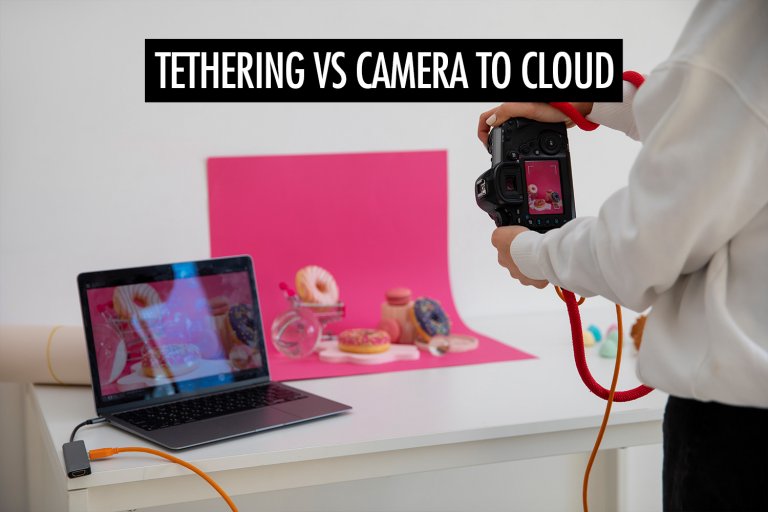
In this setup, the camera is tethered to a laptop running software like Capture One or Lightroom. Images appear on the laptop as they’re captured and are synced to a cloud service such as Dropbox in the background. There’s no separate ingest step since review, selection, and upload all happen as part of the shooting process.
This approach works best in studios or other controlled environments where internet access is reliable and mobility isn’t critical. The larger laptop screen makes live review easy, and remote collaborators can start working with the files while the shoot is still in progress.
This setup overlaps closely with tethered shooting, which I’ve covered in more detail in my guide to tethered photography.
Video-Focused Camera to Cloud Workflows
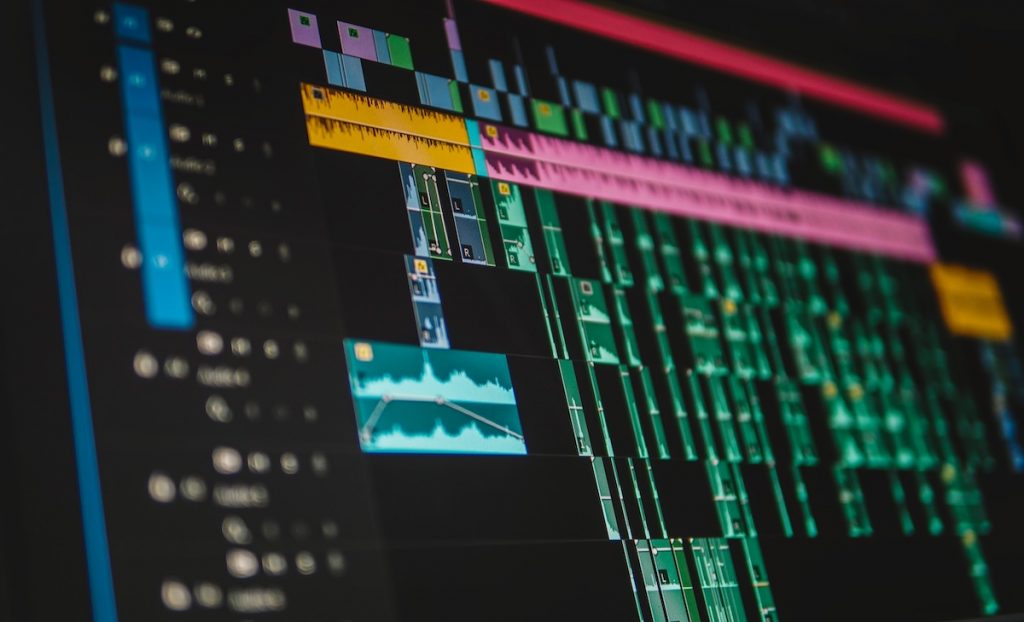
For video, I use Frame.io on productions where speed matters and editing needs to start before the shoot is finished. In this setup, cameras upload clips or proxy files directly to a shared workspace as they’re captured. While I’m still shooting, editors can already review footage, mark selects, and start building the timeline instead of waiting for cards to be handed off.
This workflow is common in commercial video, live events, and fast-turnaround social or sports content. The main advantage is parallel work. Shooting and post-production happen at the same time, which is often the difference between a polished edit and a rushed one when deadlines are tight.
The Trade-Offs of Camera to Cloud
Camera to Cloud works by shifting complexity earlier in the workflow. Instead of handling everything after the shoot, some of that responsibility moves into capture itself. Whether that trade-off is worth it depends on how much speed actually matters for the job.
Connectivity Becomes Part of the Workflow
Camera to Cloud assumes usable internet access. In studios or venues with stable networks, this is rarely an issue. In crowded or outdoor environments, bandwidth can be inconsistent and uploads may lag. The workflow usually resumes once connectivity improves, but delivery may no longer feel real-time. This isn’t a failure so much as a constraint, and it’s one that needs to be accounted for upfront.
More Moving Parts During Capture
A card-based workflow is simple: shoot, write to the card, move on. Camera to Cloud adds more components that need to stay running during the shoot. Batteries drain faster, cables matter, and apps or devices need to remain active. A loose cable, a sleeping device, or an overheated phone can pause uploads until it’s noticed.
Because of this, I plan for redundancy: extra batteries, spare cables, and quick visual checks to confirm uploads are still happening. The workflow is reliable, but it has to be actively managed.
File Size and Format Matter More
Not everything needs to move to the cloud immediately. Large files slow down real-time delivery and add unnecessary friction. In video workflows, platforms like Frame.io rely on proxy formats, which are smaller versions of the original files. These upload quickly and let editors review and cut footage right away, while the full-resolution originals are handled later for final delivery.
I apply the same thinking to photography. For instant delivery, I upload JPEGs. Guests and clients want images they can view and share immediately, not full-resolution RAW files. RAW files stay on the memory card for post-processing and final delivery. Separating instant sharing from final output keeps uploads fast. Camera to Cloud works best when file size and format are chosen based on how the images will actually be used.
Because C2C is about speed, it doesn’t replace a proper backup strategy. I’ve broken that side of the workflow down separately in my guide to photo backup.
Conclusion
Camera to Cloud is a powerful workflow if timing matters. When speed affects experience, collaboration, or delivery, moving files during capture instead of after the shoot can change how a job runs.
At the same time, Camera to Cloud introduces trade-offs. Connectivity, setup, and file choices matter more when delivery happens in real time. Used without a clear purpose, it adds unnecessary complexity. Used intentionally, it removes bottlenecks that would otherwise slow the entire process.
I turn on C2C only when it solves a real problem: faster sharing while moments still matter, parallel work when deadlines are tight, or automated delivery when scale and accuracy are critical. When those conditions aren’t present, simpler workflows are often the better choice.
Frequently Asked Questions
No. Camera to Cloud is about speed and delivery, not long-term protection. It moves files off the camera quickly so they can be shared, reviewed, or worked on during a shoot. You still need a proper backup system to protect against hardware failure, accidental deletion, or long-term data loss.
No. Camera to Cloud only makes sense when speed changes the outcome. If delivery happens days later and no one needs access during the shoot, a card-based workflow is usually simpler and more reliable.
It can be, but only when planned properly. Reliability depends on stable connectivity, power management, and monitoring uploads during the shoot. When those conditions are met, Camera to Cloud is widely used in professional environments like sports, events, and commercial productions.
Not exactly. Traditional tethering focuses on local review and control, while Camera to Cloud focuses on moving files off-site quickly. Some workflows combine both, such as tethering to a laptop for review while syncing files to the cloud in the background.
Smaller, share-ready files work best. In photography, that usually means JPEGs. In video, that often means proxy files. Full-resolution RAW photos or original video files are better handled after the shoot to avoid slowing down real-time delivery.
Yes, in a technical sense. FTP workflows send files directly from the camera to a remote server as they’re captured. However, FTP usually handles transfer only and does not include review, automation, or end-user delivery, which limits its usefulness outside editorial and sports environments.
They can, but with limitations. Manufacturer apps typically transfer images from the camera to a phone first, then upload them to the brand’s cloud service. This works for occasional sharing but isn’t designed for real-time delivery, automation, or high-volume workflows.
Uploads usually pause and resume once connectivity returns. This doesn’t break the workflow, but it does affect how “live” delivery feels. That’s why Camera to Cloud works best when connectivity is treated as part of the planning process, not an assumption.
It can be, especially when combined with controlled access or features like face recognition. The key is choosing a workflow where files are delivered only to the intended recipients and not exposed in public galleries or shared folders.
If speed doesn’t matter, connectivity is unreliable, or the added setup creates more risk than benefit, it’s better to keep things simple. Camera to Cloud is most effective when it removes friction, not when it introduces it.