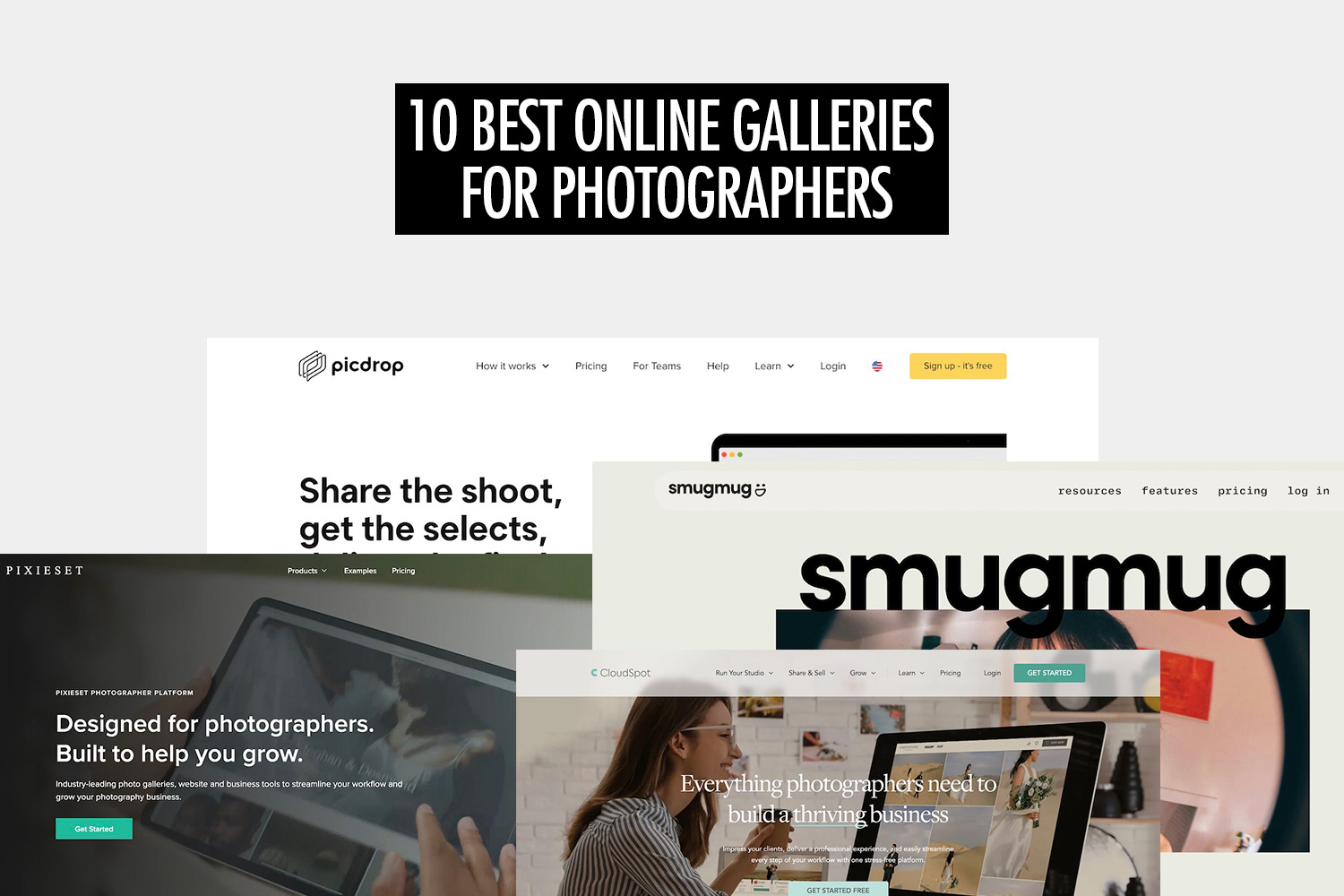
For photographers, an online gallery is a practical way to share work, deliver images to clients, and present photos professionally. Whether you’re shooting weddings and events or building a portfolio, the right gallery can simplify delivery and improve the overall client experience.
Most online gallery platforms offer a similar core set of features, including image hosting, client access, and download options. Where they differ is in how they support different workflows. Some are designed for client proofing and delivery, others focus on selling prints and downloads, while a few prioritise portfolio presentation or real-time sharing.
In this guide, we break down the different types of online galleries photographers use and highlight tools based on their primary strengths. Rather than assuming there’s one “best” option, the goal is to help you identify the platform that fits your workflow, whether that’s fast delivery, sales, portfolio building, or live event sharing.
To make that easier, we’ve compiled a list of 18 online galleries photographers commonly use today, including platforms built for traditional client delivery as well as tools like Honcho, which focus on instant sharing during events.
Quick Recommendations
If you want a quick starting point, here are some common use cases and the online gallery software that fits them best:
- Best for live and event-based sharing: Honcho
Built for photographers who want to share photos in real time or near real time during events, allowing guests or clients to access their images quickly as part of the live experience. - Best for client delivery: Pixieset
Well suited for photographers who need a polished way to deliver final images to clients, with private galleries, downloads, and optional print sales. - Best for client proofing and feedback: Picdrop
Designed for workflows where client feedback matters, with tools for comments, favourites, approvals, and collaborative selection directly within the gallery. - Best for selling prints and digital downloads: ShootProof
Built around e-commerce, making it easier to sell prints, packages, and digital files directly from client galleries. - Best for portfolio and public sharing: SmugMug
A strong option for showcasing work publicly, with extensive customization and branding features for portfolio-style galleries.
Honcho

Best fit: Live and event-based photography where images are shared during or immediately after the shoot.
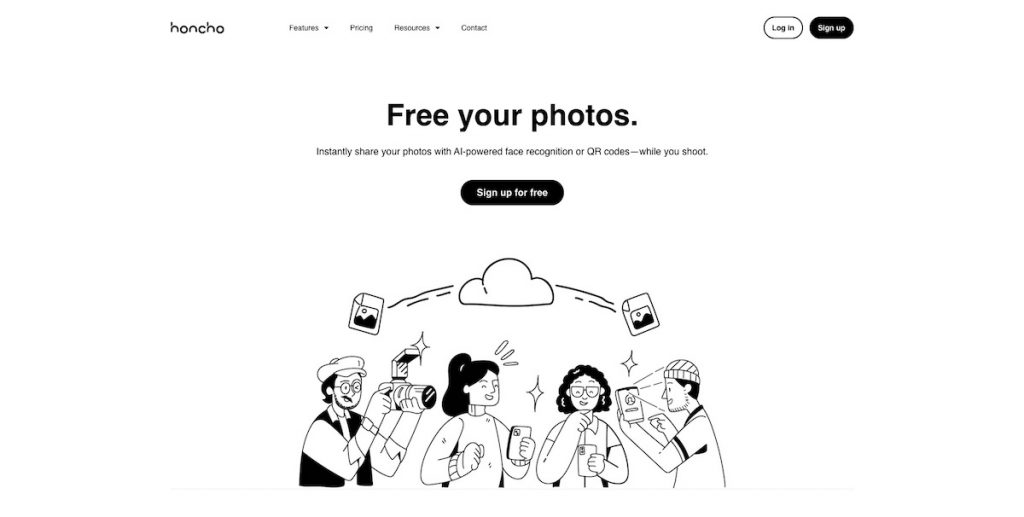
Honcho takes a different approach from most traditional online galleries by focusing on speed and live delivery rather than post-event sharing. It is designed primarily for photography workflows where images are accessed while an event is still in progress, such as weddings, corporate events, sports, marathons, and other high-volume shoots.
Instead of uploading and sorting photos after a shoot, Honcho supports camera-to-cloud uploads while shooting, using a mobile app available on iOS and Android. Photos appear in an online gallery as they are captured, making it possible for clients or guests to view images almost immediately.
Within the gallery, viewers can find their own photos using face recognition, which removes the need to browse through large collections. This approach is particularly useful in event environments where galleries may contain hundreds or thousands of images.
Honcho also supports optional editing workflows during or shortly after capture, allowing photographers to apply presets or collaborate on edits before images are shared. Galleries can be configured to support photo sales, which may be relevant for photographers who want delivery and monetisation to happen during the event rather than afterward.
Privacy controls are built into the gallery experience. Photographers can restrict access with passwords or enable face-based visibility, where only photos matched to a viewer are shown clearly. This makes it possible to share galleries broadly without exposing all images to all viewers.
Key Features:
- Instant photo delivery: Clients and guests can buy and download their photos instantly via AI-powered face recognition. Instant delivery is especially beneficial for event, wedding, sports and volume photography.
- Private and secure: Set a password or blur all the photos in the gallery, so that only photos found with face recognition are unblurred.
- Seamless sharing: No more manually sorting or sending files—everything is automated.
- Cloud storage and accessibility: Store your images securely in the cloud and access them from any device, whether you’re at your studio, on location, or traveling.
- Optimized for events: Ideal for weddings, corporate events, and group photography. Honcho’s instant delivery system ensures that large groups can receive their photos quickly without the photographer having to sort through hundreds of images manually.
- Mobile-friendly: Honcho ensures that both photographers and clients can easily navigate the platform, preview high-resolution images, and download their photos anytime, anywhere.
Strengths:
- Best suited for photographers who want to share photos during events rather than after.
- Particularly effective for high-volume scenarios like weddings, marathons, and corporate events.
- Helps capture attention and sales while excitement is still high.
- Reduces post-event delivery work by shifting sharing earlier in the workflow.
Limitations:
- Less appropriate for photographers who rely on slow, back-and-forth client proofing.
- Requires a live or near-live shooting workflow to deliver full value.
SmugMug

Best fit: Portfolio presentation and long-term hosting of large photo libraries.
SmugMug is a well-established platform that offers customizable galleries with a professional look. It’s a great option for photographers who want full control over their branding and image presentation. With unlimited storage and strong privacy settings, SmugMug is ideal for professionals who need a high-quality online portfolio. Its website-building features allow photographers to create stunning online portfolios without any coding knowledge.
Additionally, SmugMug provides built-in e-commerce features, enabling photographers to sell prints and digital downloads directly from their galleries. The platform also offers advanced security measures, such as watermarking and password-protected albums, to ensure that photographers retain full control over their work.
Key Features:
- Unlimited photo and video storage: No worries about running out of space. Photographers can upload as many high-resolution images and videos as they need without restrictions, ensuring they always have access anywhere.
- Custom branding and website integration: SmugMug allows customization, enabling photographers to create a gallery that aligns perfectly with their brand identity.
- Password-protected galleries for clients: Photographers can create private, invite-only galleries where clients can view and download their images securely.
- Print fulfillment: SmugMug integrates with high-quality print labs, allowing photographers to sell prints to their clients without handling the logistics themselves.
Strengths:
- Well suited for photographers who need a long-term home for large bodies of work.
- Works best for portfolio presentation and controlled client access.
- Appeals to photographers who want strong ownership over branding and privacy.
Limitations:
- Less focused on collaborative proofing or client feedback.
- Workflow can feel heavy if you only need simple delivery.
- Design flexibility is more limited compared to modern website builders.
Pixieset

Best fit: Post-shoot client delivery for portrait and wedding photographers.
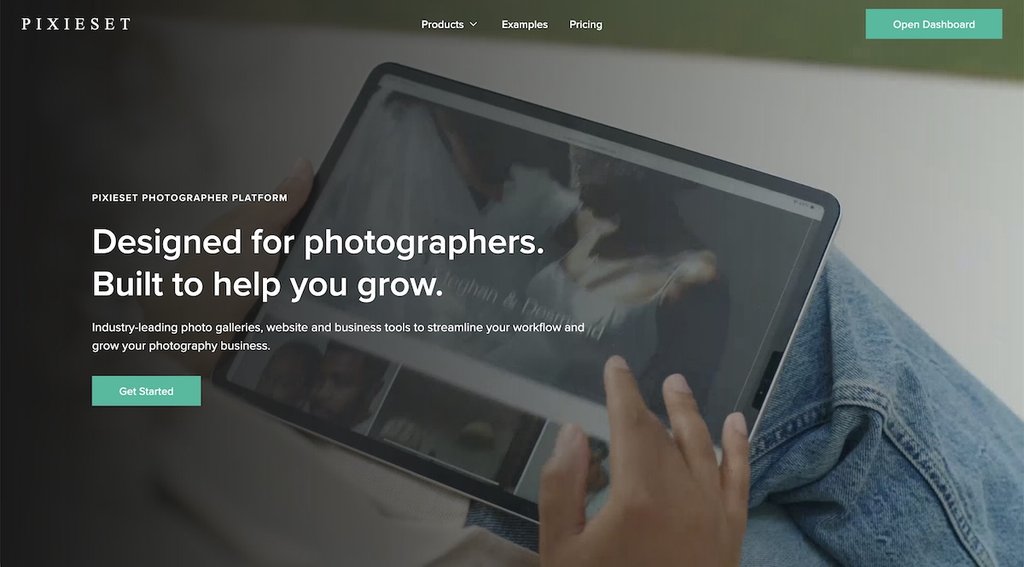
Pixieset is a popular option among portrait and wedding photographers thanks to its sleek design and client-friendly interface. It allows photographers to create elegant galleries where clients can view, download, and purchase prints. With a built-in online store and proofing system, Pixieset is perfect for photographers who want to monetize their work.
The platform also provides customization options, allowing photographers to tailor their galleries to match their brand aesthetic. Additionally, Pixieset offers mobile compatibility, ensuring that both photographers and clients can access images on any device. With its intuitive interface and comprehensive feature set, Pixieset makes online photo delivery a smooth and enjoyable experience for all users.
Key Features:
- Beautiful and modern gallery layouts: The platform offers a range of professionally designed templates that elevate the viewing experience and make images stand out.
- Online store for selling prints and digital downloads: Photographers can set their pricing, manage sales, and automate fulfillment through integrated print labs.
- Client proofing system: Simplify your feedback process by letting clients mark their preferred shots for final edits and delivery.
Strengths:
- A strong fit for portrait and wedding photographers delivering galleries after a shoot.
- Balances delivery, proofing, and sales without being overly complex.
- Works well for photographers who want a polished, client-friendly experience.
Limitations:
- Less flexible for non-traditional workflows like live delivery.
- Can become costly as storage and feature needs grow.
- Not well suited for high-volume delivery scenarios
ShootProof

Best fit: Photographers who want client delivery, proofing, and sales handled in one system.
ShootProof is a comprehensive online gallery solution designed for photographers who need a professional, client-focused platform. It offers photo proofing, sales tools, and client management features—streamlining the client delivery process while enabling you to generate income through print and digital sales. Additionally, the platform’s intuitive interface ensures that even beginners can navigate it with ease, making it an accessible option for photographers at all levels.
With its automated sales and proofing features, ShootProof helps photographers save time while maximizing revenue opportunities. The platform smoothly integrates with various business tools, ensuring a well-structured and efficient workflow.
Key Features:
- Client proofing: ShootProof enables photographers to create galleries where clients can easily review and select their favorite images. This eliminates the back-and-forth communication and makes the proofing process easier.
- Integrated sales and print fulfillment: Photographers can sell digital downloads and printed products directly through the platform.
- Contracts and invoicing: ShootProof includes built-in contract templates and invoicing features, helping photographers manage business transactions in one place. This eliminates the need for third-party tools and simplifies administrative tasks, allowing photographers to focus more on their craft.
- Custom branding and personalization: Photographers can customize their galleries with logos, color schemes, and branding elements, ensuring a cohesive professional image. This allows businesses to maintain brand consistency and provide a premium client experience.
- Secure cloud storage: ShootProof ensures safe storage for high-resolution images, protecting valuable work from data loss. It allows photographers to keep an archive of past projects while offering clients extended access to their galleries.
Strengths:
- Well suited for photographers who want delivery, proofing, and sales in one system.
- Works best when client approvals and transactions are part of the same workflow.
- Useful for photographers who prefer to centralise business operations.
Limitations:
- Can feel overly complex for simple gallery delivery.
- Visual presentation is less modern than some alternatives.
- Not ideal for photographers focused primarily on public portfolios.
Pic-Time

Best fit: Studios focused on selling prints and automating post-delivery sales.
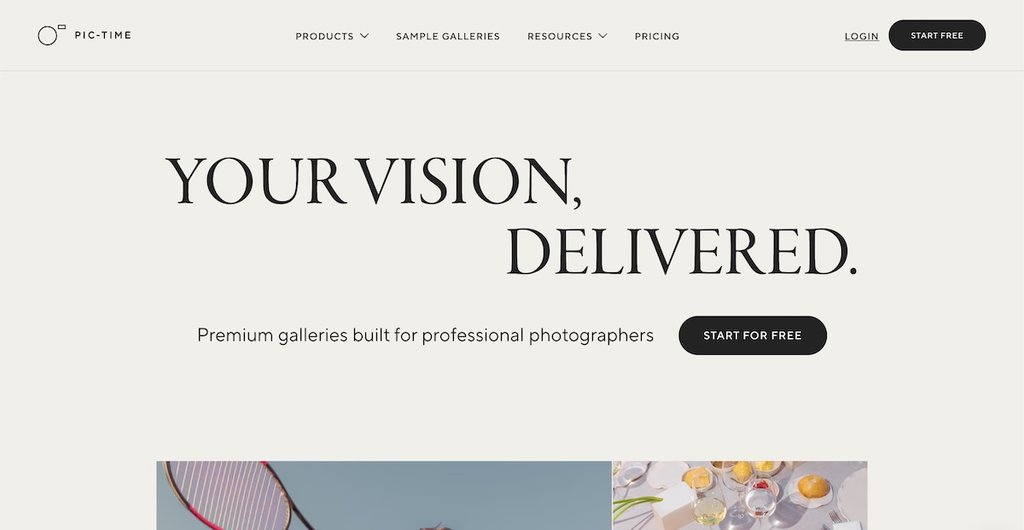
Pic-Time is an online gallery that combines client proofing, print sales, and marketing automation in one package. Designed for photographers who want to streamline their workflow while maximizing revenue opportunities, Pic-Time offers a range of advanced tools to enhance the client experience and boost sales. The platform is known for its elegant, user-friendly interface that makes it easy for photographers to create beautiful galleries that leave a lasting impression.
Many photographers also rely on Pic-Time for its unlimited storage and easy access to past galleries. Liz Putnam, a family and maternity photographer, explained: “I use Pic-Time not only to deliver galleries to clients but also to back up their images. With an affordable unlimited storage plan, I can provide long-term storage for clients while keeping everything securely backed up in the cloud. The app makes it easy to access any gallery, which is a huge time-saver when posting to social media.”
One of Pic-Time’s standout features is its smart store, which allows photographers to integrate custom product offerings and automated sales campaigns. This means photographers can generate additional revenue without having to manually push sales. Pic-Time also provides marketing tools that help photographers engage with their clients through email campaigns, abandoned cart recovery, and seasonal promotions. These automation features allow photographers to grow their business effortlessly while focusing on their craft.
Key Features:
- Advanced store and print sales: Photographers can create custom stores with a variety of print and digital product options, maximizing their earning potential. This enables photographers to offer a curated selection of products tailored to their brand, ensuring they provide clients with high-quality and unique keepsakes.
- Sleek and professional galleries: Pic-Time’s minimalist, modern design enhances the client experience and showcases images in the best possible light. With customizable design options, photographers can create galleries that align with their unique brand identity and aesthetic.
- Cloud storage and high-resolution photos: Secure cloud storage ensures images are safely backed up, while high-resolution photos provide a stunning viewing experience. The cloud storage system ensures that photographers can access their files anytime, anywhere, without worrying about losing valuable work.
- Client proofing: Clients can easily review and approve images, making the selection and ordering process smooth and efficient. This feature simplifies the workflow for both photographers and clients, reducing back-and-forth communication.
Strengths:
- A good fit for photographers who want galleries to actively generate sales.
- Works well for studios that rely on automated marketing and follow-ups.
- Suitable for photographers who keep client galleries accessible long term.
Limitations:
- More setup than simpler delivery platforms.
- Marketing-heavy approach may feel excessive for smaller studios.
- Less suited for real-time or event-based delivery.
CloudSpot

Best fit: Photographers who want a balance of client delivery, branding, and print sales.
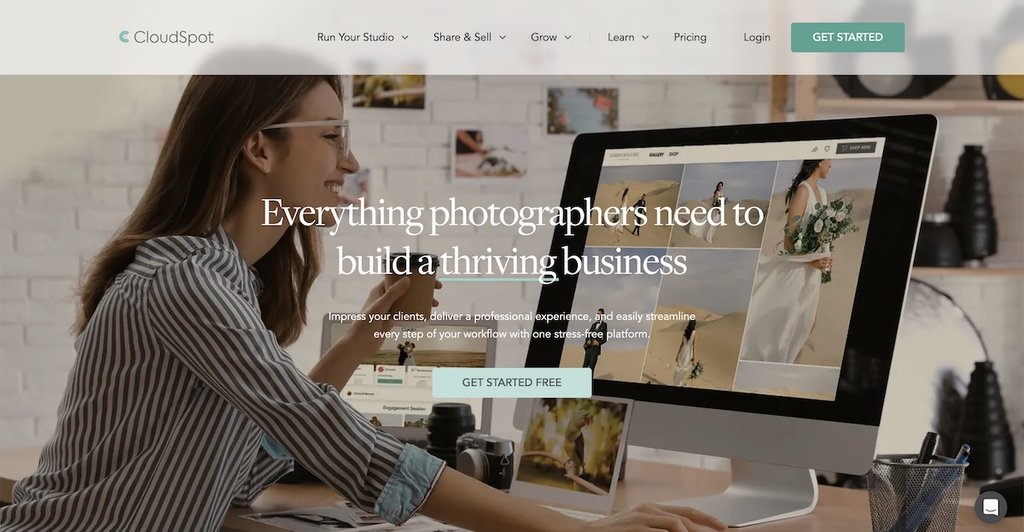
CloudSpot is a highly customizable online gallery platform built for photographers who need quick image delivery, branding options, and sales tools. Designed to enhance your workflow, it allows you to create personalized galleries that align with your brand identity. Whether you’re delivering high-resolution images to clients or setting up an online storefront, CloudSpot provides a clean, modern interface that makes managing galleries simple and effective.
CloudSpot offers direct integration with print labs, allowing photographers to offer clients high-quality prints and albums directly from their galleries. With its drag-and-drop interface, CloudSpot makes it easy to organize photos into visually appealing layouts. Additionally, the platform provides marketing tools, enabling photographers to send custom email campaigns, track client interactions, and increase print sales.
Key Features:
- Drag-and-drop gallery builder: Create and customize stunning online galleries with an intuitive interface. Photographers can arrange and categorize images to create an uninterrupted viewing experience for clients.
- Custom branding: Personalize your galleries with your logo, colors, and custom domain for a professional touch. CloudSpot ensures that each gallery reflects the photographer’s brand, strengthening client trust.
- Client proofing: Enable clients to mark favorites, leave feedback, and approve images. This feature streamlines the editing and revision process, reducing back-and-forth communication.
- E-commerce integration: Sell prints and digital downloads directly from your gallery with built-in storefronts. This feature allows photographers to maximize revenue without needing a separate e-commerce platform.
Strengths:
- A solid middle ground for photographers who want branding, proofing, and sales.
- Works well for studios that value presentation and client experience equally.
- Flexible enough for a range of portrait and commercial workflows.
Limitations:
- Not specialised in any single workflow.
- Marketing tools may duplicate existing systems.
- Less emphasis on portfolio-first or live delivery use cases.
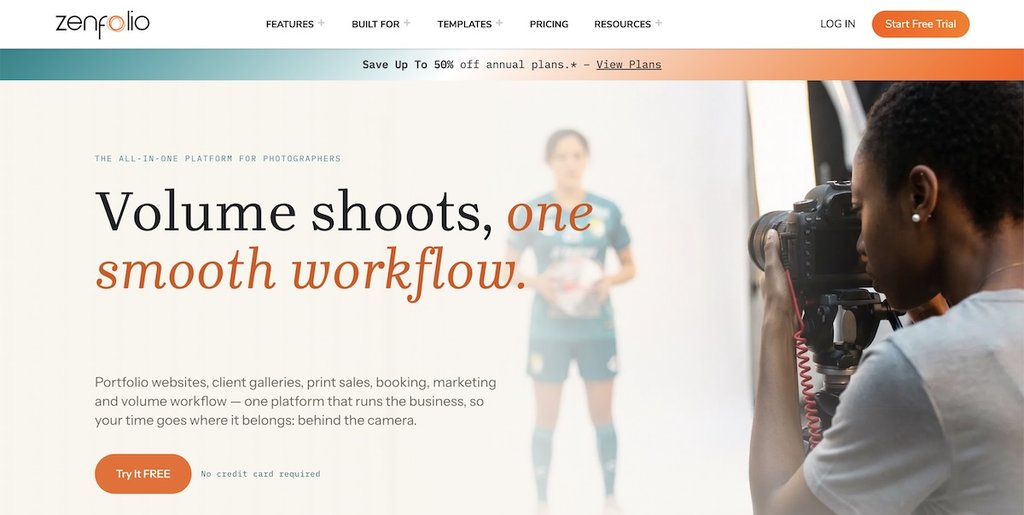
Zenfolio

Best fit: Photographers looking for an all-in-one platform that combines galleries, websites, and business tools.
Zenfolio is an online gallery and business management platform for photographers. It allows photographers to build galleries, automate client proofing, and manage bookings within a single platform. This all-in-one approach makes it a great choice for professionals looking to streamline their workflow and expand their business.
Zenfolio also offers e-commerce features, allowing photographers to sell prints, digital downloads, and photo packages. The platform integrates with print labs, ensuring high-quality print fulfillment for clients. Additionally, Zenfolio’s AI-powered tools help photographers organize their galleries efficiently and optimize their marketing efforts.
Key Features:
- All-in-one photography platform: Combines online galleries, client proofing, and business management, helping photographers run their business smoothly without juggling multiple tools.
- Client proofing: Simplifies the image selection process for clients, making approvals easy and reducing the time spent on revisions and client interactions.
- AI-powered organization: Helps photographers categorize and manage images more efficiently by automating tagging and sorting, saving time and improving organization.
- Customizable website builder: Create a professional photography website with Zenfolio’s easy-to-use tools, ensuring that photographers can establish a strong online presence without needing web development skills.
- E-commerce: Sell prints, albums, and digital files directly from your gallery, allowing photographers to generate passive income while offering clients high-quality products.
Strengths:
- Best suited for photographers who want an all-in-one business platform.
- Works well for managing galleries, clients, and websites in one place.
- Useful for photographers handling large libraries and repeat clients.
Limitations:
- Can feel bulky if you only need galleries.
- Interface and design feel dated compared to newer platforms.
- Customisation is more constrained than dedicated site builders.
Lightfolio

Best fit: Small studios that want simple client delivery, proofing, and payments in one place.
Lightfolio is a modern online gallery platform designed for photographers who want an easy-to-use system for delivering images, client proofing, and selling photos—making it an excellent choice for professionals who want an all-in-one solution.
With built-in client proofing, contract management, and e-commerce features, Lightfolio helps photographers save time while maximizing their revenue. The platform allows users to customize their galleries to match their branding, ensuring a professional and cohesive look. It also offers automated email marketing tools to help photographers stay connected with clients and drive repeat business.
Key Features:
- Client proofing: Clients can easily select their favorite images, simplifying the proofing process for photographers and reducing back-and-forth communication.
- Customizable galleries: Personalize your galleries with branding options, ensuring a professional presentation that reflects your unique style.
- Contracts and payments: Streamline your business by managing contracts and accepting payments directly within the platform, making it easier to finalize bookings and sales.
- Automated email marketing: Stay in touch with clients through automated email reminders and promotions, helping you build stronger relationships and increase repeat bookings.
Strengths:
- A good fit for photographers who want delivery, proofing, and payments together.
- Works well for small studios looking to simplify operations.
- Easy to adopt without a steep learning curve.
Limitations:
- Less focused on public portfolio presentation.
- Limited advanced customization.
- Smaller ecosystem compared to long-established platforms.
Pixpa

Best fit: Photographers who want to combine a public website with basic client galleries.
Pixpa is a comprehensive online gallery platform designed for photographers, artists, and creative professionals who need more than just image hosting. Pixpa offers a complete website-building solution that integrates galleries, client proofing, e-commerce, and blogging into a single platform. This makes it an excellent choice for photographers who want to maintain a strong online presence while managing their client interactions.
Pixpa provides an array of customizable templates that cater to different photography styles, ensuring that each photographer can showcase their work in a way that aligns with their brand identity. The platform also includes built-in SEO tools to help photographers improve their online visibility and attract more clients. With its client proofing system, photographers can enable clients to review and approve images, streamlining the workflow for faster delivery.
Key Features:
- All-in-one website and gallery: Build a professional photography website with integrated galleries, portfolios, and blogging tools, making it a one-stop solution for photographers.
- Client proofing: Allow clients to review, select, and approve images in a secure environment, reducing the need for multiple revisions and ensuring a smoother workflow.
- SEO and marketing tools: Optimize your online presence with SEO features, social media integration, and marketing tools designed to attract more clients and grow your business.
- Mobile-friendly design: Ensure your galleries look great on any device, allowing clients to browse and purchase photos conveniently from their smartphones or tablets.
Strengths:
- Best suited for photographers who want a combined website and gallery platform.
- Works well for building an online presence alongside client delivery.
- Useful for photographers who value SEO and blogging.
Limitations:
- Gallery and proofing tools are not as deep as specialist platforms.
- Less suitable for high-volume delivery.
- Limited support for event-based workflows.
Pixellu

Best fit: Curated client delivery where presentation and viewing experience matter most.
Pixellu is a powerful online gallery platform designed for photographers who want to streamline their workflow and offer clients a beautiful, interactive way to view and download their images. It provides an intuitive interface that enhances the client experience while ensuring that photographers can easily manage and showcase their work. It’s particularly known for its thoughtful design, making it a go-to choice for photographers who prioritize aesthetics and usability.
Key Features:
- Sleek and modern galleries: Provides visually stunning, responsive galleries that elevate the client experience.
- Client proofing: Enables direct client feedback, helping photographers streamline their editing process without endless email exchanges. It also reduces misunderstandings and enhances communication between photographers and their clients.
- Integrated slideshows: Helps photographers create compelling slideshows for a more engaging presentation of their work. Clients can also share slideshows directly with family and friends.
Strengths:
- Ideal for photographers who prioritise presentation and client viewing experience.
- Works well for curated deliveries and storytelling.
- Strong choice for photographers who value simplicity and design.
Limitations:
- Limited business and sales functionality.
- Not designed for high-volume or commercial workflows.
- Less suitable for photographers who rely on e-commerce.
PhotoShelter

Best fit: Photographers focused on marketing, SEO, and building a professional online presence.
PhotoShelter is a well-established platform designed for professional photographers who need a reliable and customizable online gallery. It offers a comprehensive suite of tools, from high-quality image hosting to advanced client proofing and sales features. With built-in SEO tools and marketing capabilities, PhotoShelter helps photographers not only showcase their work but also attract new clients.
On top of that, PhotoShelter is ideal for photographers who need a platform with business and marketing tools, making it a great choice for those looking to grow their brand and increase sales.
Key Features:
- Client proofing: Clients can conveniently review, approve, or request edits, streamlining the overall workflow for photographers.
- E-commerce: Sell prints, downloads, and photo products directly from the gallery. This feature enables photographers to monetize their work, providing an additional revenue stream without requiring third-party platforms.
- Customizable websites: Allows photographers to create beautiful, branded portfolio websites with ease. Users can choose from a variety of templates and design elements to match their unique style and professional branding, ensuring their portfolio stands out.
- Marketing tools: Social sharing options and built-in SEO tools, to help photographers expand their reach and attract more clients.
Strengths:
- Well suited for photographers focused on visibility, marketing, and SEO.
- Works well for building a professional online presence.
- Reliable option for long-term hosting and client delivery.
Limitations:
- Can feel complex for basic delivery needs.
- Requires more setup and configuration.
- Pricing may be high for photographers who don’t need marketing tools.
Photonesto

Best fit: Low-volume or occasional client delivery without a long-term subscription.
Photonesto is a simple platform that offers photographers two main solutions—password-protected online galleries and online proofing. It includes features like built-in sales tools, watermarking of photos, and customizable email templates.
Photonesto’s main value is in its simplicity and affordability. Photographers can pay for each gallery separately, with online photo albums starting from $3 per album and proofing galleries from $2 per gallery. This pay-as-you-go approach allows photographers to manage costs without committing to a subscription.
Key Features:
- Password-protected online gallery: Ensures client privacy and secure access to images in the gallery. This allows photographers to control who can view their work.
- Integrated sales tools: sell photos online with built-in e-commerce capabilities, enabling the sale of both prints and digital products. Clients can choose from multiple pricing options, helping photographers maximize their revenue streams.
- Customizable email templates: Communicate professionally with clients using customizable email templates for gallery invitations, order confirmations, and other interactions. This allows photographers to maintain a consistent brand identity while automating client communication.
Strengths:
- A good option for photographers with occasional delivery needs.
- Works well for low-volume or project-based workflows.
- Appeals to photographers who prefer pay-as-you-go pricing.
Limitations:
- Limited scalability for growing studios.
- Minimal branding and customization.
- Not suited for large or ongoing client libraries.
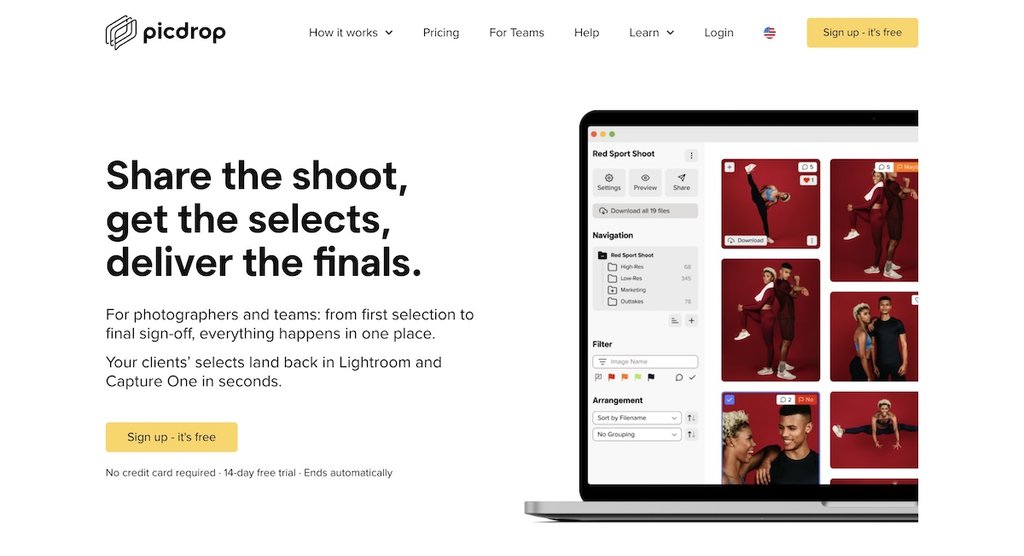
Picdrop

Best fit: Client proofing workflows that require detailed feedback and approvals.
Picdrop is a user-friendly online gallery solution designed for professional photographers who prioritize seamless client interaction. It offers a simple yet powerful platform for sharing, organizing, and receiving feedback on images. Picdrop is highly customizable, allowing photographers to adjust branding and access permissions to suit their needs.
Picdrop’s intuitive drag-and-drop interface makes uploading and organizing photos effortless, ensuring that photographers can efficiently manage their galleries. Additionally, its client-friendly review and approval system allows for easy collaboration, eliminating unnecessary back-and-forth communication. The platform is optimized for both desktop and mobile use, ensuring that clients can conveniently access their photos from any device.
Key Features:
- Client review with real-time collaboration: The platform supports real-time collaboration, allowing clients to leave comments, color markers, and even scribbles directly on the photos for precise feedback.
- Lightroom integration: With Picdrop’s plugin, images can be uploaded directly from Adobe Lightroom. This streamlines the workflow, making sure that edited images are quickly synced to the gallery without needing manual exports and uploads.
- Presentation mode: This offers a distraction-free, full-screen display of images and video, allowing photographers to present their work professionally. Customization options like font adjustments, color changes, and title positioning ensure a personalized and polished viewing experience.
- Format support: Picdrop supports a wide range of file formats, including JPG, PSD, RAW, TIFF, and popular video formats. Apart from that, the platform is optimized for high-speed performance.
Strengths:
- Best suited for photographers who prioritise client feedback and collaboration.
- Works well for commercial, editorial, and agency workflows.
- Reduces friction in approval-heavy projects.
Limitations:
- Limited focus on selling prints or downloads.
- Not designed as a public portfolio platform.
- Less suitable for simple one-click delivery workflows.
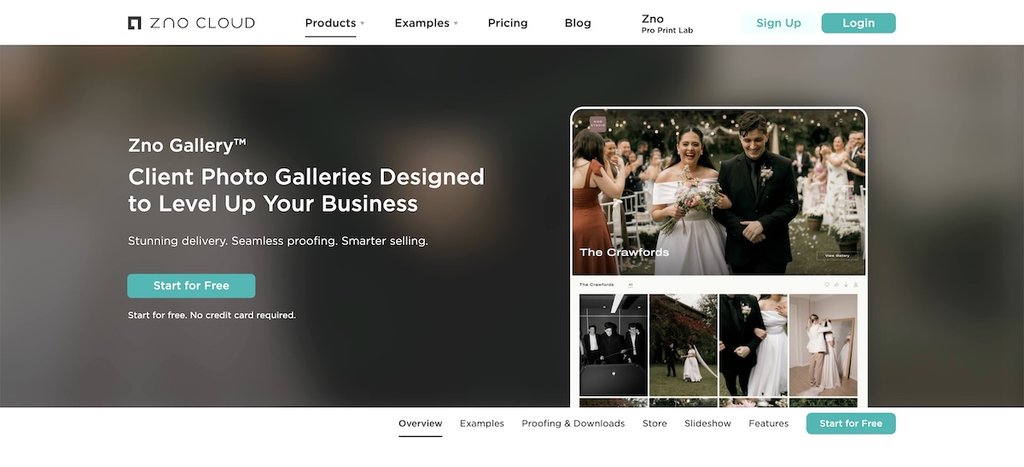
Zno Cloud

Best fit: Photographers who sell physical print products alongside digital galleries.
Zno provides an online photo gallery solution that integrates with its high-end photo book and print products. It is ideal for photographers looking to offer their clients a complete package, from digital delivery to physical keepsakes.
With an elegant and modern interface, Zno allows photographers to showcase their work in stunning, high-resolution galleries. This makes it an excellent choice for professionals who want to provide their clients with both an online and tangible photography experience, all in one place.
Key Features:
- Integrated print products: Zno integrates with their printing service, allowing photographers to sell a wide range of print products directly from their galleries. The platform supports easy integration with various labs, offers full control over pricing, and charges zero commission, ensuring photographers retain all their profits
- Automated slideshow creation: The platform allows photographers to generate slideshows automatically, providing an engaging way for clients to relive their special moments.
- Client proofing: Zno offers a proofing system that allows clients to easily select their favorite images and leave comments directly on images. This makes the process of choosing and finalizing photos smoother and more efficient for both photographers and clients.
Strengths:
- A strong fit for photographers who sell physical products.
- Works well for studios offering albums and printed keepsakes.
- Integrates smoothly into print-centric workflows.
Limitations:
- Tightly coupled to Zno’s ecosystem.
- Less flexible for photographers using multiple labs.
- Not designed for portfolio-first use cases.
Unscripted

Best fit: Simple, secure sharing with light proofing and creative presentation needs.
Unscripted is a platform designed to help photographers simplify their workflow while providing a smooth client experience. It offers intuitive galleries with customizable layouts, making it easy for photographers to present their work professionally.
Unscripted also enhances collaboration by letting clients mark their favourite shots. This streamlines the proofing process and improves communication between photographers and their clients.
Key Features:
- Watermarking and download limits: Photographers can protect their creative property by applying watermarks to images and setting download restrictions.
- Secure and private photo sharing: Galleries are password-protected, giving photographers control over who can access the images. This ensures client privacy and safeguards the photographer’s work.
- Support for GIFs: The platform supports the inclusion of GIFs, allowing photographers to add dynamic, moving images to their galleries. This feature enhances storytelling and provides a unique viewing experience for clients.
Strengths:
- A good fit for photographers who want simple, secure sharing.
- Works well for creative presentations involving motion.
- Easy for clients to understand and use.
Limitations:
- Limited advanced sales or automation features.
- Smaller feature set than full-service platforms.
- Not suitable for complex studio workflows.
Photobiz

Best fit: Photographers who want a website-first solution with built-in galleries and business tools.
PhotoBiz is a website builder tailored specifically for photographers, offering a suite of tools to enhance your online presence and client engagement. It includes client galleries, which enable you to create customizable galleries for clients to review, proof, and purchase images. These galleries support the sale of prints, digital files, and packages.
For photographers seeking a hassle-free setup, PhotoBiz offers a “We Build It For You” service. For a one-time professional fee of $600, their team of experts will design and build a fully functional website tailored to your brand. This service includes personalized website design, professional copywriting, and expert SEO implementation to ensure your site ranks well in search engines. By opting for this service, you’ll receive a polished website equipped with client galleries, allowing you to showcase your work and manage client interactions effectively.
Key Features:
- Client proofing: Let clients review images, select favorites and purchase photos directly from the secure and private gallery. This simplifies the proofing and sales process.
- Studio management: Includes features such as a booking system for mini-sessions, invoicing, quotes, and online contracts to manage your photography business.
- Video uploads: Photographers can directly upload videos to their websites, enhancing portfolios and product presentations.
- AI writing assistant: The PhotoBiz AI Writing Assistant helps generate SEO-friendly, brand-focused content for various sections of a website, including homepages, bios, and blog posts.
Strengths:
- Best suited for photographers who want a website-first solution.
- Works well for studios that want business tools bundled together.
- Useful for photographers who don’t want to manage site setup themselves.
Limitations:
- Less flexible for photographers who already have a website.
- Higher upfront investment for custom builds.
- Delivery tools are secondary to website features.
Arcadina

Best fit: Studios that want client galleries combined with booking and business management.
Arcadina provides an all-in-one platform tailored for photographers, featuring private client galleries that facilitate the sharing, proofing, and selling of photos and videos online. These galleries can be set as public or private (password-protected), allowing photographers to deliver professional work securely and efficiently.
Key Features:
- AI-powered image search: Integrated AI that enables face and text recognition, allowing clients to quickly locate specific images within extensive galleries, thereby improving the user experience and potentially increasing sales.
- Multimedia presentation galleries: The platform supports the creation of multimedia presentations with music, offering clients an engaging way to view their photos and enhancing the overall delivery experience.
- Business management tools: Beyond client galleries, Arcadina offers features such as a booking calendar, contract management, and a blog, providing photographers with a centralized solution to manage various aspects of their businesses.
Strengths:
- Suitable for photographers who want galleries and business tools together.
- Works well for studios managing bookings and client communication.
- Useful for photographers handling large image sets.
Limitations:
- Broad feature set can feel overwhelming.
- Visual customization is more limited.
- Learning curve for gallery-only users.
Picsello

Best fit: Photographers who want galleries closely integrated with invoicing and studio operations.
Picsello is a client gallery platform designed specifically for professional photographers who want an all-in-one business solution. The platform simplifies image sharing while also offering essential business management tools, such as online client scheduler and client communication features. With a user-friendly interface and advanced automation, Picsello helps photographers provide clients with a seamless experience while efficiently managing their workflow.
Key Features:
- Business management tools: In addition to galleries, Picsello includes invoicing, booking, and financial tracking tools to help photographers streamline their business operations. These tools save time and reduce administrative overhead, allowing photographers to focus on their craft.
- Client galleries: Provide clients with elegant, easy-to-navigate galleries that allow them to view, share, and download images. These galleries enhance the client experience by offering a polished and professional way to access their photos, making it easy to relive and share memories.
- Sales tools: Integrated e-commerce functionality enables photographers to sell prints, digital downloads, and packages directly from their gallery.
Strengths:
- Best suited for photographers who want galleries tied closely to business operations.
- Works well for studios managing bookings, invoicing, and delivery together.
- Strong option for simplifying admin alongside galleries.
Limitations:
- Limited portfolio and public-facing presentation tools.
- Less specialised for deep proofing workflows.
- Not ideal for photographers who prefer standalone gallery tools.
Frequently Asked Questions
Online galleries are designed specifically for client viewing and delivery. They focus on presentation, controlled access, downloads, proofing, and sometimes sales. General cloud storage tools are built for file backup and sharing, not for client experience or photography workflows.
Not always. Some platforms handle both well, while others specialise in one or the other. Proofing-focused tools work best when client feedback and approvals are central, while delivery-focused galleries are better for sharing final images quickly and professionally.
Proofing-first platforms are best when feedback matters. These tools prioritise comments, favourites, approvals, and collaboration, which reduces back-and-forth communication during the selection process.
Many online galleries include built-in e-commerce tools, allowing photographers to sell digital downloads and physical prints directly to clients. The best option depends on how important sales are to your workflow and whether you want automation or hands-on control.
Some platforms offer website builders alongside galleries, but not all photographers need that. Many use online galleries purely for delivery and proofing, while maintaining a separate website for marketing and portfolio presentation.
Event photographers often prioritise speed over polish. In these cases, galleries that support instant or near-instant sharing can turn photo delivery into part of the live experience rather than a post-event task.
Most platforms allow clients to access galleries without creating an account. This lowers friction and makes it easier for clients or guests to view, download, or select photos.
This depends on storage costs and workflow. Some photographers archive galleries long term, while others set expiration dates after delivery. Platforms vary in how they handle long-term storage and access.
The most important factor is workflow fit. Consider whether your priority is speed, feedback, sales, presentation, or long-term storage. The right gallery supports how you work, not just what features it offers.