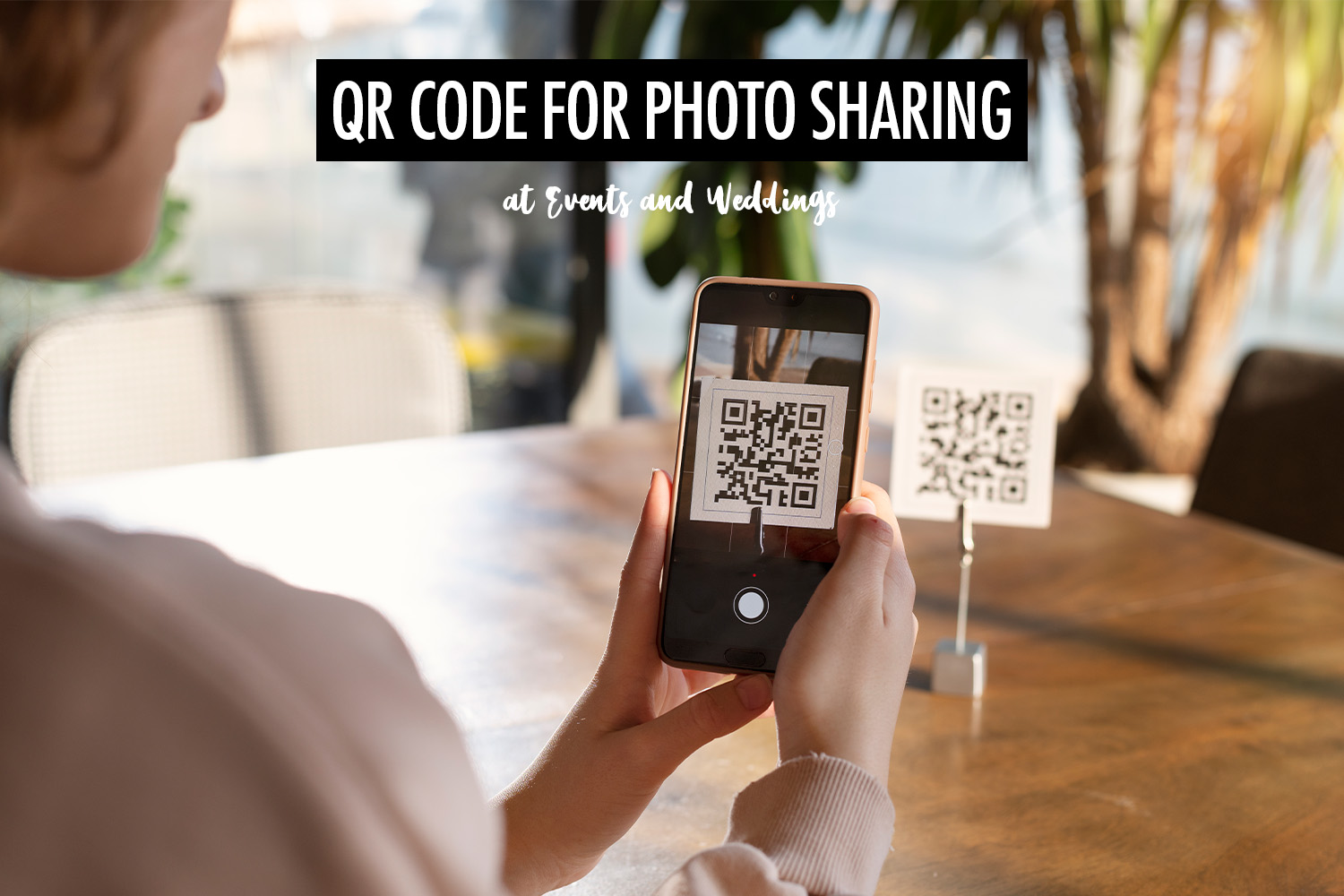
QR codes are one of the simplest ways to share photos at events and weddings. Instead of asking guests to search for a gallery later, you can display a QR code and let people scan it with their phones. Within seconds, they are taken directly to the photo gallery.
Some platforms use QR codes to collect photos from guests, while others use them to deliver photos taken by the event photographer. Both approaches rely on the same idea: scan a code to access a gallery, but the workflows behind them are quite different.
In this article, I’ll explain how QR code photo sharing works at events and weddings, the two common ways it’s used, and what photographers and organisers should know when setting it up.
Two Ways QR Codes Are Used for Photo Sharing
| Collecting Photos from Guests | Delivering Photos from the Event Photographer | |
| How it works | Guests scan a QR code that opens a website where they can upload photos and videos from their phones. No app installation is required. | Guests scan a QR code that opens a gallery containing photos taken by the event photographer. |
| Benefits | Captures candid moments and photos from different perspectives. Works well for weddings and informal gatherings. | Shares high-quality photos with guests quickly. Works well for weddings, corporate events, conferences, brand activations, marathons, and headshot booths. |
| Limitations | Participation can be unpredictable, and photo quality varies depending on what guests capture. | Requires a photographer to capture and upload photos, and captures fewer spontaneous guest perspectives. |
Collecting Photos from Guests
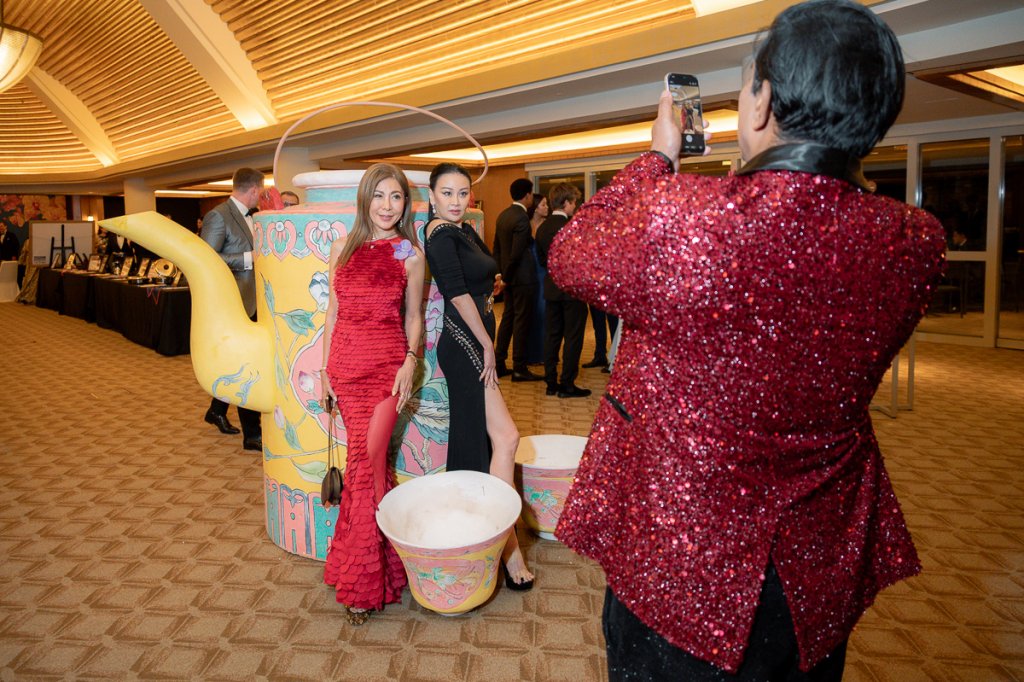
Guest-upload platforms are popular at weddings because they help couples collect candid moments that the photographer may not capture. Photos from the dance floor, dinner tables, and behind-the-scenes preparations can come from guests’ phones, adding perspectives that would otherwise be missed.
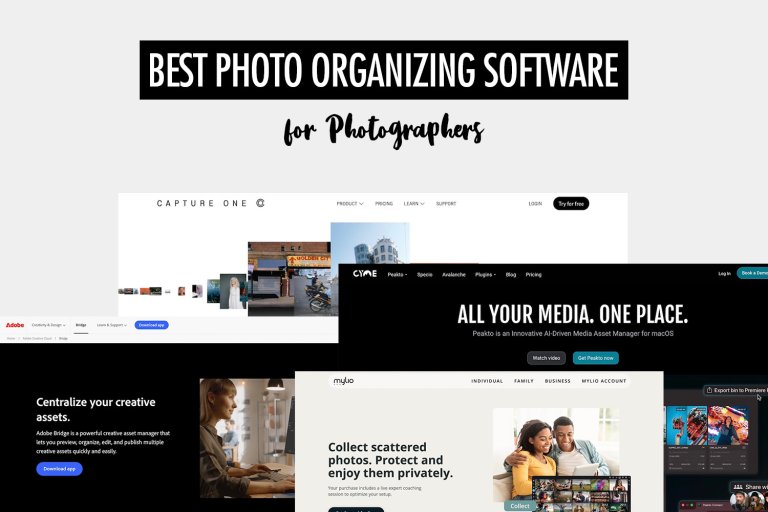
Platforms such as Wedibox, Guestpix, Kululu, and WedUploader follow this model, and many include features designed to encourage participation. Some offer live slideshows that display guest uploads on screens during the event, while others include guestbooks, comments, reactions, or games to motivate people to contribute.
The main problem these platforms solve is the difficulty of collecting guest photos after the event. Without a dedicated system, images often get scattered across WhatsApp groups, Instagram messages, and Google Drive links. Files are frequently compressed, links expire, and some guests simply forget to send their photos. A QR-code upload page gives everyone a single place to contribute their photos while preserving the original image quality.
Delivering Photos from the Event Photographer

At many events I cover, guests ask the same question: “Where can I find my photos?” They might approach me while I’m shooting or ask the organisers where the gallery will be.
One way to solve this is by sharing photos through a QR code. In this workflow, the photographer uploads photos to an online gallery and guests scan a QR code to view them. Instead of asking guests to contribute images, the system focuses on distributing professionally captured photos to everyone at the event.
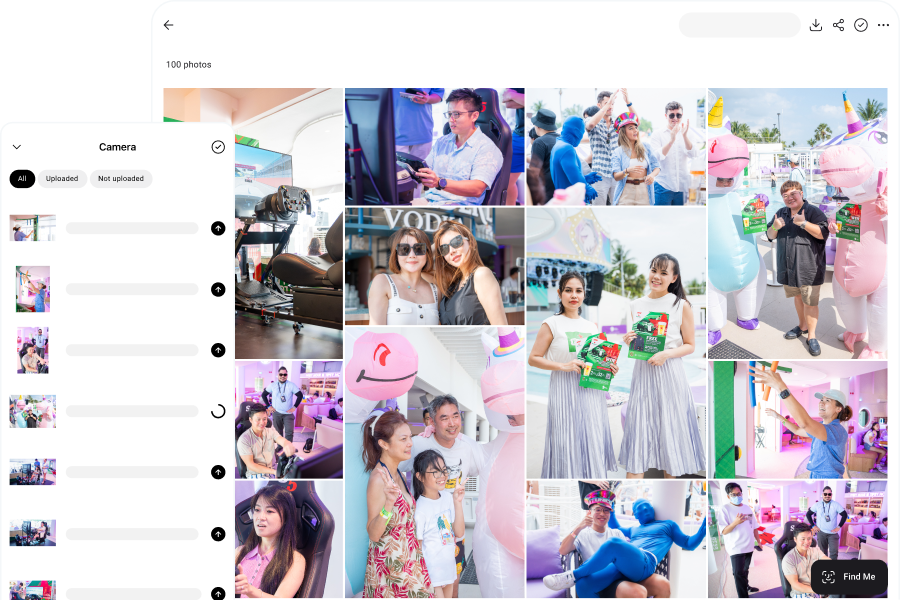
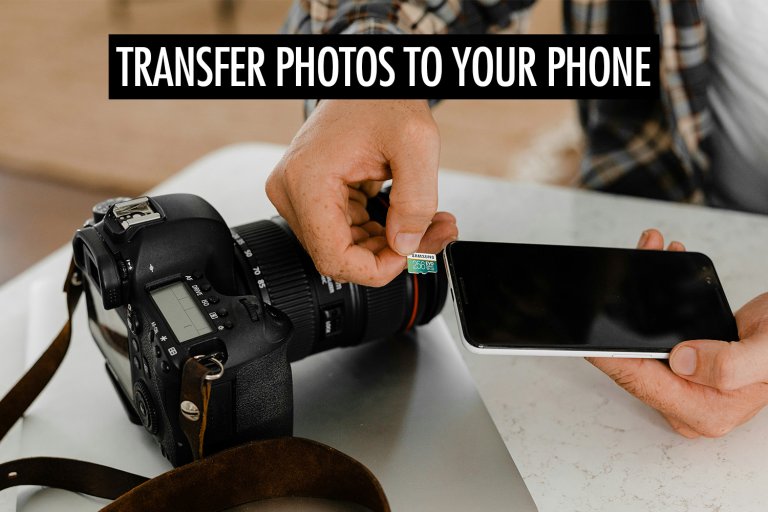
Using Honcho for instant photo sharing, photographers can upload photos directly from their camera to the cloud while they are shooting. Images appear in the gallery within seconds, making real-time photo delivery possible during the event itself. Guests can quickly find their own photos using face recognition by uploading a selfie, which is especially useful when galleries contain thousands of images.
If you’d like to learn more about how photographers share photos at events, see our guide on how to share event photos with guests.
This changes how organisers and brands use photography. When photos are delivered instantly, photography becomes part of the event experience rather than something that happens quietly in the background. Guests receive professional photos while they are still at the event and often share them on social media right away. I’ve seen this happen at conferences and brand activations where attendees were already posting their photos before the event was over.
Practical Tips for Using QR Codes at Events
Participation often depends on how visible the QR code is during the event. A few small details can make a big difference in whether guests actually scan the code.
Place QR codes where guests naturally gather: At weddings and events, common locations include table cards, welcome signage, the bar area, or near the dance floor. At conferences or brand activations, QR codes are often displayed near the photography area so attendees can scan them immediately after their photo is taken.
Explain what the QR code does: A QR code without context is easy to ignore. Adding a short line such as “Scan to view event photos” or “Upload your photos here” helps guests understand what they will get when they scan it.
Remind guests during the event: A quick announcement from the MC, DJ, or host can significantly increase participation. At weddings, couples often ask the DJ to mention the photo gallery during the reception. At conferences, organisers sometimes include the QR code in presentation slides or event screens.
Make the QR code easy to scan: Small QR codes can be difficult to scan, especially in dim lighting. For table cards, codes should usually be at least 2 inches wide, while signage or screens should display larger codes so they can be scanned from a distance.
Think about privacy and access: Depending on the platform you use, photo galleries can be public or restricted. Some organisers add passwords or use features such as face recognition to help guests find their own photos quickly.
Conclusion
QR codes make photo sharing at events simple and accessible. Guests can scan a code and instantly access a gallery without downloading an app or searching for links later.
Whether you use QR codes to collect photos from guests or to deliver professional images from the event photographer, the goal is the same: make it easy for people to access and share photos from the event.
Choosing the right approach depends on the type of event and the experience you want to create for your guests.