
Photo organizing software can work in different ways. We’ll compare the options across these four areas.
- Library setup: How the software organizes and accesses your photo library.
- Search & discovery: How you can find specific photos within your library.
- Editing: Whether you can edit photos directly within the software.
- Price: How much the software costs and whether it uses a subscription or one-time purchase.
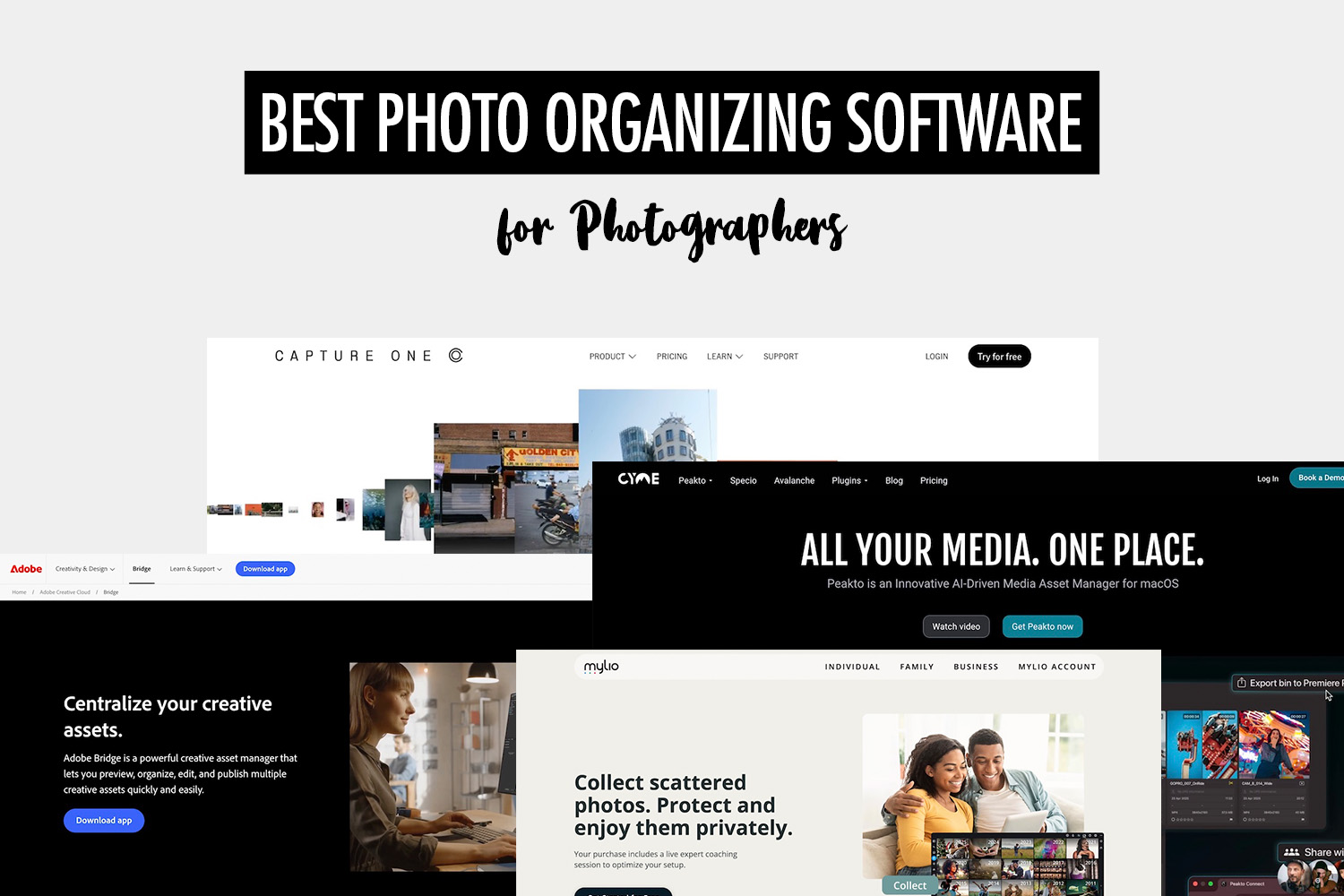
| Software | Platforms | Library setup | Search & discovery | Editing | Price |
|---|---|---|---|---|---|
| Lightroom Classic | Windows, macOS | Central library | Metadata & filters + face recognition + duplicate detection | Built-in RAW editing | From $11.99/mo (annual plan) |
| Adobe Bridge | Windows, macOS | Existing folders | Metadata & filters | No editor | Free |
| digiKam | Windows, macOS, Linux | Central library | Metadata & filters + face recognition + AI text search + visual similarity + duplicate detection | Built-in RAW editing | Free |
| Excire Foto | Windows, macOS | Central library | Metadata & filters + face recognition + AI text search + visual similarity + duplicate detection | No editor | $249 one-time |
| ACDSee Photo Studio | Windows, macOS | Existing folders | Metadata & filters + face recognition + visual similarity + duplicate detection | Built-in editing; RAW editing on higher tiers | From $69.99 one-time |
| Capture One | Windows, macOS | Central library | Metadata & filters | Built-in RAW editing | From $28/mo or $299 one-time |
| Mylio Photos | Windows, macOS, iOS, Android | Central library | Metadata & filters + face recognition + AI text search + duplicate detection | Built-in RAW editing | From $25/mo |
| Peakto | macOS | Multiple existing libraries | Metadata & filters + face recognition + AI text search | No editor | From $14.99/mo |
Here’s what the terms in the table mean:
- Central library: The software creates its own library or catalog for organizing your photos, while the original files can remain in folders on your computer.
- Existing folders: The software lets you organize photos within the folders you already use, without requiring a separate library.
- Multiple existing libraries: The software connects to multiple photo libraries so you can browse and search them in one place.
- Metadata & filters: Search and filter photos using information such as keywords, ratings, dates, file details, and camera metadata.
- Face recognition: Find photos based on the people who appear in them.
- AI text search: Find photos by describing what you’re looking for in words, such as “people dancing” or “sunset at the beach.”
- Visual similarity: Find photos that look similar to a selected image.
- Duplicate detection: Find duplicate or near-duplicate photos in your library.
Lightroom Classic

Lightroom Classic is a strong choice for photographers who want to organize and edit a large photo library in the same application. It combines detailed library management with full RAW editing, giving you one place to sort, rate, keyword, edit, and manage photos across many shoots.
Its organization tools are particularly deep, with features such as Smart Collections for automatically grouping photos, face recognition for finding people, and duplicate detection for cleaning up your library.
Adobe Bridge
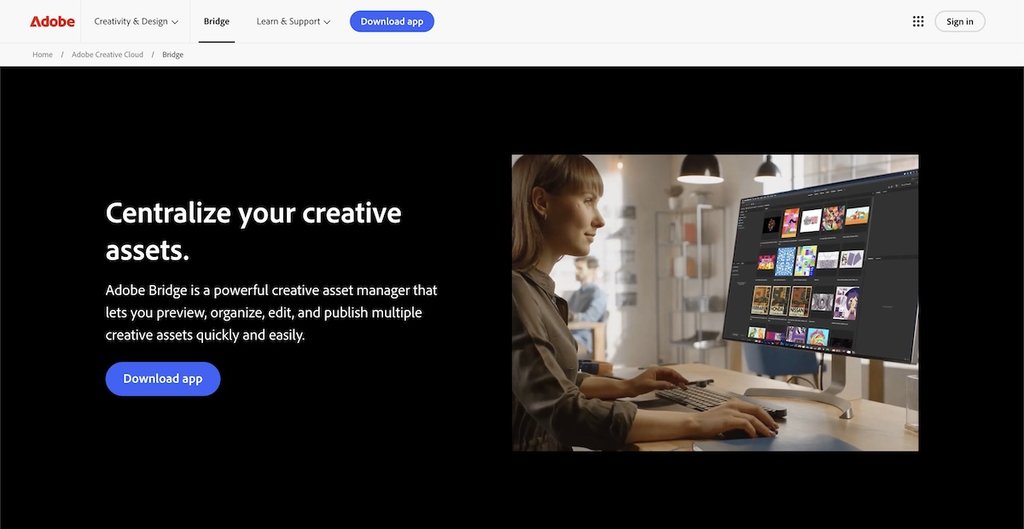
Adobe Bridge is a free option for photographers who prefer to organize photos using their existing folder structure. You can browse files where they already live, while adding another layer of organization with tools such as ratings, keywords, and collections.
The main limitation is that Bridge does not include its own photo editor, so you’ll need to use another application for editing.
digiKam
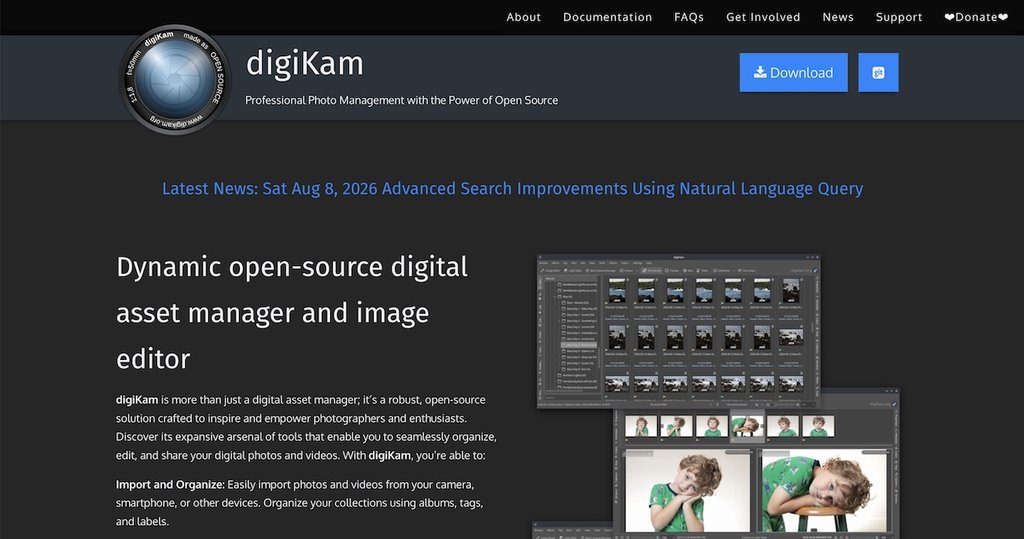
digiKam is one of the most capable free options for organizing a large photo library. It combines detailed library management with built-in RAW editing, making it a surprisingly complete alternative to paid photo management software.
Its strongest area is search and discovery. For example, you can use face recognition to find people, visual similarity to find related images, and duplicate detection to clean up your library.
Excire Foto
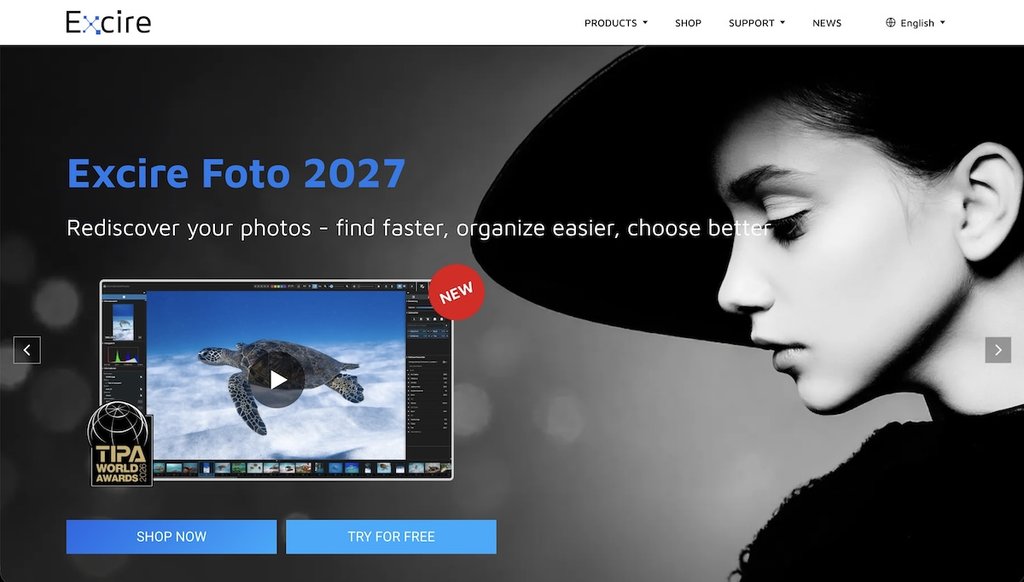
Excire Foto is built for finding photos quickly in a large library. It automatically analyzes your images so you can search based on what appears in them, rather than relying on folders, keywords, and other manually added information.
For example, you can describe the photo you’re looking for in words, use face recognition to find a specific person, or search for visually similar images.
Excire Foto is focused on organization rather than editing, so you’ll need another application to edit your photos.
ACDSee Photo Studio
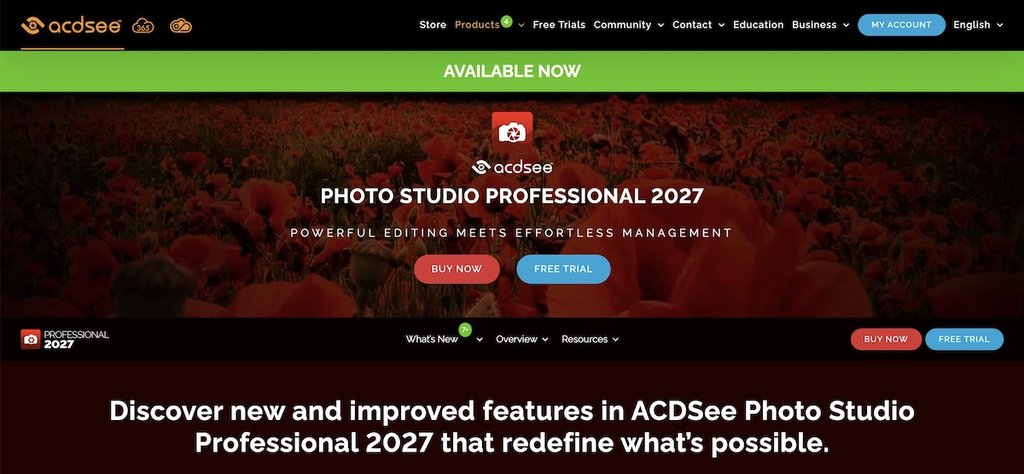
ACDSee Photo Studio is a strong choice if you want photo organization and editing in one application without committing to a subscription. It works directly with your existing folders, while still giving you more advanced library-management tools as your collection grows.
Its higher tiers are particularly capable, combining RAW editing with features such as face recognition and visual-similarity search.
Capture One

Capture One is well suited to studio and commercial photographers who want RAW editing, tethered shooting, and photo organization in the same application.
Sessions let you keep each shoot self-contained, making individual jobs easier to manage or hand off. Alternatively, Catalogs let you manage a larger photo library across multiple shoots in one place.
Mylio Photos
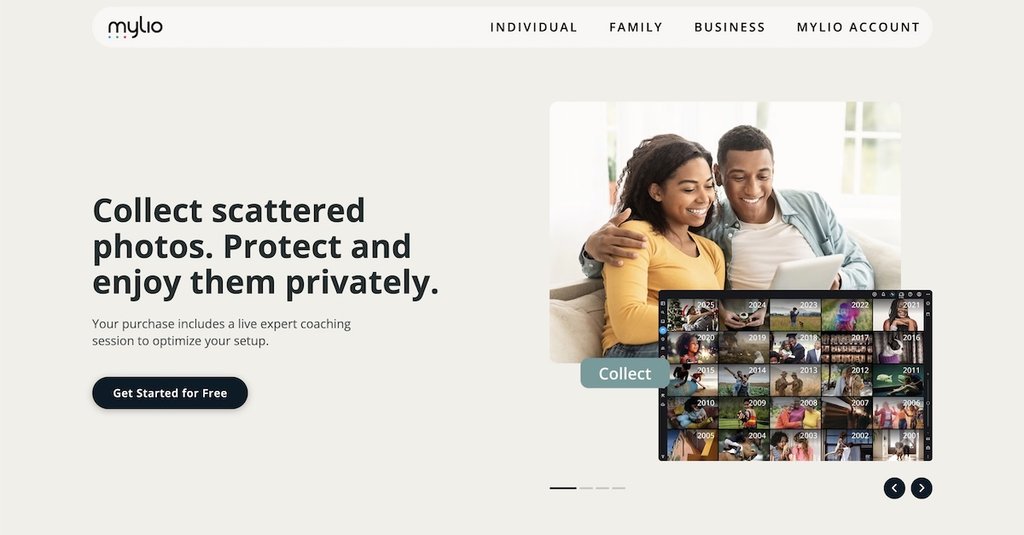
Mylio Photos keeps one photo library synchronized across multiple devices without requiring cloud storage.
That makes it useful if your photos are spread across computers, phones, tablets, and external drives but you still want to browse them as one library. You can also use features such as face recognition and duplicate detection to manage photos more easily.
Peakto

Peakto is designed for people whose photos are spread across multiple libraries and applications. Instead of replacing those libraries, it brings them together so you can browse and search your photos from one place.
That makes it useful if you work across tools such as Lightroom, Capture One, or Apple Photos. Its search tools include AI text search and face recognition, helping you find photos across those different sources without opening each library separately.
Bring powerful search to your client galleries
The tools above help you organize and search your own photo library. If you want to give clients the same ability to quickly find the photos that matter to them, you need an online gallery built for discovery.
Honcho lets people search a delivered gallery using face recognition, browse the people who appear in it, or describe what they’re looking for in words.
For example, a client can quickly find every photo of a particular VIP instead of asking you to search for them manually. At conferences, weddings, races, and sports events, hundreds of people can find their own photos without scrolling through the entire gallery.