Every photographer knows the struggle of manually sorting photos after a shoot.
Sometimes, it’s unavoidable. A client needs a specific set of images, or a guest asks for their photos. But once the gallery gets large, manually finding and matching photos becomes slow and repetitive.
Now that AI face recognition is an option, is there a better way to handle this?
Let’s compare manual sorting and face recognition, and when each approach makes sense.
Why Photographers Use Manual Sorting to Find Specific Photos
Manual sorting usually starts when someone needs a specific set of photos from the full gallery.
At a conference, the organiser might ask for all photos of a VIP, keynote speaker, or panelist. For an internal or corporate event, the client may need photos of the leadership team. In these cases, the photographer has to find and separate those shots from the rest of the event coverage.
Headshot booths have a similar problem, but at a larger scale. Each person needs to receive only their own photos, so you have to match every set of images to the right person before sending them out.
It can also happen after the event, when a guest reaches out and asks, “Do you have any photos of me?” That means searching through the gallery again just to find one person’s images.
A Different Approach: Face Recognition
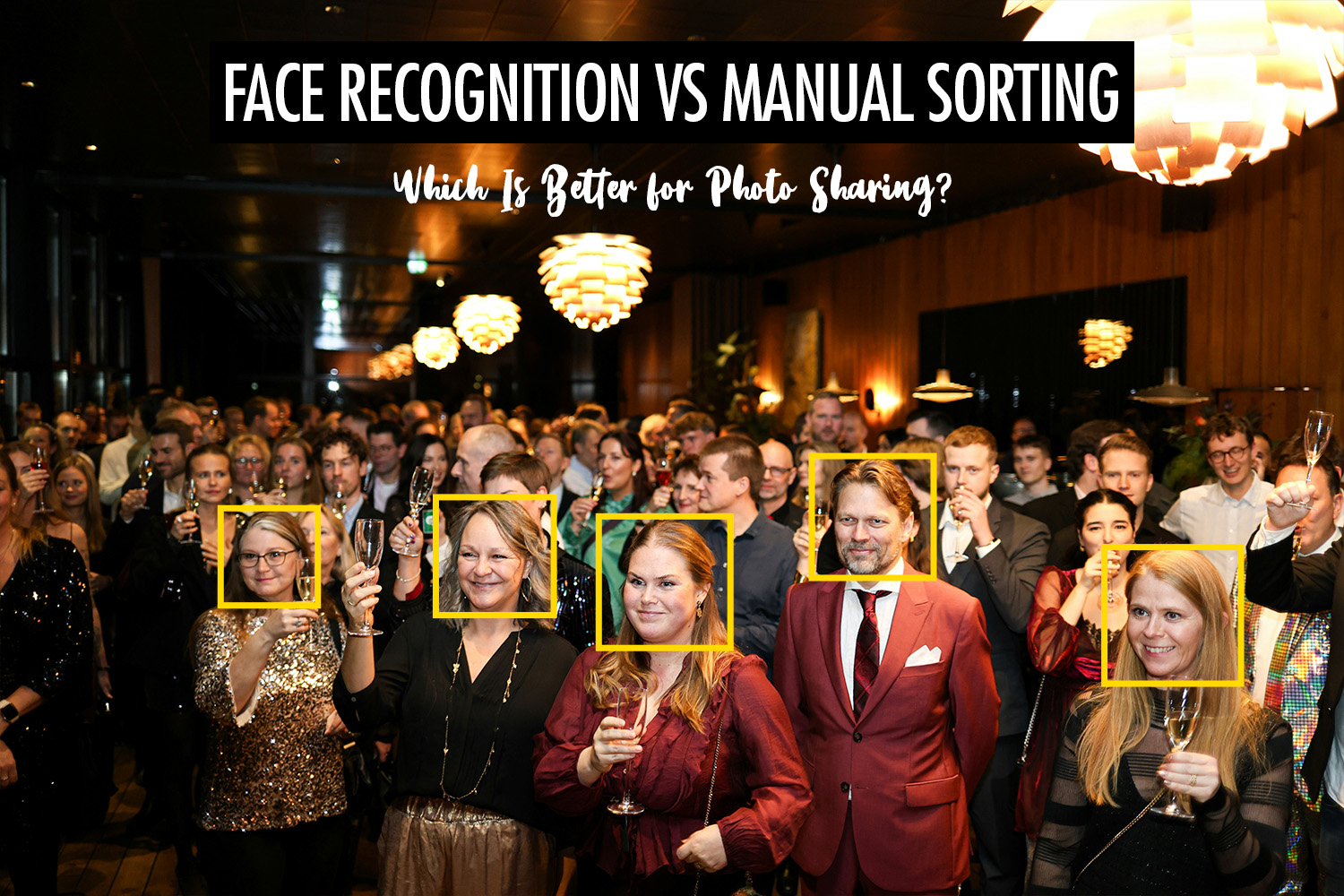
Face recognition changes the workflow.
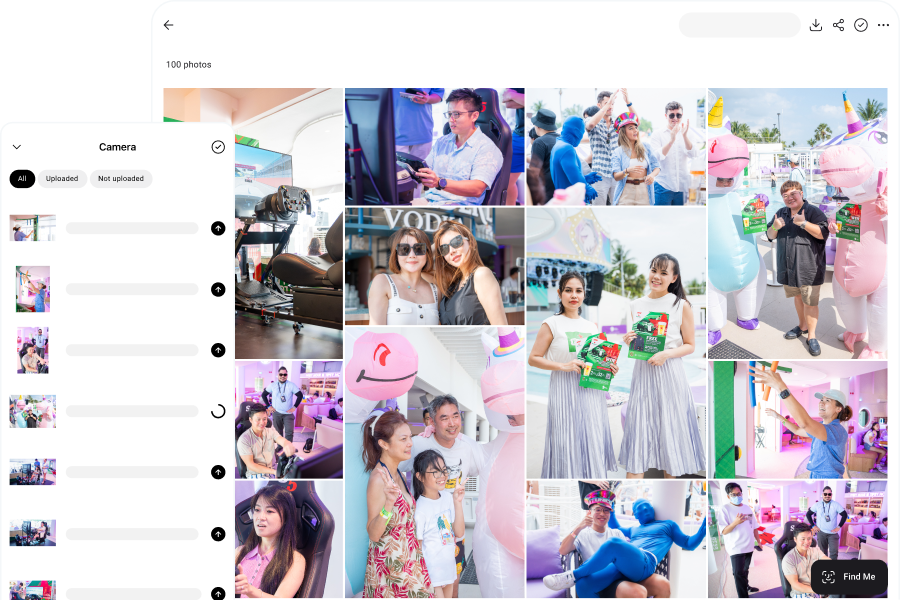
Instead of manually sorting photos into folders, you upload the full gallery and let people find their own photos.
The guest experience is simple. They open the gallery, upload a selfie, and the app finds the photos that match them. Instead of scrolling through hundreds or thousands of images, they go straight to the photos they’re looking for. Accuracy depends on the conditions, but modern systems can handle real-world event photos very well, across different demographics.
If you’re comparing tools, we’ve also put together a guide to the best face recognition photo sharing apps by use case.
For photographers, this removes a big part of the manual work. You no longer have to create separate folders for every person, match headshot booth photos one by one, or search through the gallery every time someone asks for their photos.
Manual Sorting vs Face Recognition
| Manual Sorting | Face Recognition | |
| Workflow | Photographer sorts photos before delivery | Photographer uploads the gallery, guests find their own photos |
| Time required | Increases with every photo and every person you need to find | Stays the same even as the gallery grows |
| Effort | Requires manually searching, matching, and sending photos | Matching happens automatically |
| Accuracy | Depends on focus and patience, so mistakes become more likely over time | Consistent across the whole gallery |
| Guest experience | Guests wait for photos to be sorted or have to scroll through the full gallery | Guests upload a selfie and go straight to their own photos |
| Privacy | Everyone may see the full gallery unless photos are separated manually | Photos can be hidden or blurred until matched |
| Best for | Small requests, curated selections, or specific client deliverables | Large events, guest photo discovery, and faster delivery |
When Manual Sorting Works Best
Manual sorting works best when the final gallery needs human judgement.
That usually means small shoots, curated selections, or situations where the photos need to be organised by contextual tags rather than by person. For example, an editorial shoot or branding session may require the photographer to choose the strongest images, not simply deliver every photo of a person.
It also works better when face recognition has limited information to work with, such as sports with helmets, performances with masks, or photos where people are turned away from the camera.
When Face Recognition Works Best
Face recognition works best when the gallery is large and people mainly want to find themselves.
This is especially useful for conferences, races, activations, weddings, and headshot booths, where there may be hundreds or thousands of images. The more people and photos there are, the more manual sorting slows down.
It also works well when the gallery needs to be shared widely. Guests can access their own photos without scrolling through everything, and photos can be blurred until there is a match, which makes it possible to share photos at public events without privacy issues.
How Face Recognition Impacts Your Business
AI face recognition gives you back your time.
Instead of spending hours after the event finding photos, creating folders, matching images to people, and sending them out one by one, most of that work happens automatically. Guests can find their own photos, which means you spend less time on repetitive admin and more time on work that moves the business forward.
You can follow up with clients, market your services, or take on more shoots without adding more late nights to your schedule.
It also improves the guest experience. When people can find their photos quickly, they are more likely to view, download, and share them. That creates more visibility for your work, and more chances for referrals and word of mouth.
Conclusion
Manual sorting still has its place, especially when you need to curate images by hand.
But for large events where guests simply want to find their own photos, face recognition changes the game completely.
Instead of spending hours sorting everything manually, you can upload the gallery, let guests search by face, and spend more time shooting, editing, and growing your business.