Camera-to-cloud apps all help you move photos or videos from your camera to the cloud faster, but not all of them are built for the same kind of work.
Some are designed for instant photo sharing at events, while others are better for selling prints, editing photos with AI, or video production collaboration.
In this guide, we’ll compare camera-to-cloud apps by use case, so you can choose the best tool for your needs.
What Is a Camera-to-Cloud App?
A camera-to-cloud app helps move photos or videos from your camera to the cloud as you shoot. Instead of waiting until the shoot is over to upload files manually, your work can start appearing online while the shoot is still happening.
The exact workflow depends on the platform. Most apps connect your camera to a phone, then pull and upload the photos to an online gallery. For video production, camera-to-cloud can also involve supported cameras or other connected devices that send files directly into a shared workspace.
Speed is the goal. Clients, guests, editors, or buyers can access the images or footage much faster, which makes camera-to-cloud useful for live events, print sales, AI-edited delivery, and video production.
Quick Comparison Table
| App | Best For | Standout Feature |
| Honcho | Live event delivery and guest engagement | Face recognition, QR sharing, notifications, sales, and lead capture in one event gallery |
| Zno Instant | Print and product sales | Instant galleries connected to print and product sales |
| Evoto Instant | AI-edited headshots | AI editing before photos are delivered |
| SpotMyPhotos | Automated attendee photo delivery | “Photos find you” style delivery for event guests |
| Frame.io | Video production collaboration | Camera-to-cloud upload for video teams and remote review |
Best for Live Event Delivery and Guest Engagement: Honcho
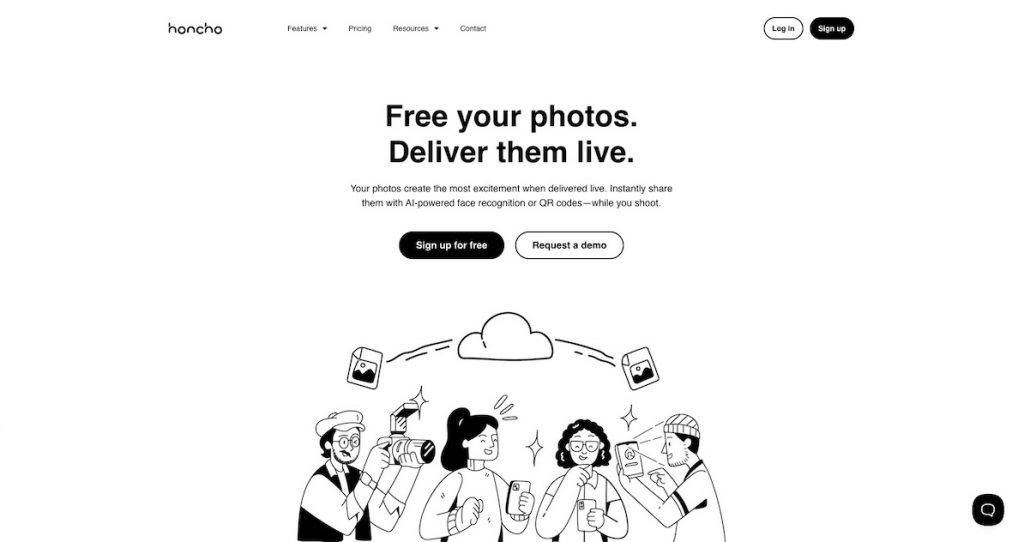
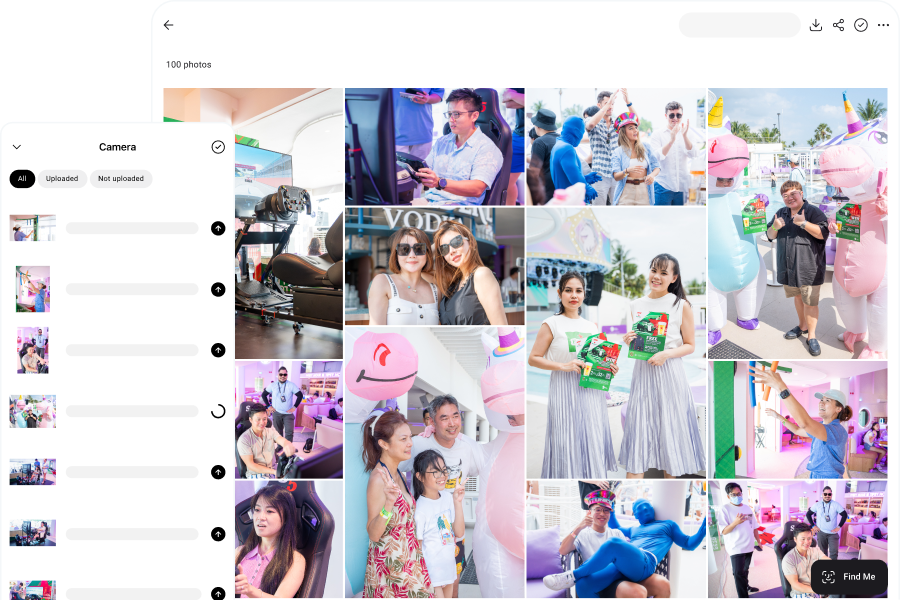
With Honcho, photos can be uploaded from your camera to a live gallery as you shoot. Guests can scan a QR code to access the gallery and use face recognition to find the images they appear in. This makes it especially useful for conferences, brand activations, weddings, races, headshot booths, and corporate events where people want their photos quickly.
Honcho is built around the guest experience. Galleries can be blurred until a guest finds their own photos, which helps with privacy-conscious sharing at public events. Guests can also opt in to email or WhatsApp notifications, so they are alerted when new photos of them are found.
For photographers, the gallery helps grow their business. Honcho supports live slideshows, photo sales, photographer profiles, and lead capture, so every event becomes an opportunity to reach more people, drive sales, and generate future enquiries.
Bottom line: Honcho is the best fit if you want camera-to-cloud delivery to improve the guest experience while also creating more opportunities for enquiries, sales, and future bookings.
Best for Print and Product Sales: Zno Instant
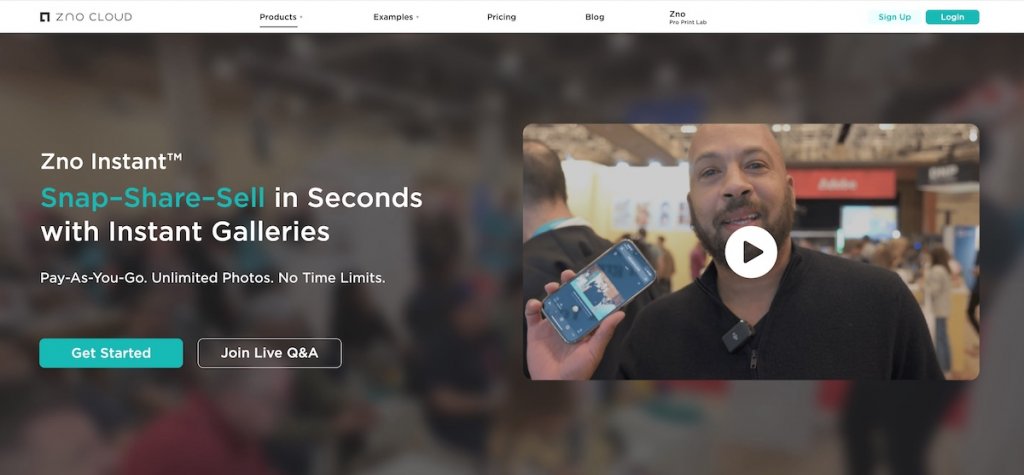
Zno Instant is best for photographers who want to use camera-to-cloud delivery to sell prints, products, or digital downloads.
Instead of treating the gallery as only a place to view photos, Zno Instant turns the gallery into a storefront. Photos can be uploaded into an instant gallery, where clients can buy products such as prints, wall art, albums, or digital files.
This makes it useful for portrait sessions, weddings, family shoots, and events where product sales are an important part of the business model. If your main goal is to get images online quickly so clients can order from them, Zno Instant fits that workflow well.
Bottom line: Zno Instant is the best fit if your camera-to-cloud workflow is mainly about getting images online quickly so clients can buy photo products.
Best for AI-Edited Headshots: Evoto Instant
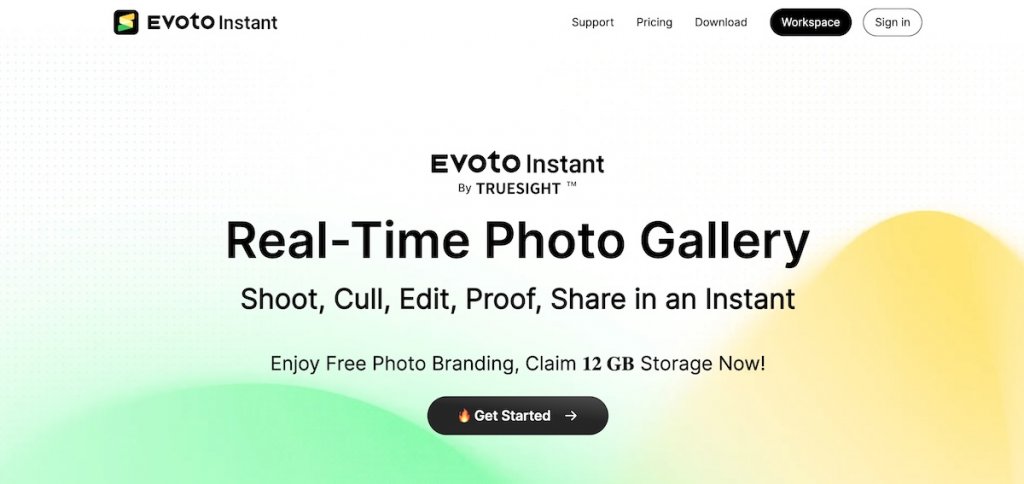
Evoto Instant is best for photographers who need to deliver edited headshots quickly.
It combines camera-to-cloud delivery with AI editing, so photos can be imported, retouched, and shared without manual editing. This makes it especially useful for conference headshot booths and similar setups where guests expect finished images soon after the shoot.
If you only need fast guest access at an event, other camera-to-cloud apps may be a better fit. Evoto Instant is strongest when basic retouching or enhancement needs to happen before the photos are delivered.
Bottom line: Evoto Instant is the best fit if your camera-to-cloud workflow is for delivering AI-edited headshots quickly.
Best for Automated Attendee Photo Delivery: SpotMyPhotos
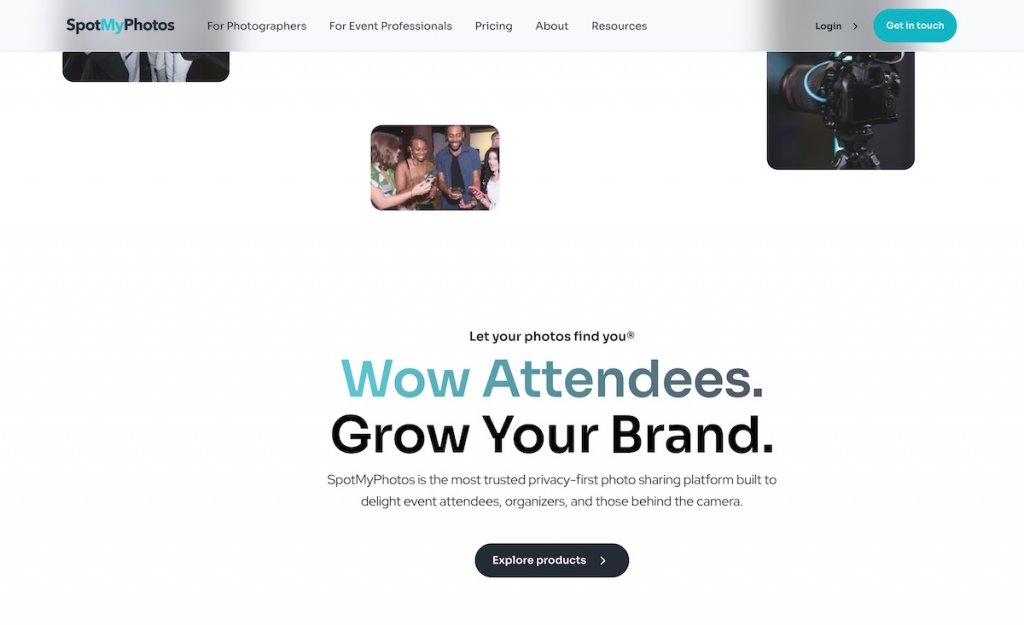
SpotMyPhotos is best for photographers and event teams who want photos to be delivered directly to each attendee.
The workflow is built around the idea that guests should not have to scroll through a full gallery to find themselves. Instead, attendees register for the event photo gallery, and when photos are uploaded, SpotMyPhotos matches each person to the photos they appear in.
Those matched photos can then be sent directly to the attendee through a private gallery link by email or text message. This makes it useful for corporate events, activations, parties, and other situations where the goal is to get each guest their own photos with as little friction as possible.
Bottom line: SpotMyPhotos is a strong choice if your goal is to automatically match guests to their photos and send each attendee their own private gallery.
Best for Video Production Collaboration: Frame.io
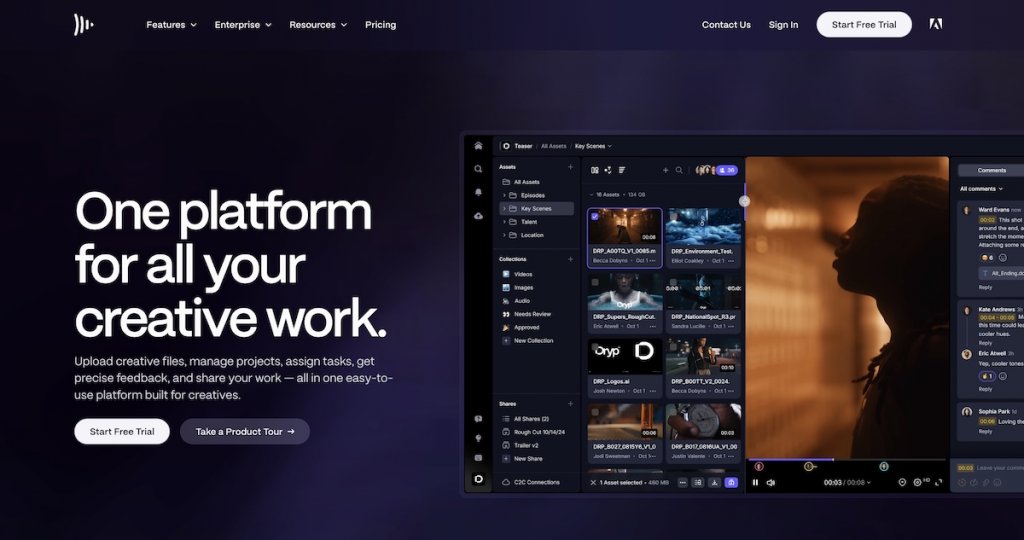
Frame.io is best for video teams that need footage available quickly during production.
Instead of waiting until a shoot wraps before sending files to editors, Frame.io’s camera-to-cloud workflow can upload footage from set while production is still happening. This allows collaborators to review clips, leave comments, or start working with the files much sooner.
Unlike the other tools in this list, Frame.io is built for video rather than photo delivery. It helps production teams move footage into the review and editing process faster.
Bottom line: Frame.io is the best fit if your camera-to-cloud workflow is built around video production, remote review, and faster post-production.