
ShootProof and Pixieset are very similar client gallery platforms. Both let photographers deliver galleries, collect client selections, sell prints, manage bookings and payments, and handle much of the client workflow in one place.
The differences are mostly around how far each platform goes beyond the gallery. ShootProof gives photographers a little more flexibility around proofing and follow-up emails. Pixieset offers a more complete website and studio-management system alongside its galleries.
For most photographers, there isn’t an obvious winner. The better choice depends on which of those smaller differences fits your workflow better.
ShootProof vs Pixieset at a glance
| Feature | ShootProof | Pixieset |
|---|---|---|
| Client galleries | Yes | Yes |
| Proofing | Favorites + custom labels | Favorite Lists + notes |
| Print sales | Yes, 0% platform commission | Yes, 15% on Free; 0% on paid plans |
| Email marketing | Multi-email campaigns | Single-email campaigns |
| Studio management | Core client and business tools | Deeper lead and project management |
| Website | Simple portfolio website | Full website builder |
Which one gives clients a better gallery experience?
Both give clients polished galleries for viewing, downloading, and buying photos. They also let photographers split larger galleries into sections, making them easier to browse.
For a typical client gallery, there isn’t a major difference in the experience. Both platforms cover the core viewing and delivery needs well.
Which one is better for proofing?
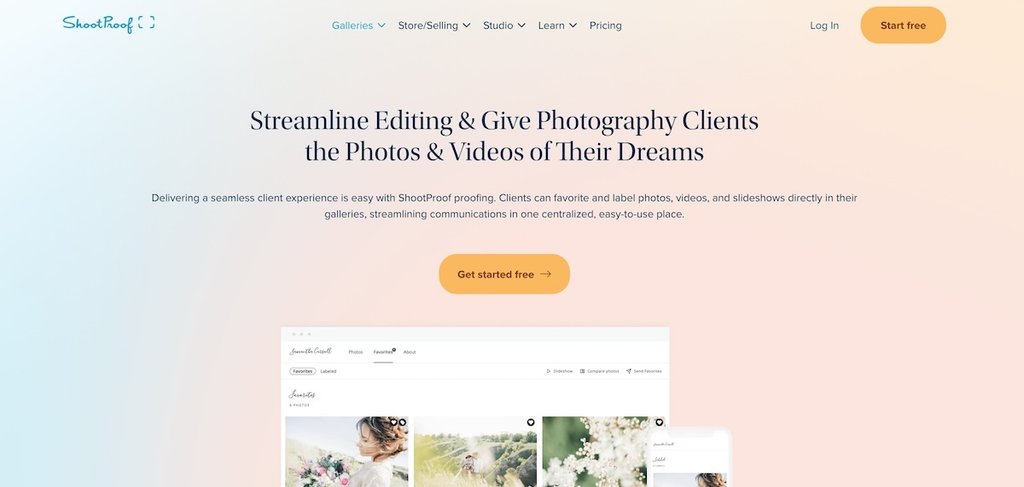
Both support client selections, but the workflows are different.
ShootProof has Favorites plus custom Labels. You can create labels for uses such as album picks, retouching, or print selections, and set limits on how many photos a client can add to each label.
Pixieset uses Favorite Lists. Clients can create multiple lists, add notes to photos, request specific edits, and send their finished selections back to you. You can then export the filenames or CSV for editing.
Choose ShootProof if you like separating selections by purpose with labels. Choose Pixieset if client notes and edit requests are a bigger part of your proofing process.
Which one is better for selling prints?
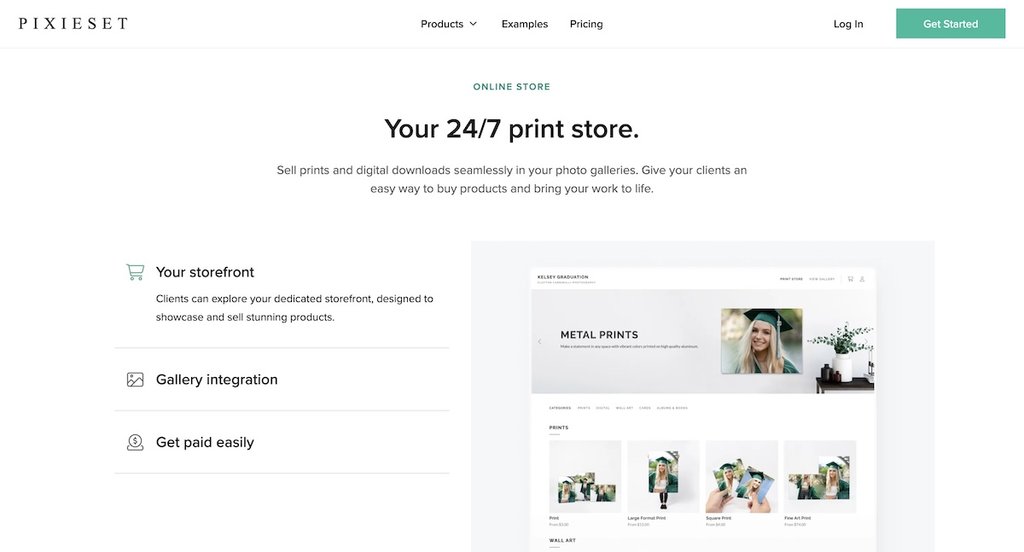
Both let you sell prints and digital downloads inside the gallery, connect to professional labs, and use automatic fulfillment.
The clearest difference is commission. ShootProof doesn’t take a platform commission on gallery sales, including on its free plan. Pixieset charges a 15% commission on its free Client Gallery plan, while paid Client Gallery plans remove that fee.
If you already expect to pay for Pixieset, this difference disappears. Your lab choice and order workflow will probably have more influence on which store suits you.
How do their business tools and workflows differ?
There is a lot of overlap here too. Both platforms offer contracts, invoices, booking or scheduling, payments, contact management, and email marketing.
Pixieset goes further with Studio Manager. It separates leads from booked clients, ties contacts to the broader client workflow, and can be combined with Pixieset Website. The website product is a full site builder with pages, a blog, custom domains, and gallery blocks.
ShootProof’s Portfolio Website is much simpler. It isn’t a fully customizable website solution. It gives you a portfolio, About page, contact form, public galleries, and an optional booking page.
ShootProof has an advantage in gallery email automation. You can use it to automatically follow up with clients after a gallery is delivered, such as reminding them to order prints or letting them know a gallery is about to expire. A campaign can contain several scheduled emails.
Pixieset also has email campaigns, but each campaign contains one email, so additional follow-ups need to be created separately.
How much do ShootProof and Pixieset cost?
Their gallery pricing is very similar at comparable storage levels.
| Plan | ShootProof | Pixieset | ||
| Storage | Price | Storage | Price | |
| Free | 3 GB | $0 | 3 GB | $0 |
| Entry paid | 20 GB | $9.99/mo | 10 GB | $10/mo |
| 100 GB | 100 GB | $19.99/mo | 100 GB | $20/mo |
| 1 TB | 1 TB | $31.99/mo | 1 TB | $30/mo |
| Unlimited | Unlimited | $60/mo | Unlimited | $50/mo |
However, this comparison only covers gallery pricing. To get Client Gallery, Website, and Studio Manager together with Pixieset, you need a more expensive Suite plan. ShootProof includes the comparable website and business tools in its standard plans, although online booking is a separate add-on.
What happens if you switch between ShootProof and Pixieset?
Expect some manual work.
Pixieset can import a ShootProof contacts CSV into Studio Manager, but there isn’t a tool that transfers your full account between ShootProof and Pixieset.
Should you choose ShootProof or Pixieset?
Choose ShootProof if custom proofing labels, commission-free sales on the free plan, or multi-email gallery campaigns fit your workflow.
Choose Pixieset if you want a full photography website on the same platform, deeper lead and project management, or proofing where clients leave notes and edit requests.
If none of those differences are important to you, the two are similar enough that we’d trial both and choose the one you prefer using.
If you’re also considering Pic-Time, read our Pic-Time vs Pixieset comparison. Pic-Time is more clearly differentiated around print sales, so it makes a useful comparison alongside these two.
When is Honcho the better third option?
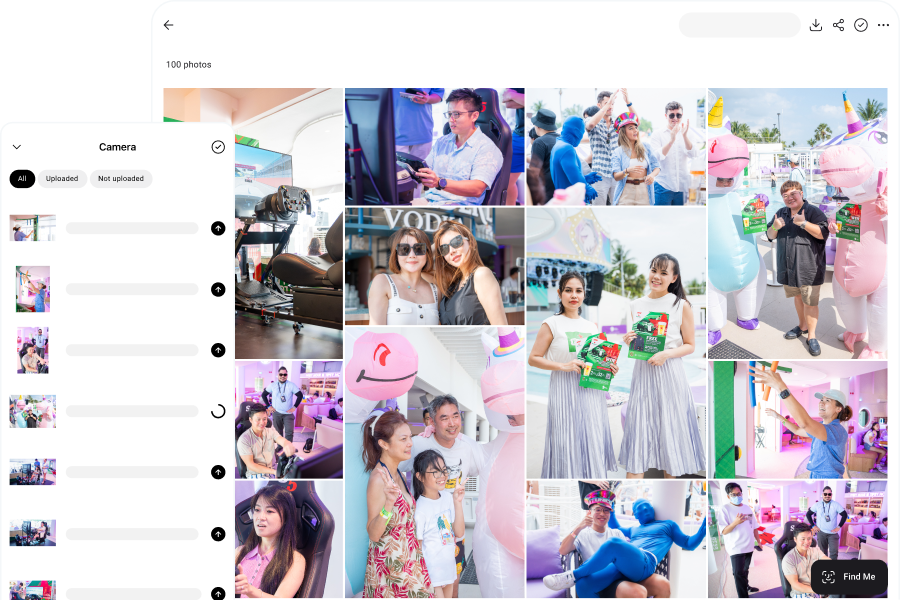
Honcho is built for a different gallery problem: helping people find the photos they care about inside a large gallery.
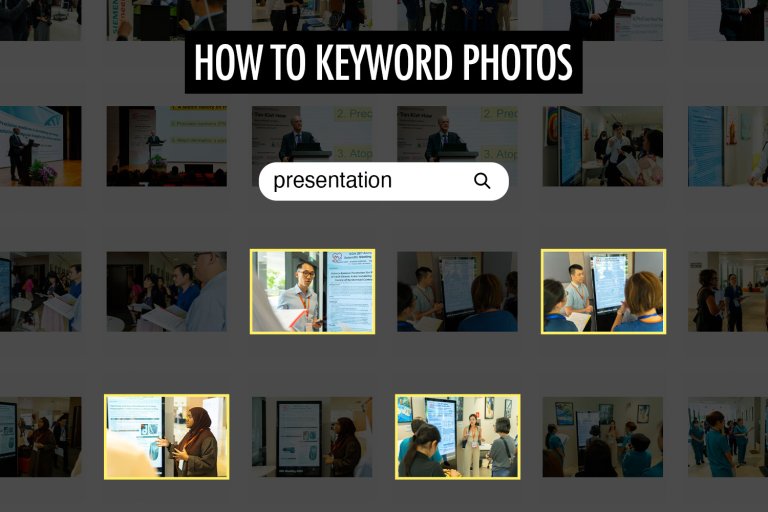
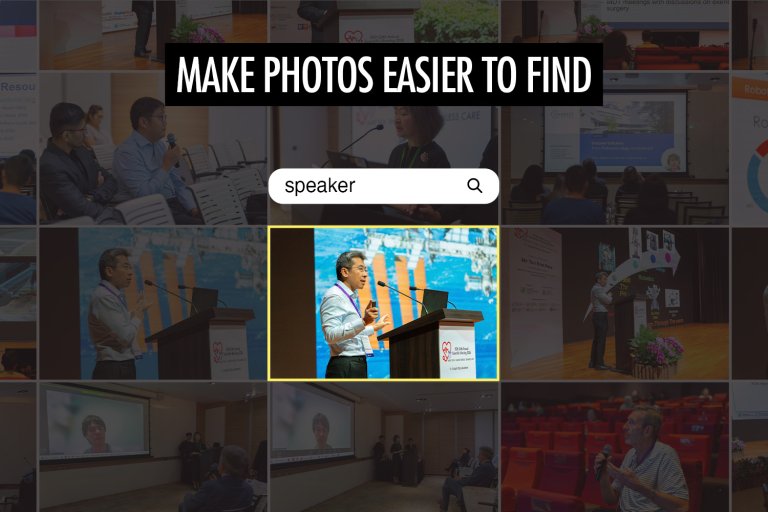
Visitors can use selfie-based face recognition to find their own photos, browse people in the gallery, or search using descriptive keywords. That can be useful for conferences, races, corporate events, and other jobs where a gallery may contain thousands of photos featuring hundreds of people.
Honcho also lets you upload and share photos as you shoot, so guests can receive their photos during the event while the excitement is still high.
Frequently asked questions about ShootProof vs Pixieset
Yes. Both ShootProof and Pixieset have Lightroom Classic plugins that let you create galleries, upload photos directly from Lightroom, and republish edited photos without exporting and uploading them again manually.
Yes. Both support video in client galleries, but the limits differ by plan. ShootProof includes video storage across its paid plans, with higher tiers offering larger dedicated video allowances. Individual videos are limited to 20 GB and 60 minutes. Pixieset also limits video usage by plan, but does not set an individual video file-size limit. Both support delivery up to 4K on eligible plans.
Yes. Both let you use a custom subdomain for client galleries, such as gallery.yourdomain.com.
ShootProof supports custom subdomains, but not your root domain, such as yourdomain.com, for its galleries. Pixieset also supports custom subdomains for Client Gallery on paid plans. Its separate Website product can use your main domain directly.