Use this checklist to get ready for your next event with Honcho.
It covers the key things to prepare so you avoid last-minute setup issues.
Download the PDF version or print it out for easy reference.
Set up your gallery
☐ Create a new gallery for the event
☐ Customize the gallery URL (optional)
☐ Complete your profile with your bio and contact details
☐ Configure your gallery privacy, such as adding a password or enabling photo blur (optional)
☐ Add a form to collect visitor information, such as email addresses or phone numbers (optional)
☐ Add a price list if you plan to sell photos from the event (optional)
Share the gallery
☐ Test the gallery QR code
☐ Prepare QR code signage for the event
☐ Share the gallery link before the event so guests can pre-register with a selfie
Check your camera setup
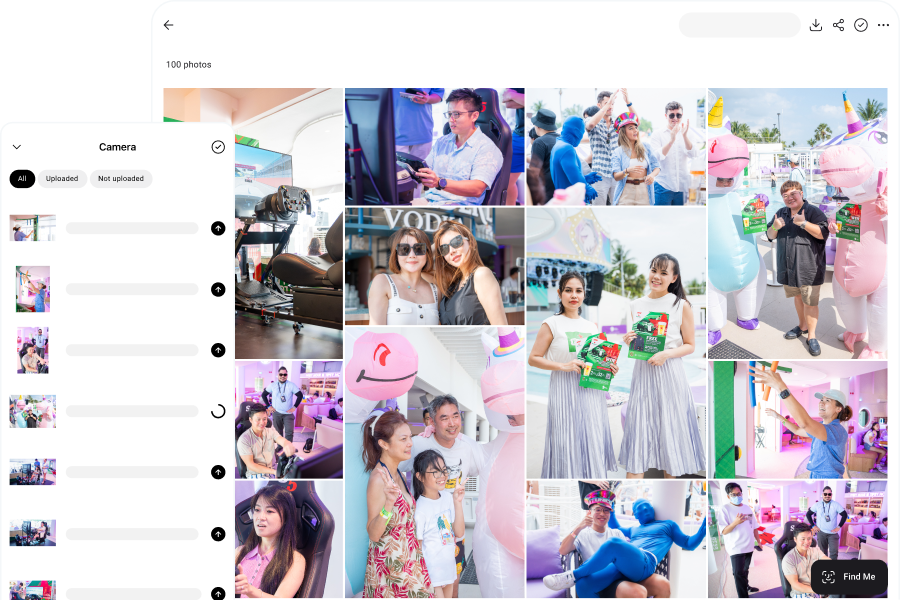
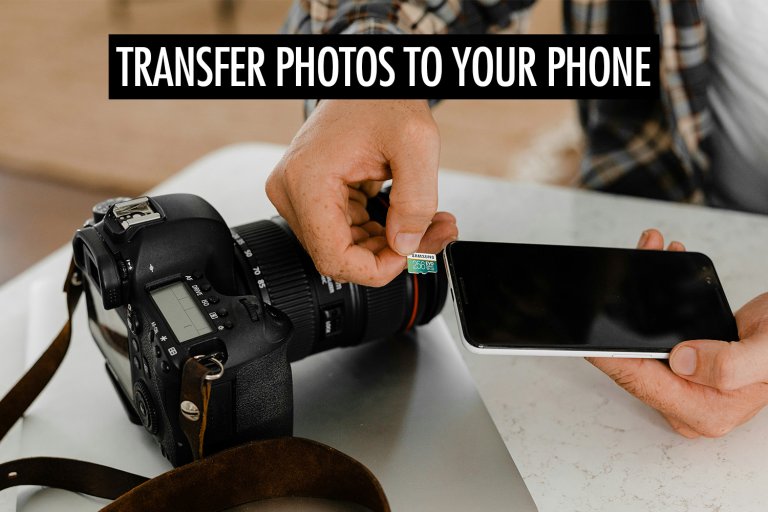
☐ Connect your camera to Honcho with a USB cable
☐ Set your camera to shoot JPEG or RAW + JPEG
☐ Set your upload and download photo sizes in Honcho
☐ Take a test photo and confirm it uploads to your gallery
Prepare your phone and internet
☐ Fully charge your phone
☐ Bring a power bank
☐ Check that you have enough mobile data
☐ Test the venue Wi-Fi if you plan to use it
☐ Keep enough free storage on your phone